Document 90-00073D Algo Communication Products Ltd (604) 454-3792
2016-09-29 4500 Beedie St Burnaby BC Canada V5J 5L2 support@algosolutions.com
Page 41 www.algosolutions.com
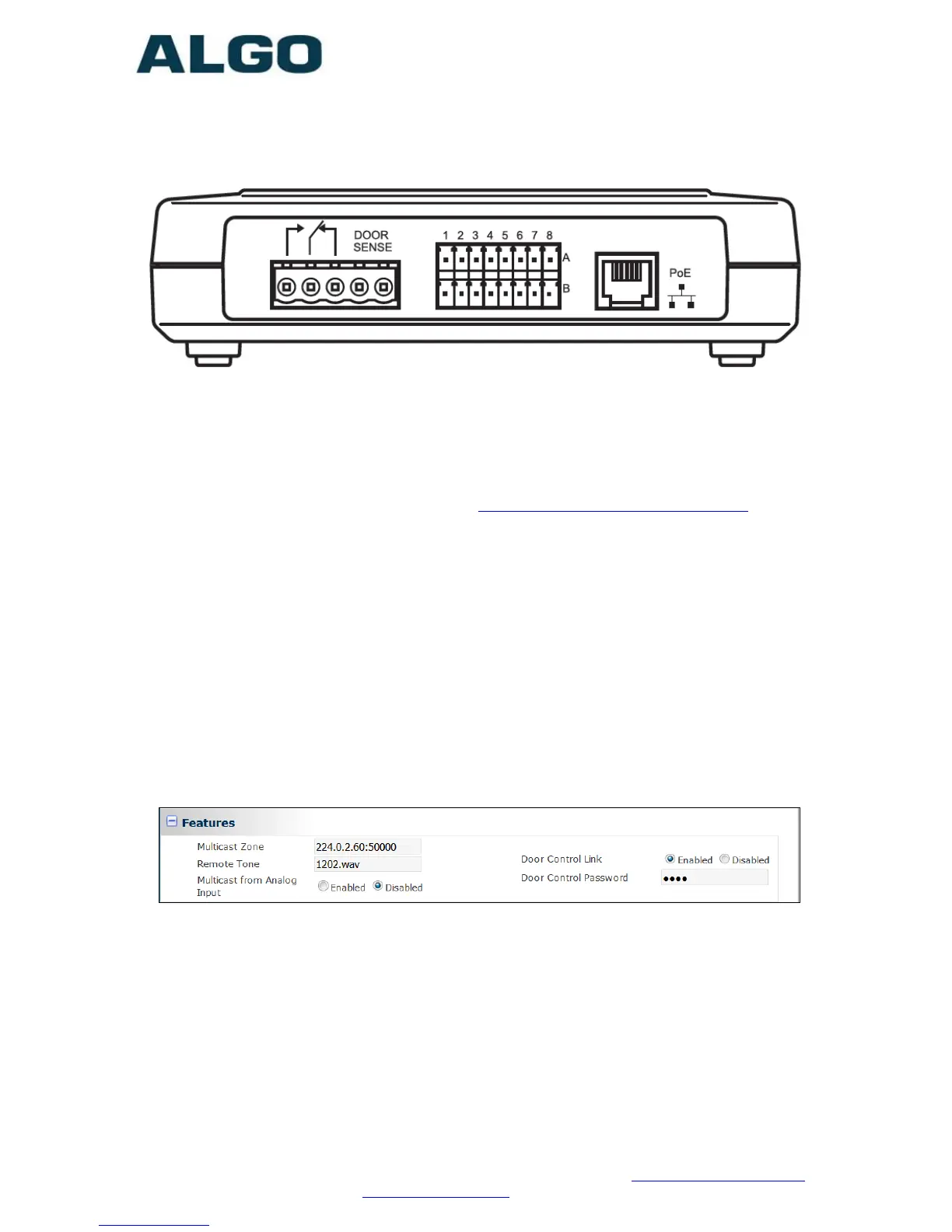
PoE and Relay Connections on back of 8061 IP Relay Controller:
Configuring the 8061
1. Find the IP address of the Algo 8061 using the Algo locator tool
available from the Algo website www.algosolutions.com/locator). This
tool displays all of the Algo devices available on the network, and
their corresponding IP addresses. Note this address down as you will
need it when you configure the 8201 for use with this device.
2. Point your browser to the above IP address. The 8061 Control Panel
will be displayed.
3. Log in. The default password is algo.
4. Go to the Config page and set a password in the Door Control
Password field in the Features section. Note this password down as
you will be reusing it when configuring the 8201 with this device.
See section “Basic Settings Tab – Door Relay” page 18 for configuring
the 8201 with the parameters from above.



 To Next Page