Document 90-00073D Algo Communication Products Ltd (604) 454-3792
2016-09-29 4500 Beedie St Burnaby BC Canada V5J 5L2 support@algosolutions.com
Page 38 www.algosolutions.com
Firmware Image
Point to the firmware image provided by Algo
MD5 Checksum
Point to the checksum file provided by Algo
Upgrade 8201 SIP PoE Intercom Firmware
1. From the top menu, click on System.
2. In the Upgrade section, click on Choose File and select the
8201 SIP PoE Intercom firmware file to upload. Note that
both the FW firmware and MD5 checksum files must be
loaded.
3. Click Upgrade
4. After the upgrade is complete, confirm that the firmware
version has changed (refer to top right of Control Panel).
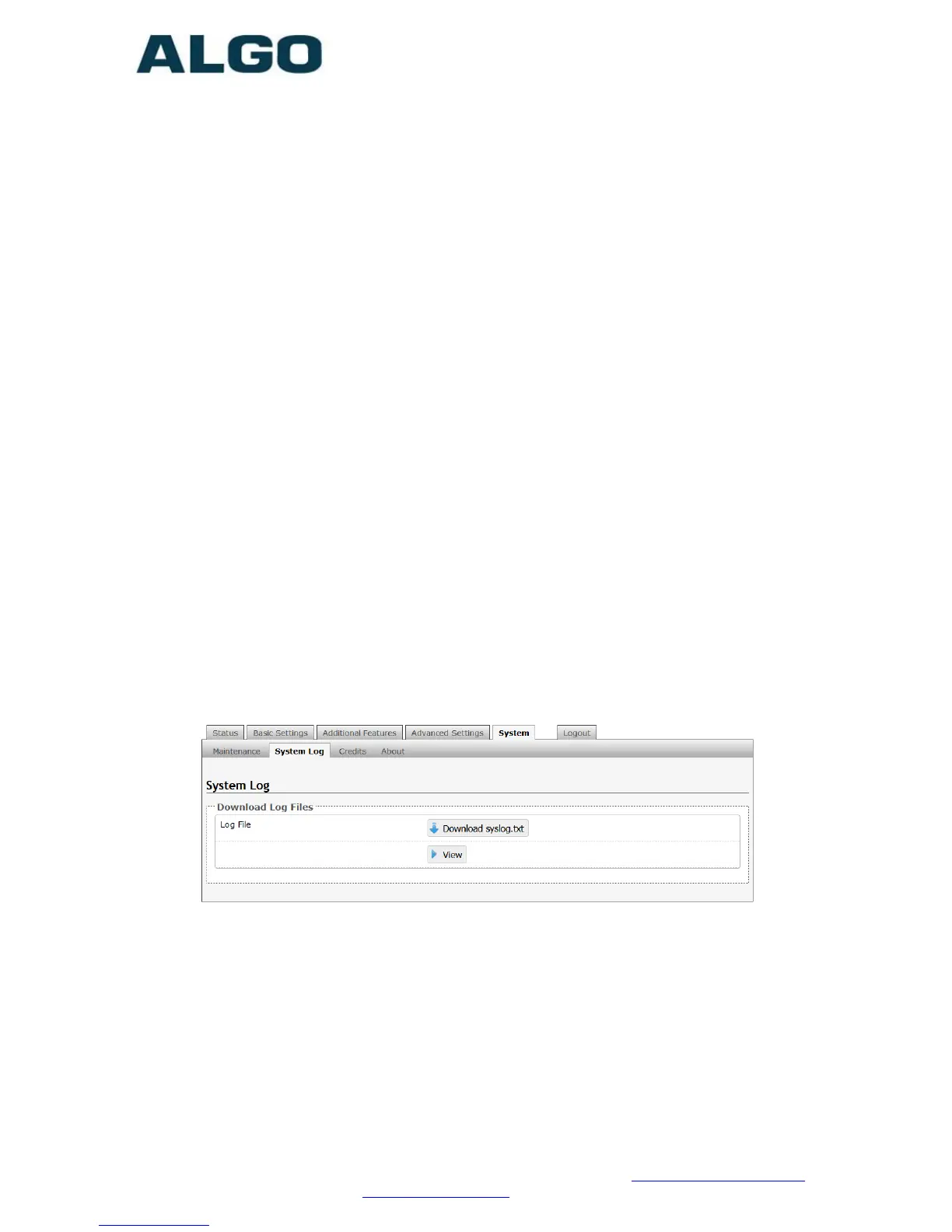
System – System Log
System log files are automatically created and assist with
troubleshooting in the event the 8201 SIP PoE Intercom does not
behave as expected.



 To Next Page