32 Get more from your alienDVR with our Free CCTV tips at aliendvr.com
How To - Network Your DVR
Connect the LAN socket of your
device to your router using a
straight patch cable.
(Do not use a crossover
cable which is used for direct
connection between your device
and PC.)
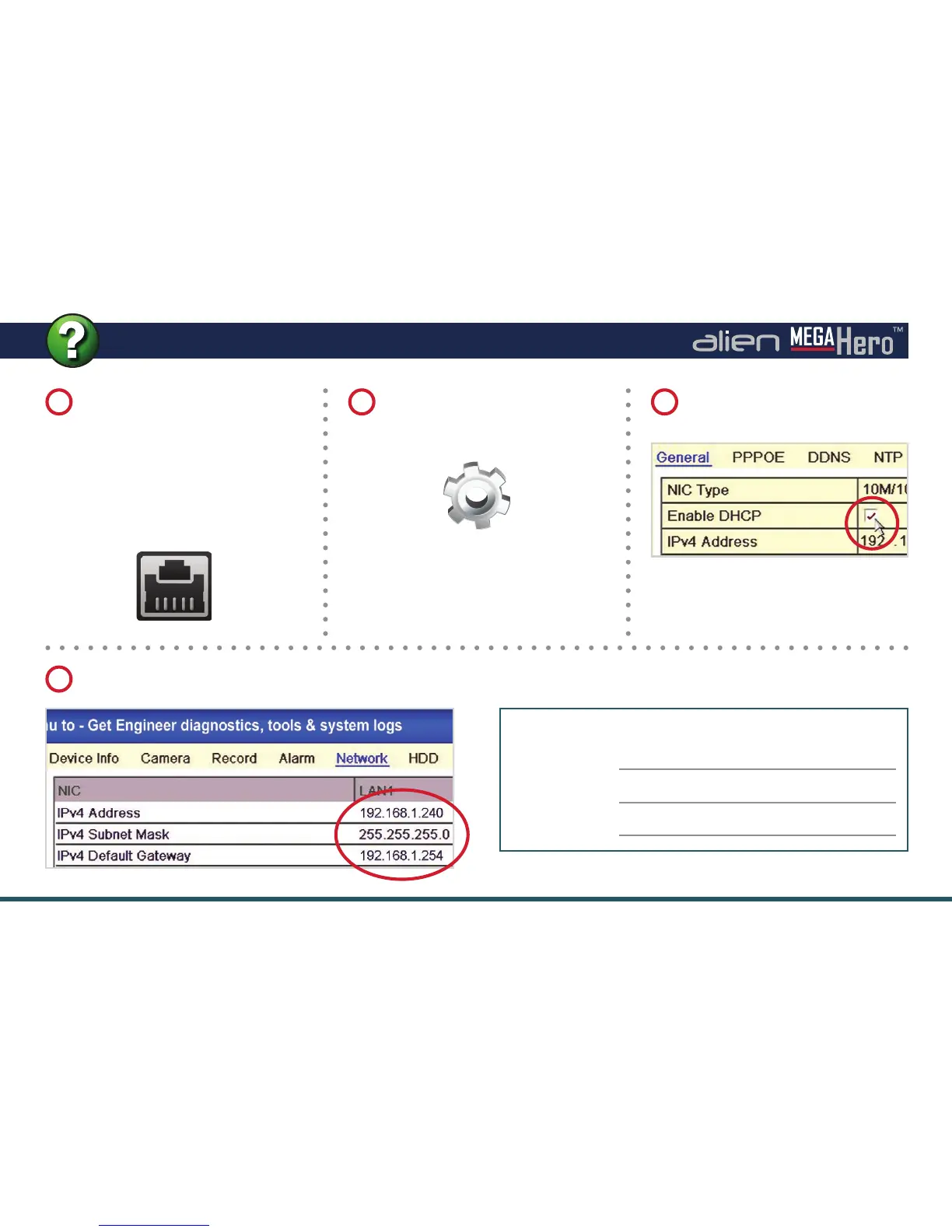
Check the ‘Enable DHCP’ box
and click ‘Apply’.
Go back to the main menu and select ‘Tools’ then click the ‘Network’ tab at the top.
On the main menu of the device
select ‘Set Up’ then click the
‘Network’ tab.
Note these settings for later
IP Address:
Subnet Mask:
Gateway:
4
1 2 3



 To Next Page