Drivers & Utilities
4 - 10 RAID Mode Configuration
4
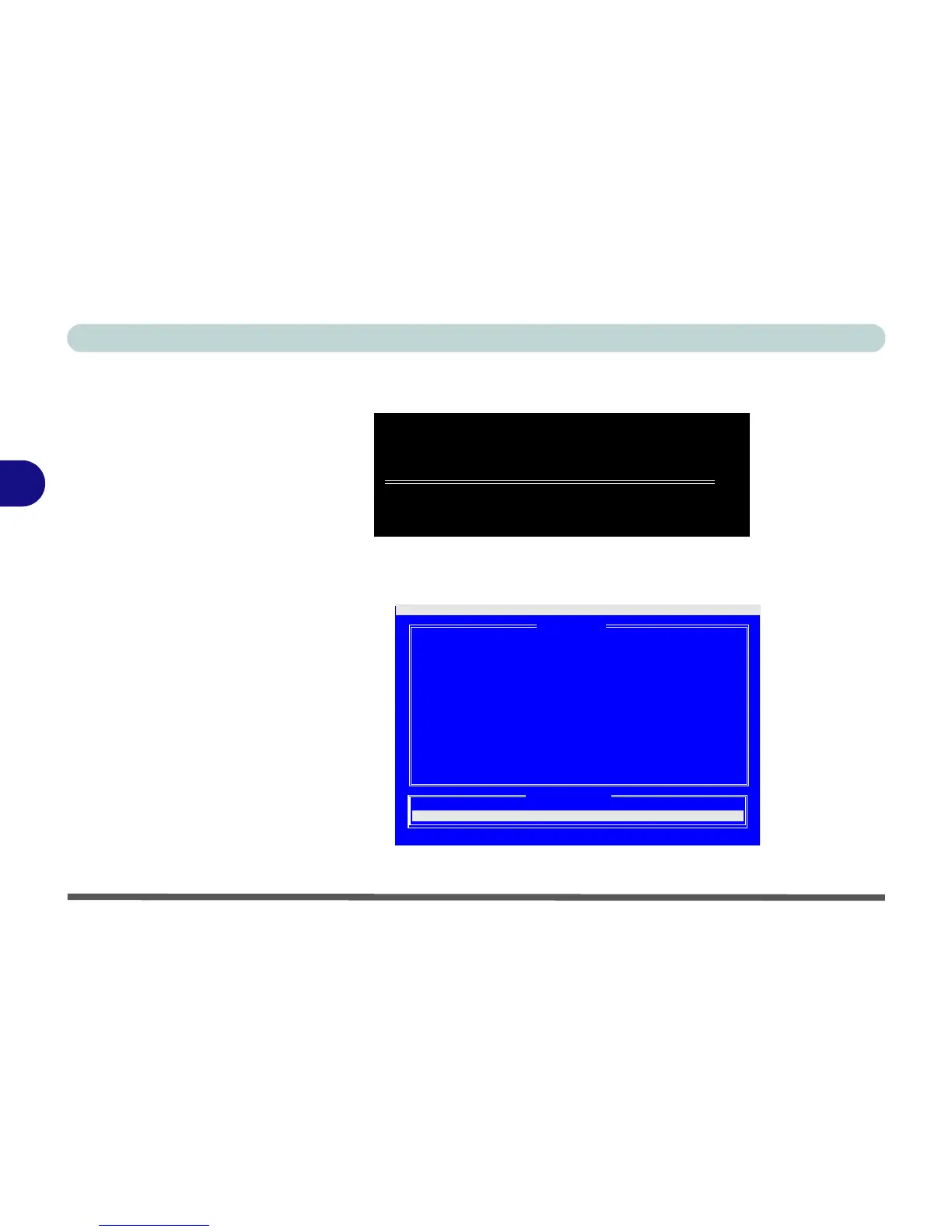
11. If a disk array is defined the screen will appear as follows (press the Ctrl + F key combination to enter the
utility).
12. You can create two types of array RAID 0 - A Striped array for enhanced performance (1 or 2 drives),
OR RAID 1 - A Mirrored array for data security (2 drives treated as one) from the FastBuild Utility.
FastTrak 378(tm) BIOS Version 1.00.1.35
(C) 2002-2005 Promise Technology, Inc. All rights reserved.
ID MODE SIZE TRACK-MAPPING STATUS
1 1x2 Mirror 30000M 3647/255/63 Functional
Press <Ctrl-F> to enter FastBuild (tm) Utility......
Figure 4 - 8
FastTrak BIOS
(Array Defined)
Auto Setup....................[ 1 ]
View Drive Assignments........[ 2 ]
Define Array..................[ 3 ]
Delete Array..................[ 4 ]
Rebuild Array.................[ 5 ]
FastBuild (tm) Utility 2.01 (c) 2002-2005 Promise Technology, Inc.
[ Main Menu ]
[ Keys Available ]
Press 1..5 to Select Option [ESC] Exit
Figure 4 - 9
FastBuild Utility
(Main Menu)















 To Next Page