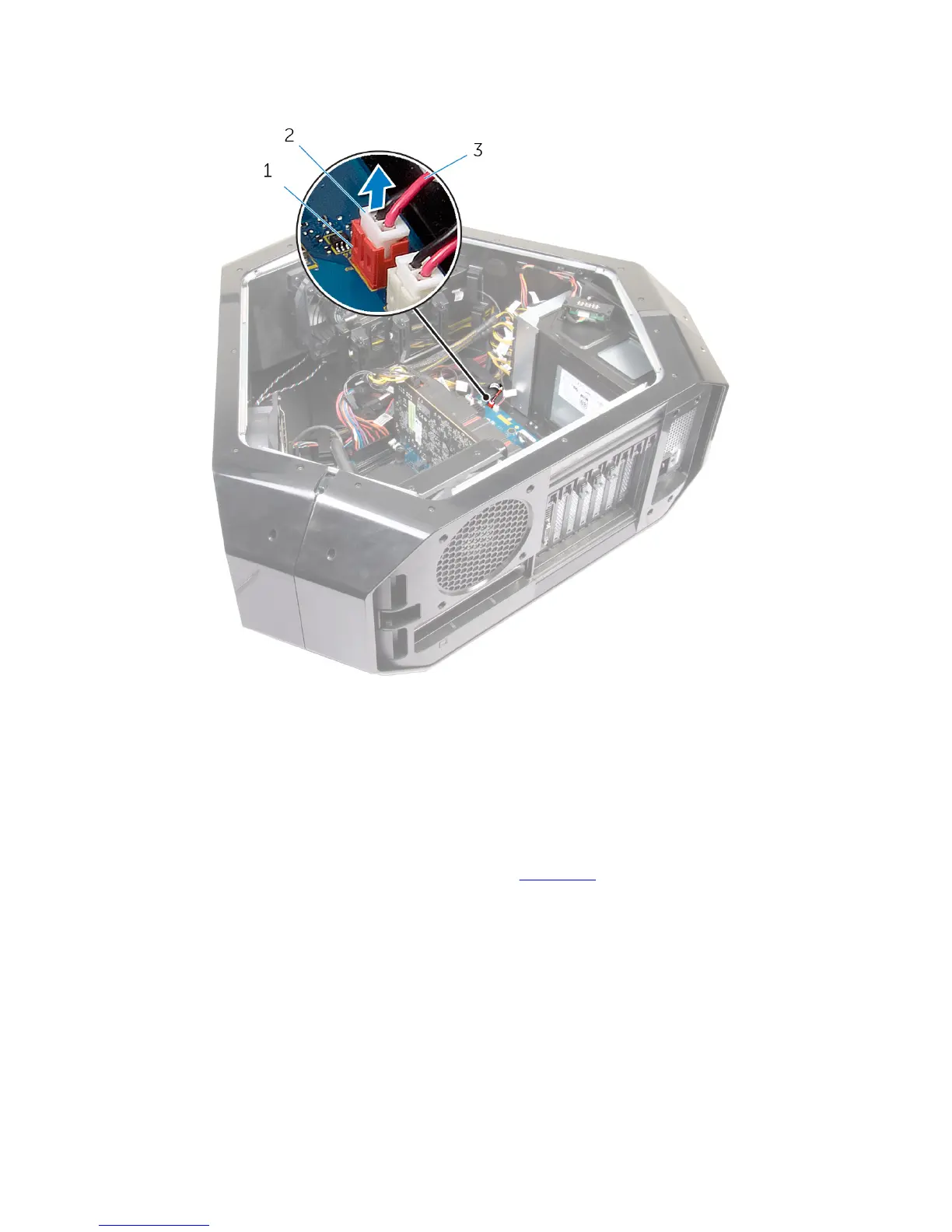
3 Disconnect the drive-bay heat-sensor cable from the connector on the
system board.
1 drive-bay heat-sensor
connector
2 drive-bay heat-sensor
cable connector
3 drive-bay heat-sensor cable
4 Turn the chassis over.
5 Remove the cable through the sensor bracket.
6 Locate the drive-bay heat-sensor. See “Left View”.
7 Press the release tab on the securing clip.
8 Pry out the drive-bay heat-sensor cable from the securing clip.
59















 To Next Page