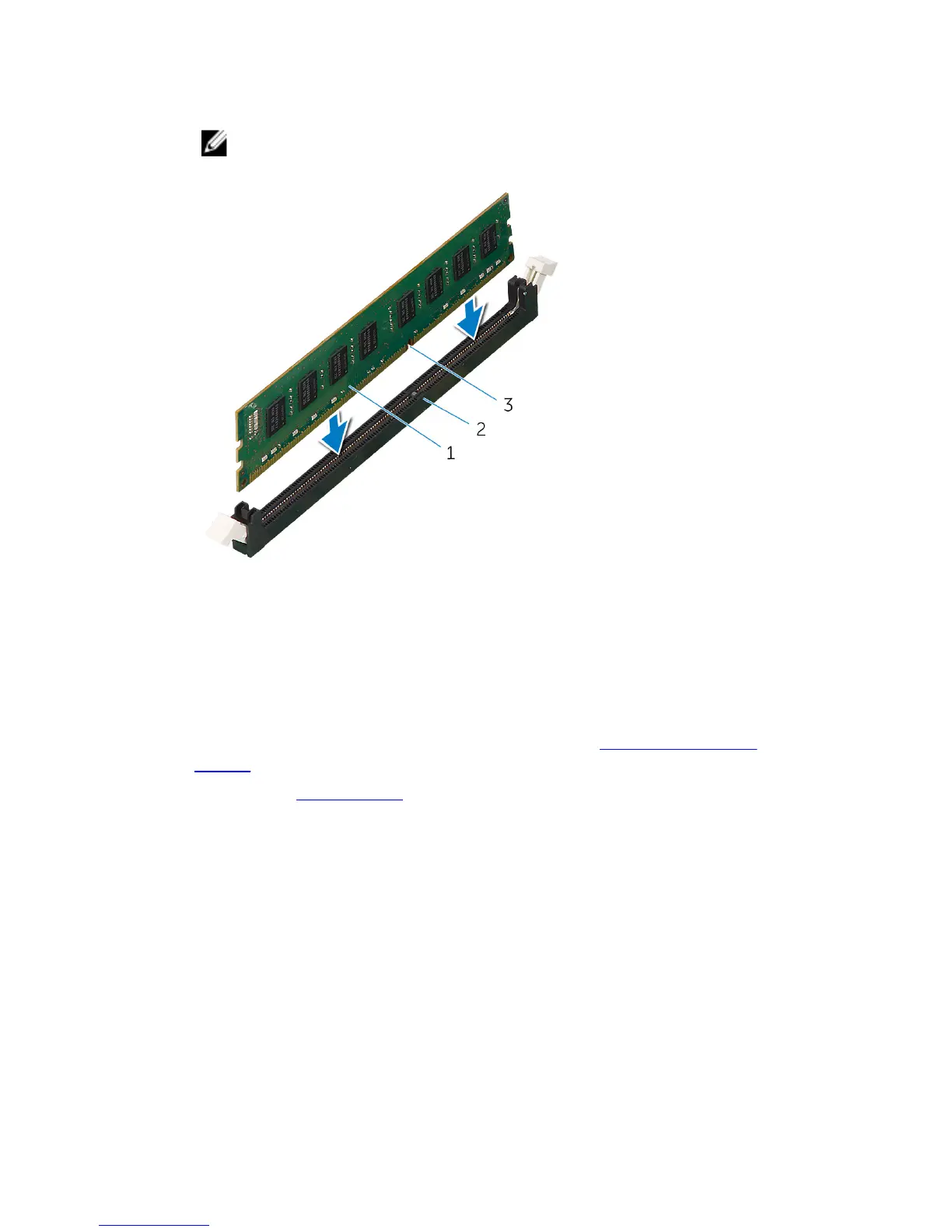
2 Insert the memory module into the memory-module connector until the
memory module snaps into position and the securing clips lock in place.
NOTE: If you do not hear the click, remove the memory module and
reinstall it.
1 memory module 2 memory-module slot
3 notch
Post-requisites
1 Remove both the left and right side-panels. See “Removing the Side
Panels”.
2 Replace the stability foot.
65















 To Next Page