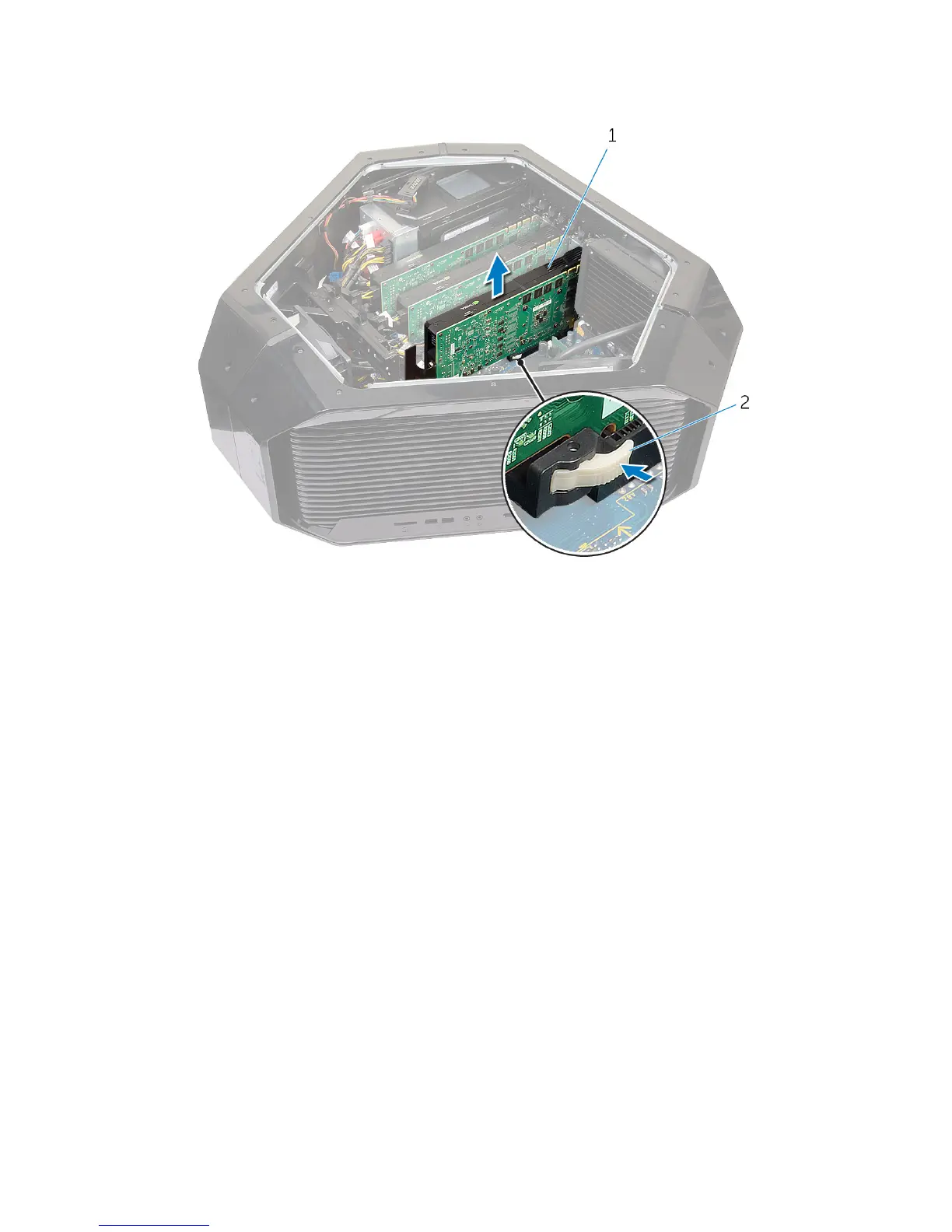
7 Press and hold the securing tab on the card connector, grasp the card by
its top corners, and then ease the card out of the card connector.
1 graphics card 2 releasing clips
8 Repeat steps 2 to 5 to remove graphics card on the PCI-Express x16 card
connector (SLOT3) and PCI-Express x16 card connector (SLOT5).
73















 To Next Page