Steps
1. Remove the washer and nuts that secure the SMA cable connector to the chassis.
2. Route the SMA cable assembly through the slot on the rear I/O.
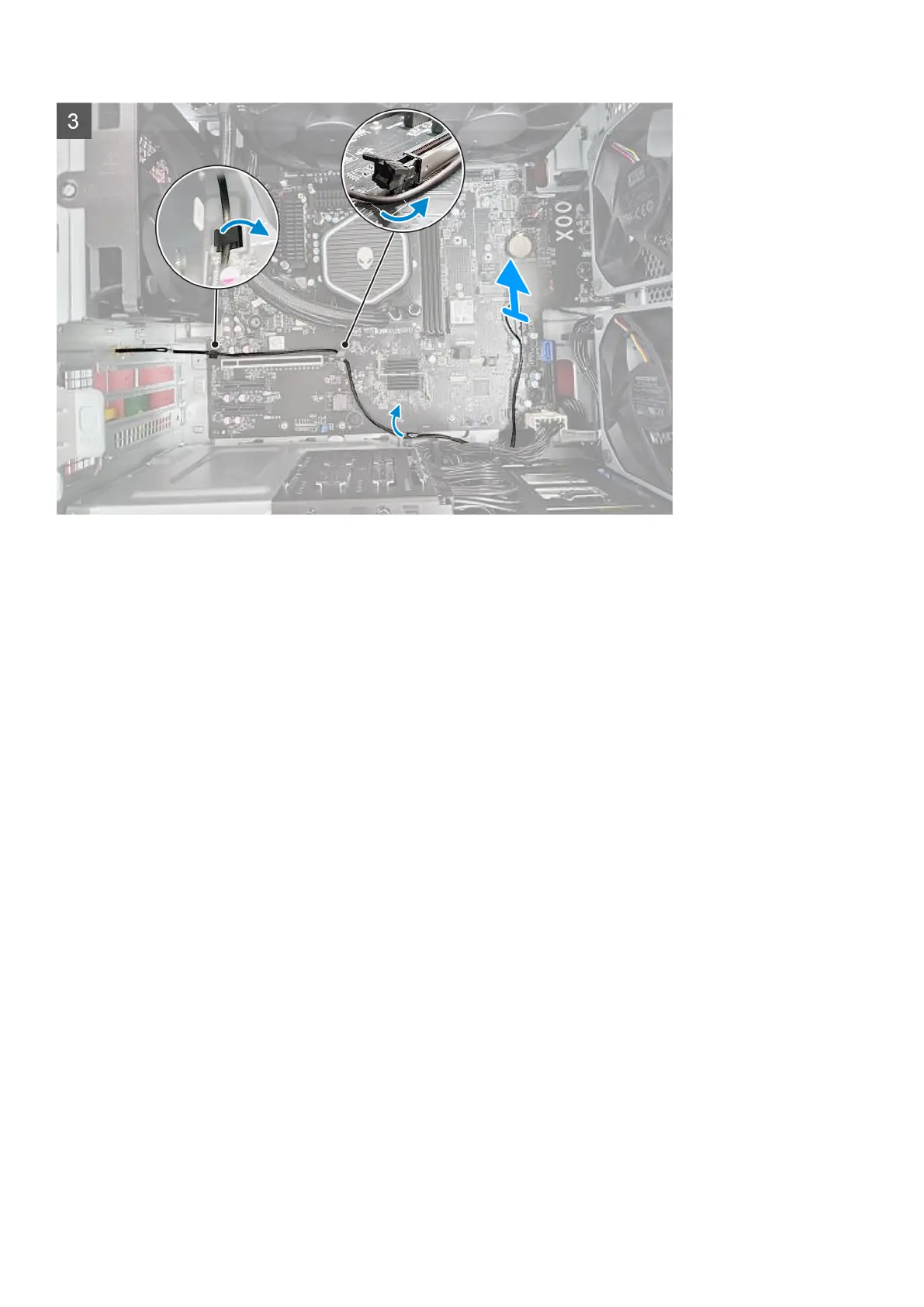
3. Remove the SMA cable from the securing clip on the system board.
4. Remove the SMA cable routing from the PCIe x16 slot.
5. Lift the SMA cable connector off the chassis.
Installing the SMA cable
Prerequisites
If you are replacing a component, remove the existing component before performing the installation procedure.
About this task
The following images indicate the location of the SMA cable and provide a visual representation of the removal procedure.
68















 To Next Page