3. Repeat the same process for the other VR heat sink.
4. Lift the VR heat sink (2) off the system board.
Installing the VR heat sink
Prerequisites
If you are replacing a component, remove the existing component before performing the installation procedure.
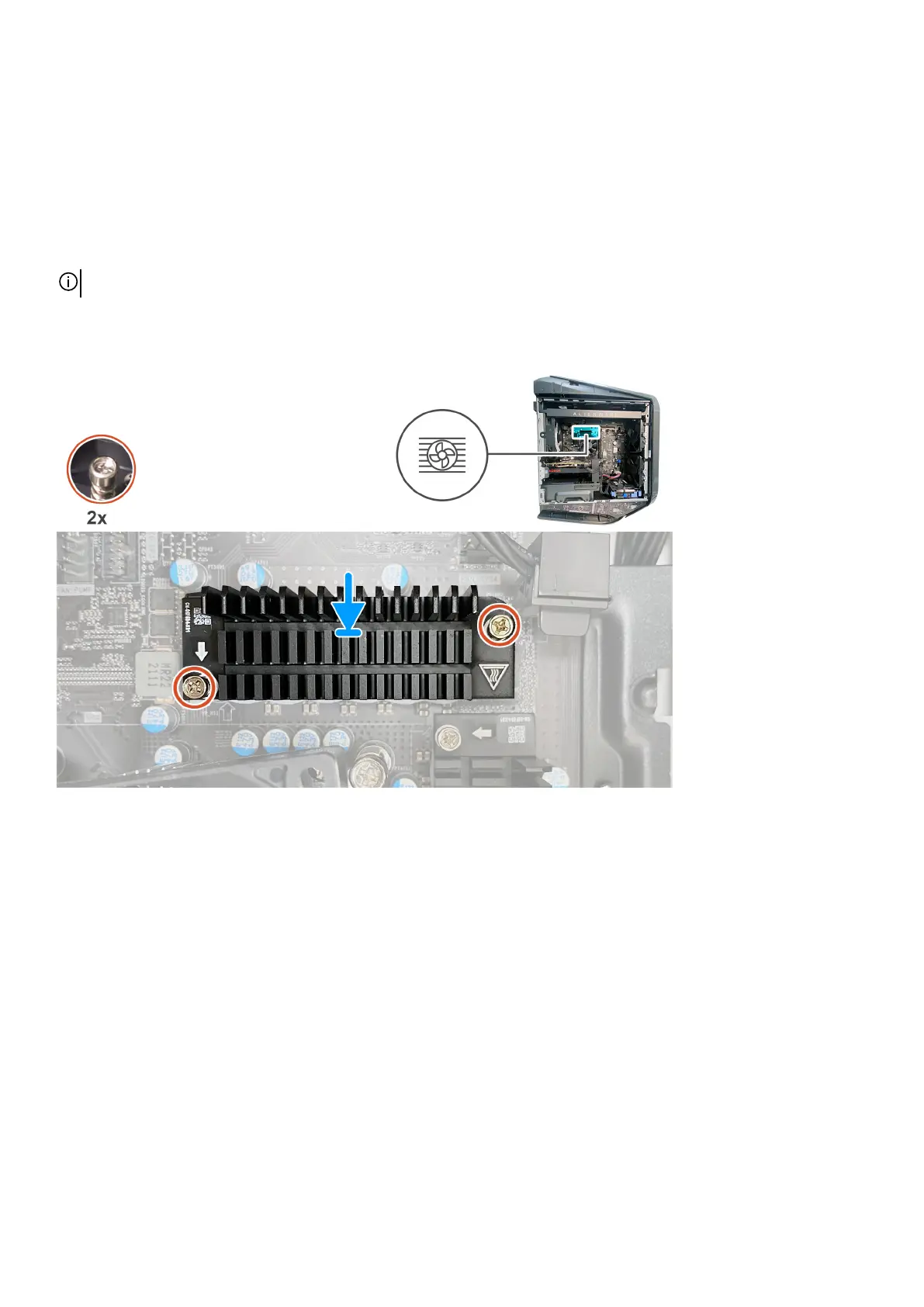
NOTE: Before installing the new VR heatsink, ensure to remove the protective foil from the thermal pad.
About this task
The following images indicate the location of the VR heat sink and provide a visual representation of the installation procedure.
80















 To Next Page