About this task
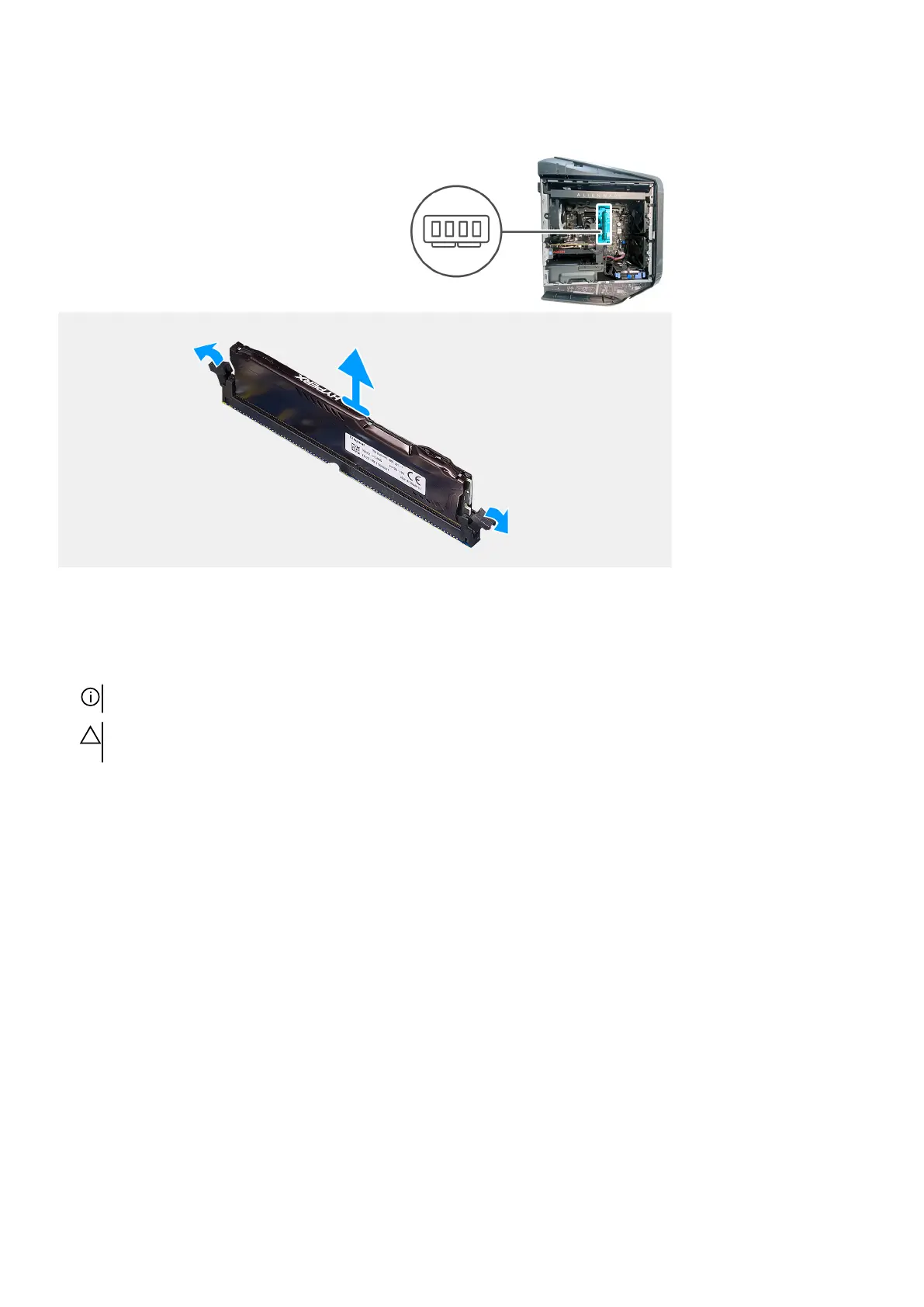
The following images indicate the location of the memory modules and provide a visual representation of the removal procedure.
Steps
1. Lay the computer on the right side.
2. Push the securing clips away from the memory module.
3. Lift the memory module off the memory-module slot.
NOTE: Repeat step 2 to step 3 to remove any other memory modules installed in your computer.
CAUTION: To prevent damage to the memory module, hold the memory module by the edges. Do not touch the
components on the memory module.
Installing the memory modules
Prerequisites
If you are replacing a component, remove the existing component before performing the installation procedure.
About this task
The following images indicate the location of the memory modules and provide a visual representation of the installation procedure.
41















 To Next Page