28 | Setting up the monitor
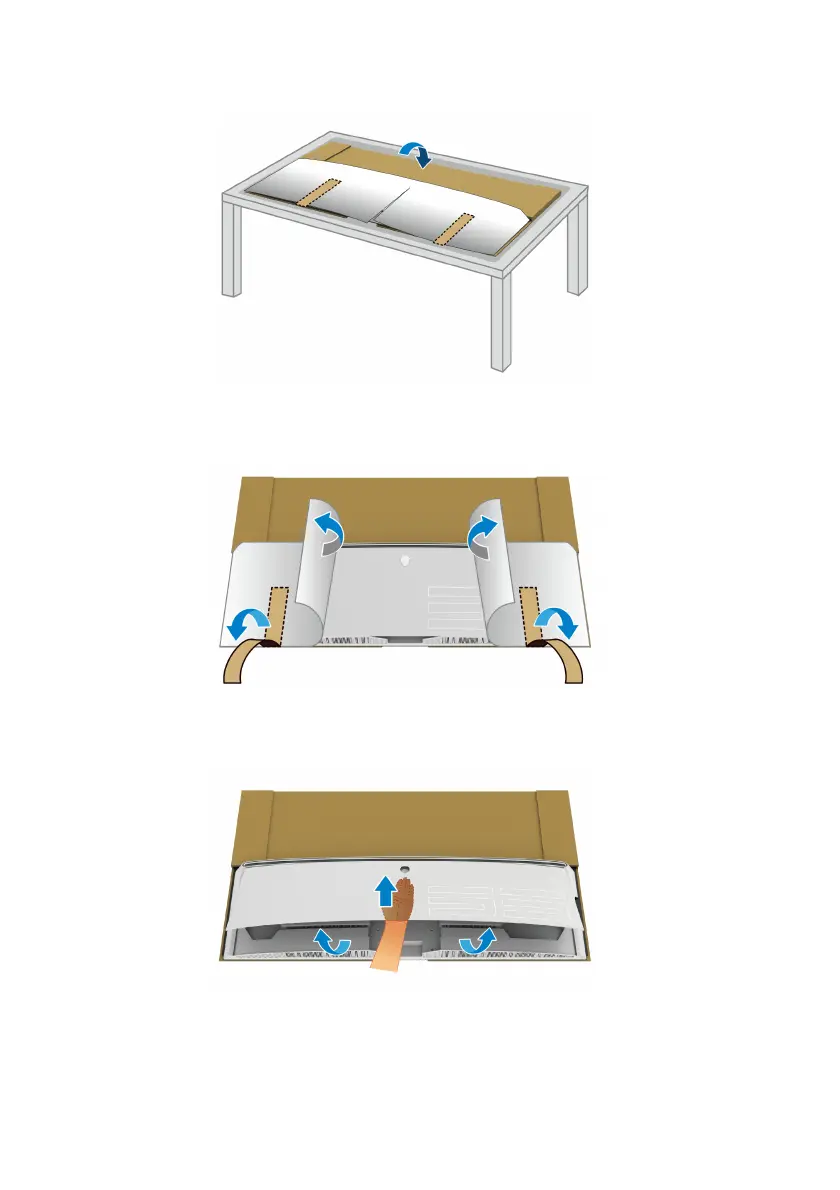
6. Place the monitor face down on a flat, soft surface.
7. Remove
the tape strips on the protective cover, and tear the cover along
the perforated line to access the I/O cover on the monitor.
8. Insert a hand into the recess on the bottom edge of the monitor, as shown
in the image below, and gently detach the magnetic I/O cover.















 To Next Page