20
Basic Operations
How to program memory channel (s)
1. Select a frequency to be programmed in the
VFO mode and set the parameters as appropri-
ate. Refer to the next page for programmable
parameters.
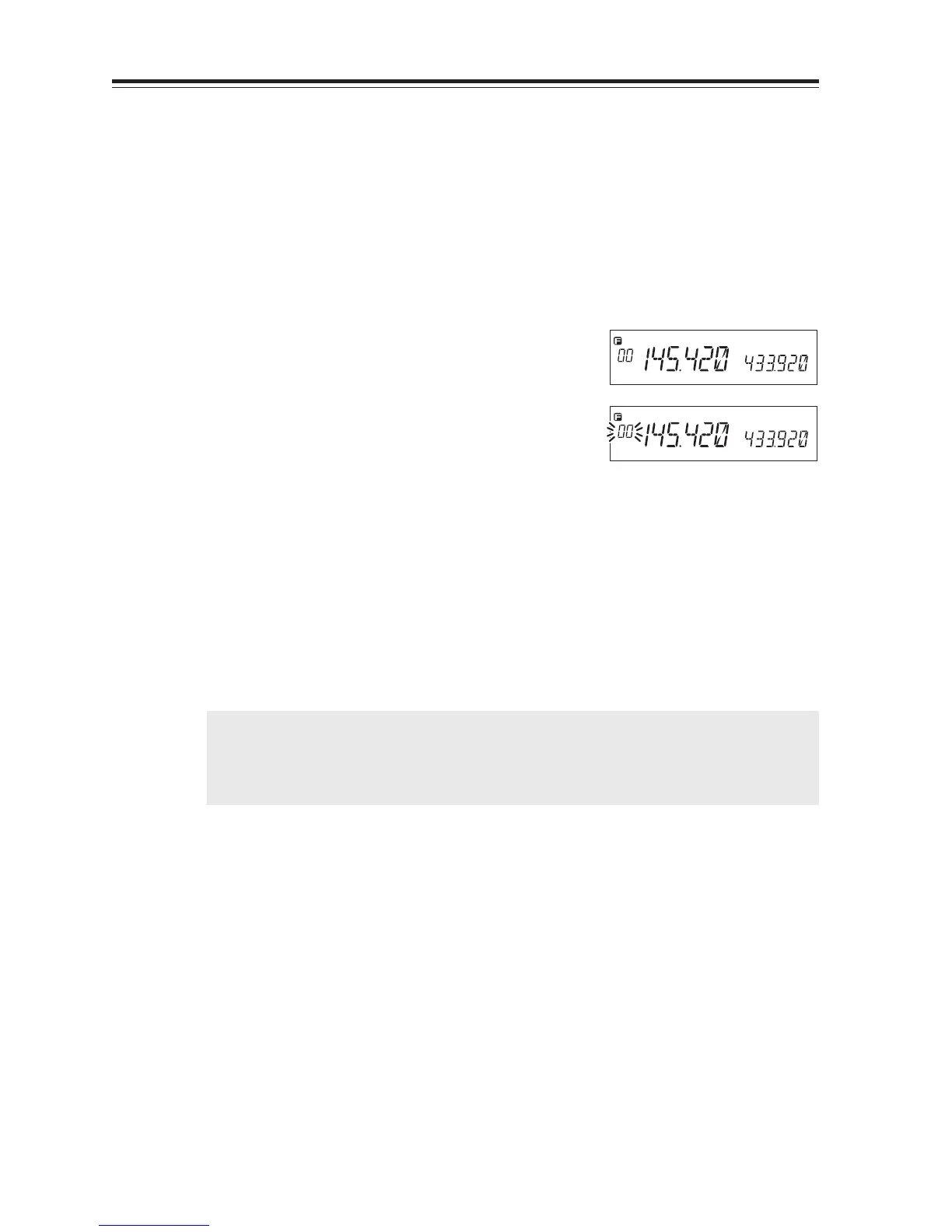
2. By pressing FUNC key, [F] and [Memory No.]
icons will appear on the display.
3. Rotate the main dial (or press Mic UP/DOWN
key) to select the desired memory channel num-
ber.
4. An empty channel is shown with a flashing
[Memory No.] icon.
5. By pressing V/M key while [F]icon is on the
display, programming will be completed and
you will hear a beep sound.
6. If a previously programmed channel is selected
in step 3, the memory channel will be over-
written by executing the procedure in step 5.
7. When CH-C is selected, the CALL channel will
also be rewritten.
During the unregistered channel
IMPORTANT: • Program the Theft-Alarm frequency in CH99.
• For Channels from 100 to 139, the VHF/UHF band can be programmed indis-
criminately (VHF/UHF mixed scanning is possible by memory program scan-
ning.).



 To Next Page