48
Special Functions
Setting on the Master side
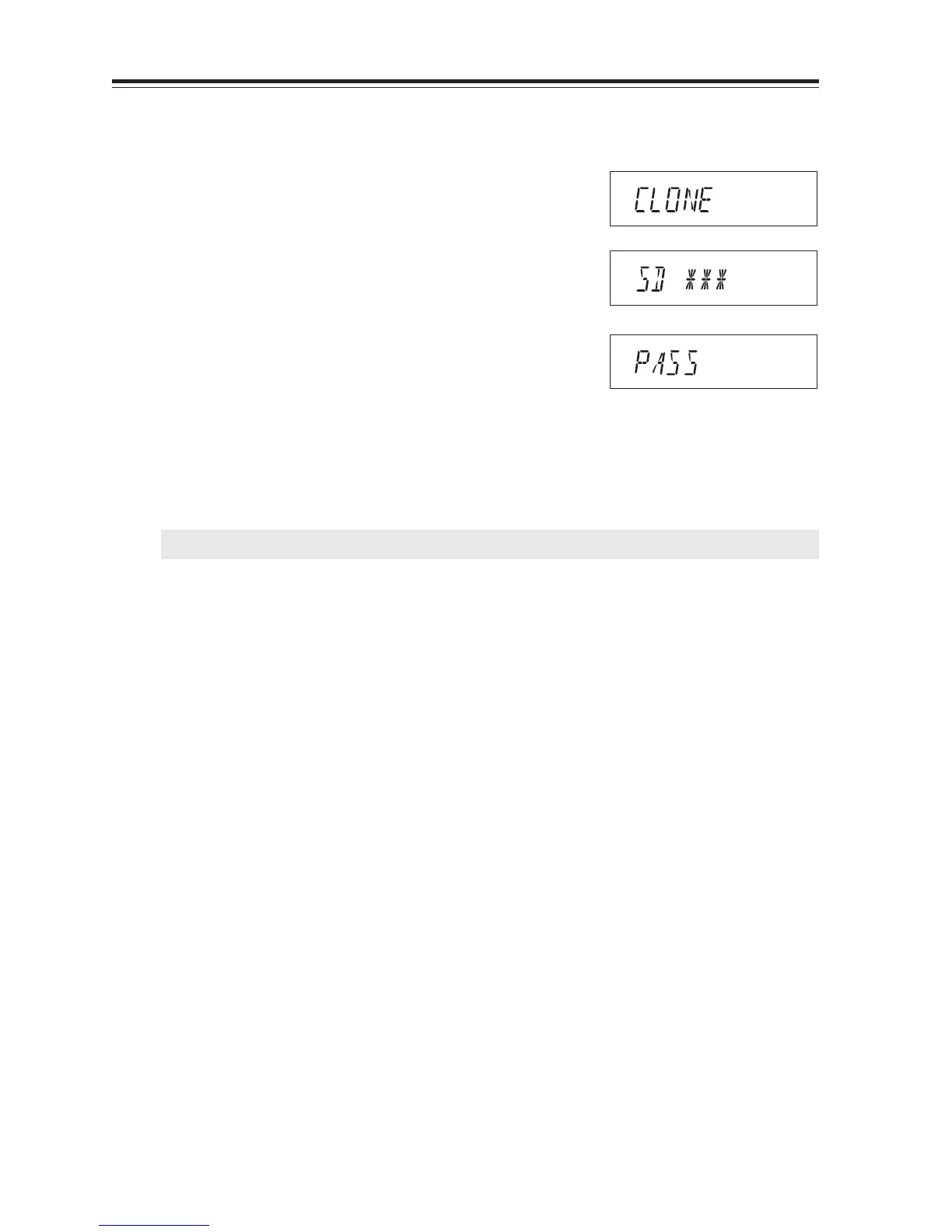
1. Press the CALL key with FUNC key pressed.
CLONE will be displayed and the radio enters
the clone mode.
2. Press PTT. SD*** will be displayed and the
master unit starts sending data to the slave unit.
3. [PASS] will appear on the display when the data
has been successfully transmitted.
4. The master radio may stay turned on for the
next clone. Turn off the unit to exit from the
clone mode.
If the data is not successfully transmitted, turn off both units, make sure the cable connection is
correct and repeat the entire operation from the beginning.
IMPORTANT: Never disconnect the cable while data is being transmitted in the clone mode.
During transmission
When transmission is finished



 To Next Page