46
Special Functions
Setting alarm starting time
Choose this operation when a delay period is desired.
1. Enter the Parameter setting mode as described
previously and select SCR-DLY. Follow the
previous instruction to set.
2. Turn off the unit. Display will disappear but
the LCD illumination stays on. After 20 sec-
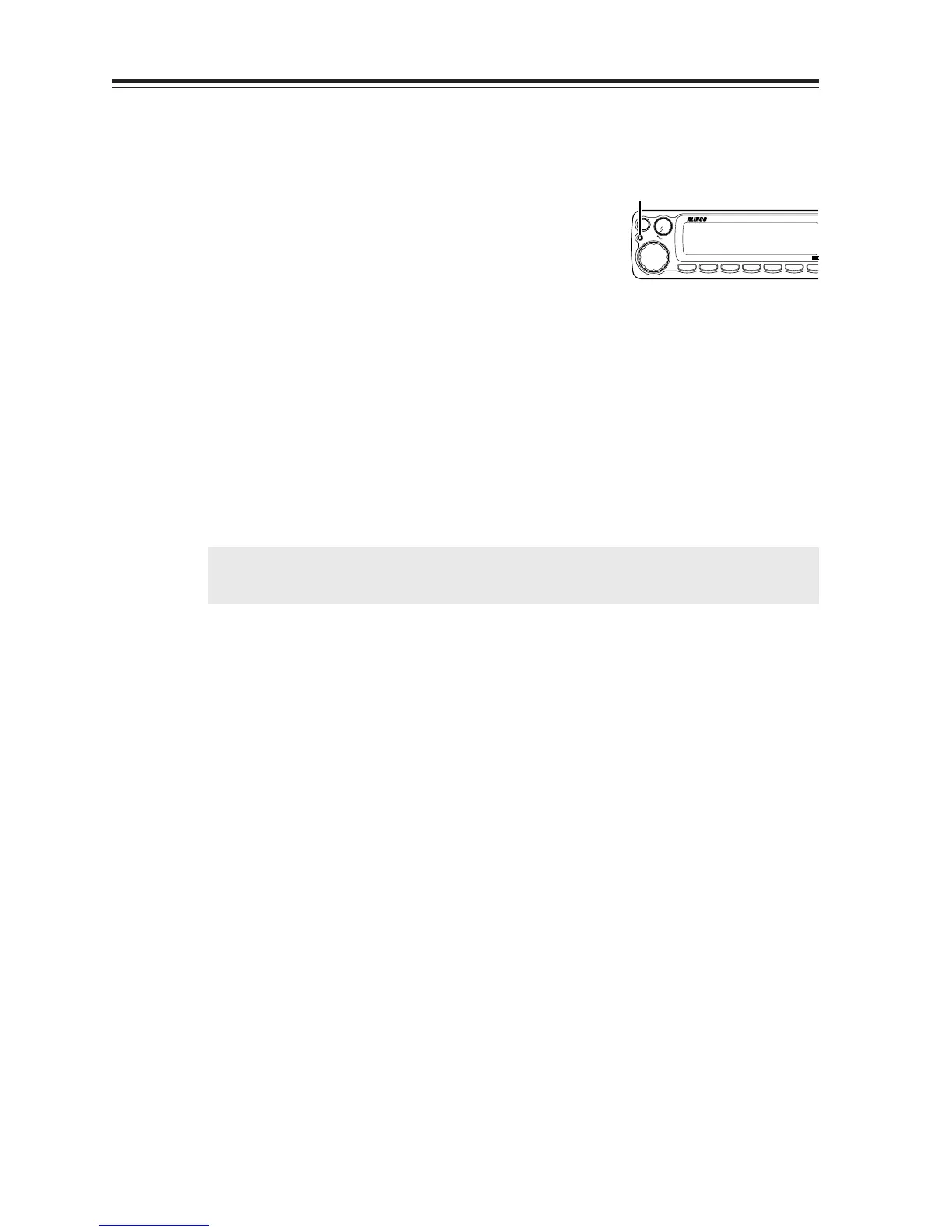
onds, the TX LED lights up, illumination dims,
and the alarm functions. The system won’t work
during the 20 second “DELAY” period.
3. The alarm sounds under the same condition as
described previously. There is a 20 second de-
lay until the alarm sounds. During the 20 sec-
ond period, only the display illumination is lit.
Turn ON the unit with the SQL key pressed
during the “DELAY” period to cancel the alarm
function.
IMPORTANT: Please set the parameters at SCR-OFF during normal operation.
NOTE: Please use a sticker provided indicating installation of the theft alarm device.
TX lamp
BAND
CALL MHz
VV/UU
V/M
MAIN
VOL
MW
MAIN
TX/RX
RX BAND SHIFT LOCK
PACKET DIGITAL
TS/DCS
H/L SQL FU



 To Next Page