53
Special Functions
TNC Clone
This feature enables setting changes required for APRS function without connecting to a PC.
Please use this feature when a setting change is desired while the APRS function is in operation.
Setting changes are available for the call sign of your station, communication speed and data trans-
mission time separation (Setting is made in setting mode).
1. Press the FUNC key and then press the H/L
key while [F] icon is on (Enter packet mode).
2.
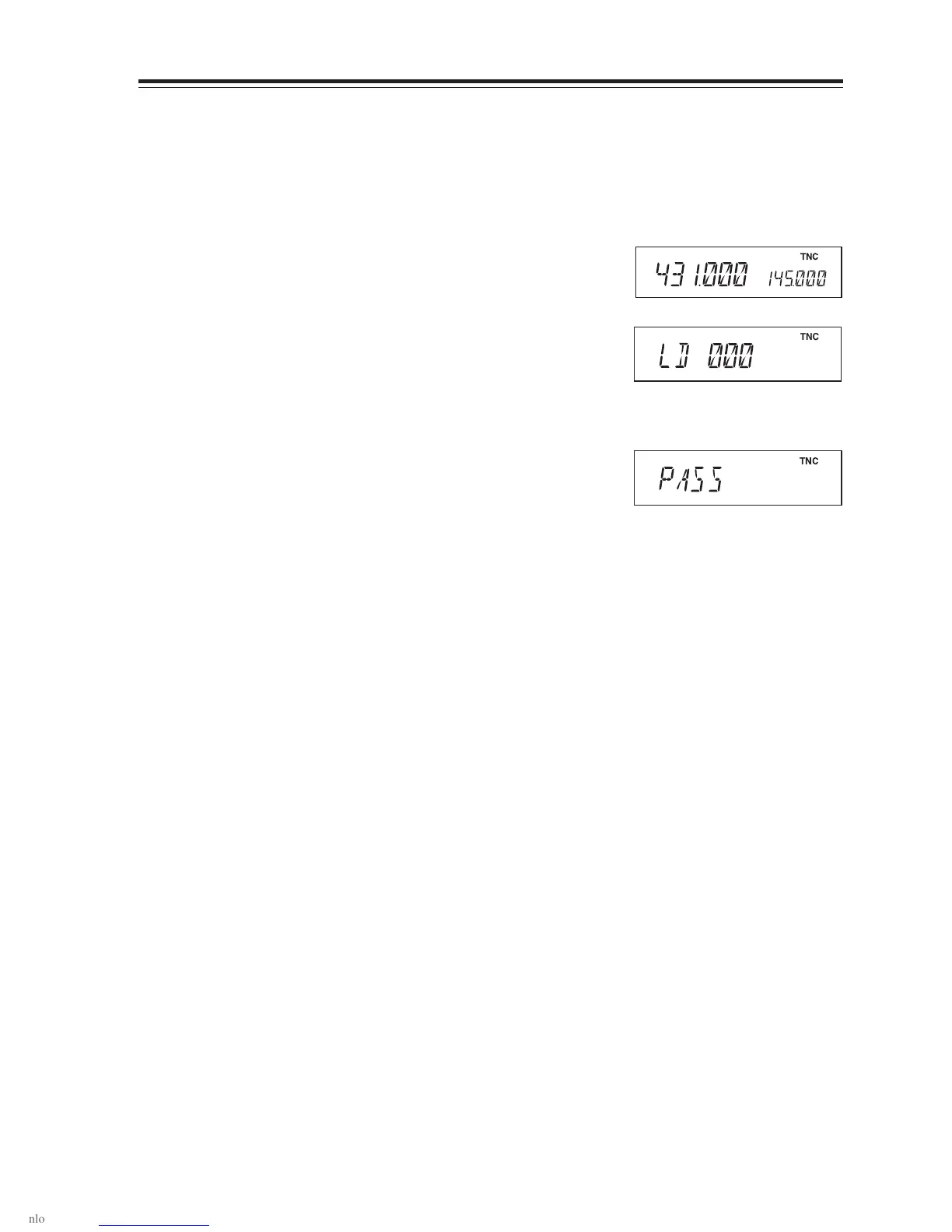
Press the CALL key with the FUNC key pressed.
The display will show [TNCLON] and data pro-
grammed in setting mode for the call sign of
your station, the communication speed and data
transmission time separation are transmitted.
3. Upon completion of data transmission, the dis-
play shows [PASS].
Turning the unit off will make it exit the clone
mode and restore normal packet operation.
Data is under transmission
Completion of data transmission
TNC
TNC
TNC



 To Next Page