21
Basic Operations
Programmable data in the memory channel
Each Memory channel including 00 – 99, 100 – 39, CALL channel and AL, AH, PL, PH channel
can store following:
• Frequency
• Shift frequency
• Shift direction (+ / -)
• Tone encoder frequency
• Tone decoder frequency
• Tone encoder/decoder setting
• DCS encoder code
• DCS decoder code
• DCS setting
• Skip CH setting
• Busy channel Lock Out (BCLO)
• Digital mode setting
• Digital code
• Narrow mode setting
• AM mode setting
• Clock shift setting
Memory channel deleting
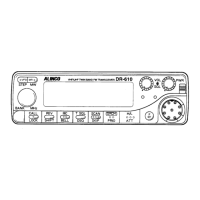
1. Select the memory mode by pressing the V/M
key.
2. Select the desired memory channel number by
rotating the main dial.
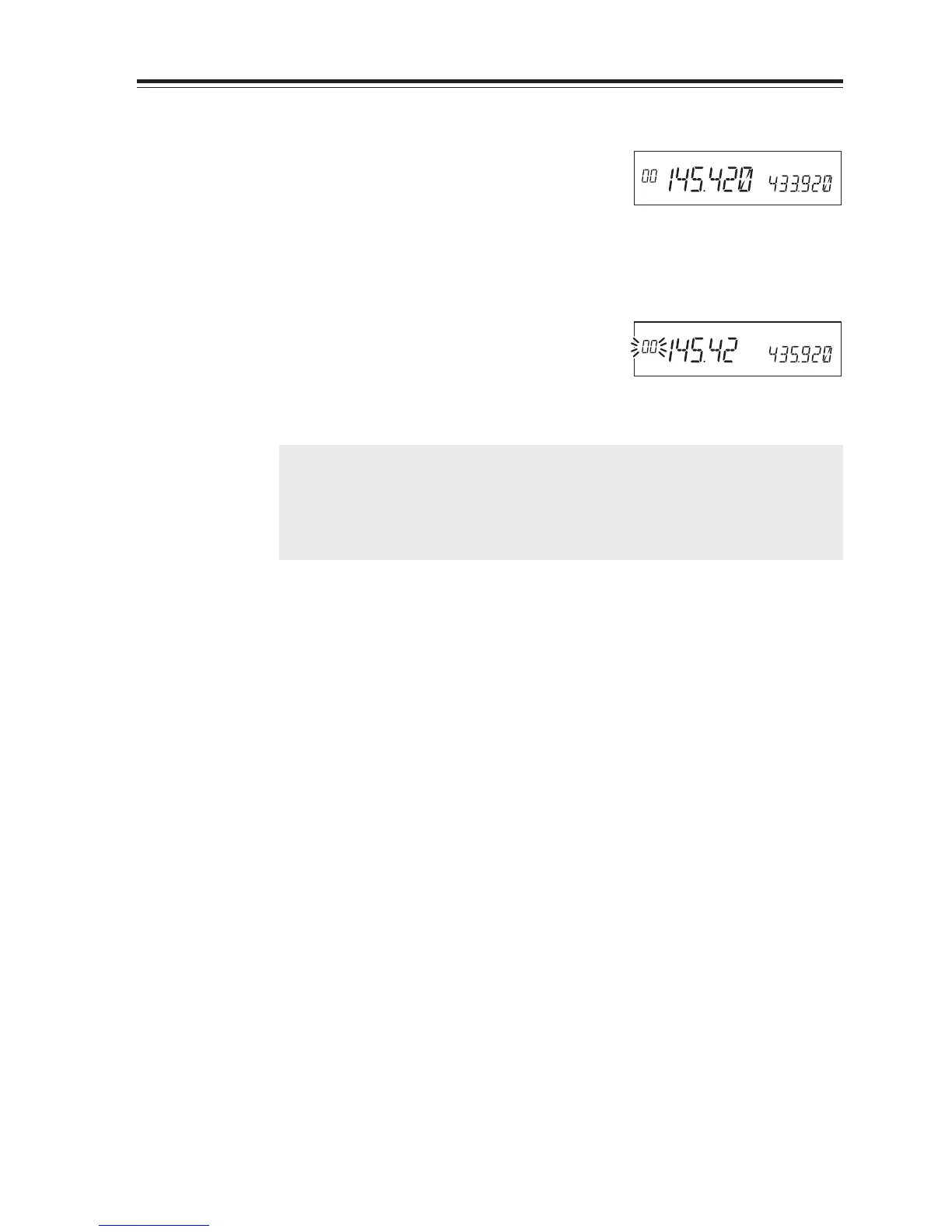
3. The programmed memory channel has the
memory number illuminated on the display.
4. By pressing the M/W key together with the
FUNC key while [F] icon is on, a beep will
sound and the memory will be deleted. At the
same time, [Memory No.] icon will start flash-
ing.
NOTE: When an LCD memory channel is flashing, the full contents of the memory are
displayed in the LCD.
After pressing FUNC key again, if you press M/W key while [F] icon is on, you can
restore a deleted memory. However, after changing CH or the mode, restoration
will not be possible.
Memory Mode


 To Next Page