32
Parameter Setting Mode
Display Illumination color setting
This is to select the display illumination color.
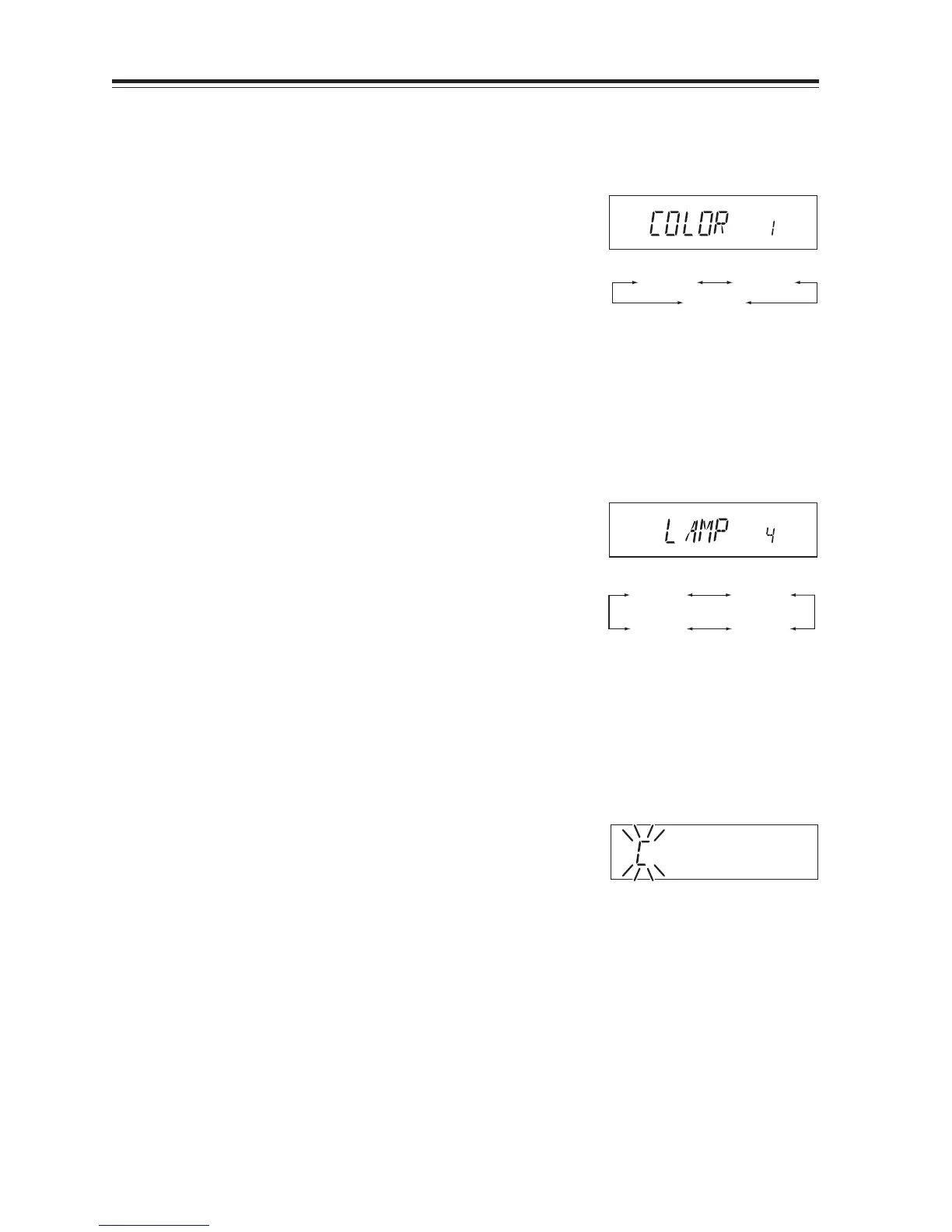
1. The [COLOR 1] icon appears on the display.
2. By rotating the main dial, the display changes
as shown on the right and the illumination color
is changed.
COLOR 1 is Amber (Red) illumination.
COLOR 2 is Yellow illumination.
COLOR 3 is Orange illumination.
COLOR 1 COLOR 2
COLOR 3
Dimmer
This is to provide better visibility of the display by dimming the display illumination in the dark.
1. The [LAMP 4] icon appears on the display.
2. By rotating the main dial, the display changes
as below and the Dimmer setting is changed.
It is bright when set to LAMP 4 and will be
darker with 3-2-1.
LAMP 1 LAMP 2
LAMP 4 LAMP 3
Call sign setting (In packet operation)
This is to register the call sign of your station to transmit in the Packet communication mode. 36
characters, A - Z and 0 - 9 are available for registration.
1. The display shows [C] flashing.
2. Rotate the dial to select a character to be pro-
grammed.
3. By pressing the BAND key, the character is il-
luminated and entered.
An identical character to the one just entered
flashes on the immediate right ready to be en-
tered.
4. Enter with the BAND key (Repeat the same
sequence). You can program up to 6 digits.
5. Pressing the CALL key during programming
will delete all characters to be programmed.
(Refer page 27 for how to enter the setting mode.)



 To Next Page