54
Special Functions
Key
Transceiver corresponding key
Function Page
0-9 – Direct frequency input –
A V/M Memory channel access 19
B CALL Call channel access 23
C SET mode SET mode access (Note 1) 26
D
FUNC+BAND
Switching reception band 34
* Press and hold SQL Monitor function 24
# BAND Switching MAIN band 15
0 H/L Switching transmission output 25
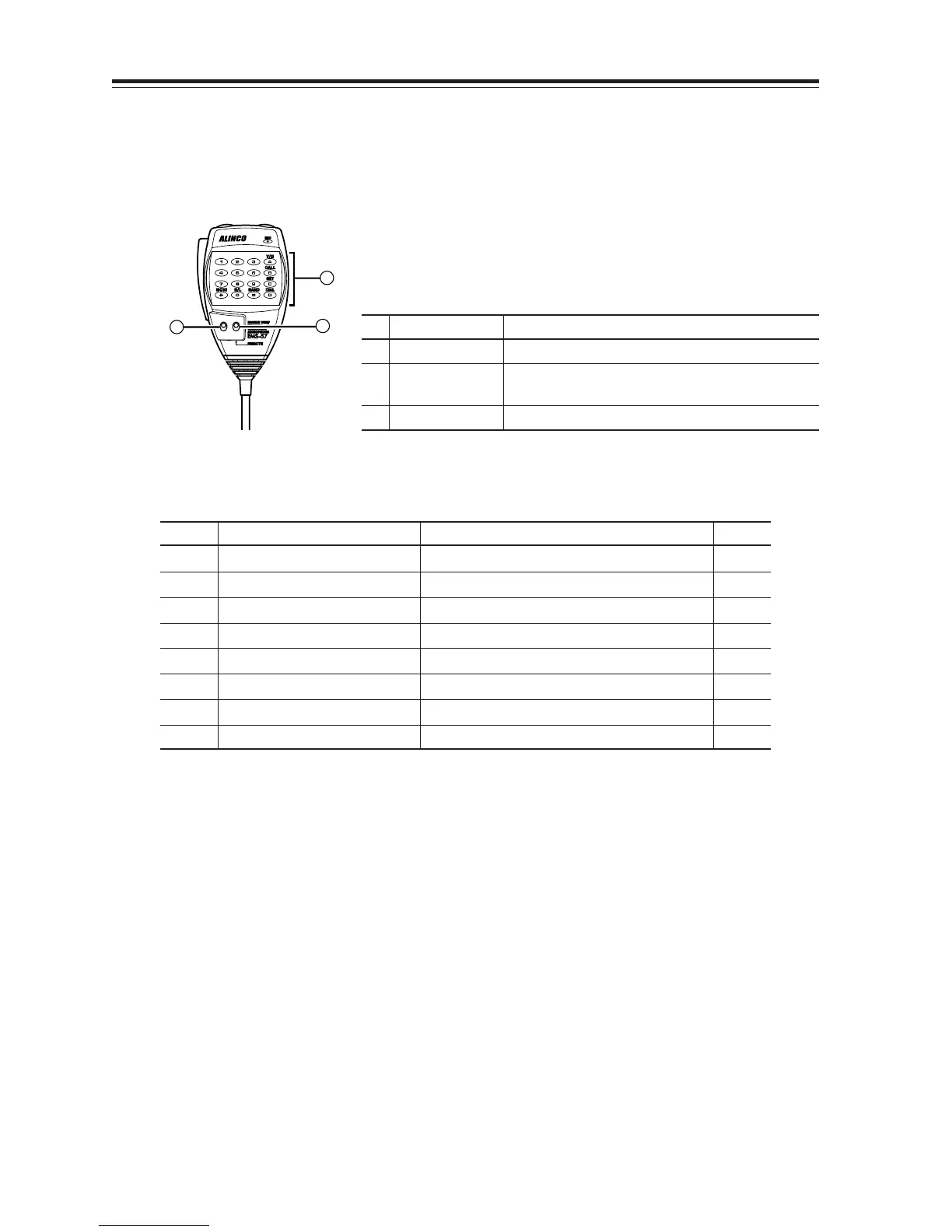
Remote Control Operation (EMS-57 Only)
The transceiver can be controlled remotely by operating the DTMF keys on the microphone. Fre-
quencies can also be entered directly through the key pads.
LOCK
DTMF
OFF
OFF
2
1
3
List of Remote Control Keys
(Note 1) To change the SET mode menu, press the UP and DOWN keys at the top. To change its
contents, press the * and # keys. Press PTT key or C key to return to the frequency display.
No.
Key Function
1 DTMF
Enter the remote command or the frequency.
2 LOCK
Press LOCK to prevent the transceiver from accepting
remote control inputs from the microphone.
3
DTMF/REMOTE
To operate remote control, press REMOTE.



 To Next Page