EasyManua.ls Logo

Alinco DR-B185HT - User Manual

Alinco DR-B185HT
52 pages
Print Icon
To Next Page IconTo Next Page
Loading...
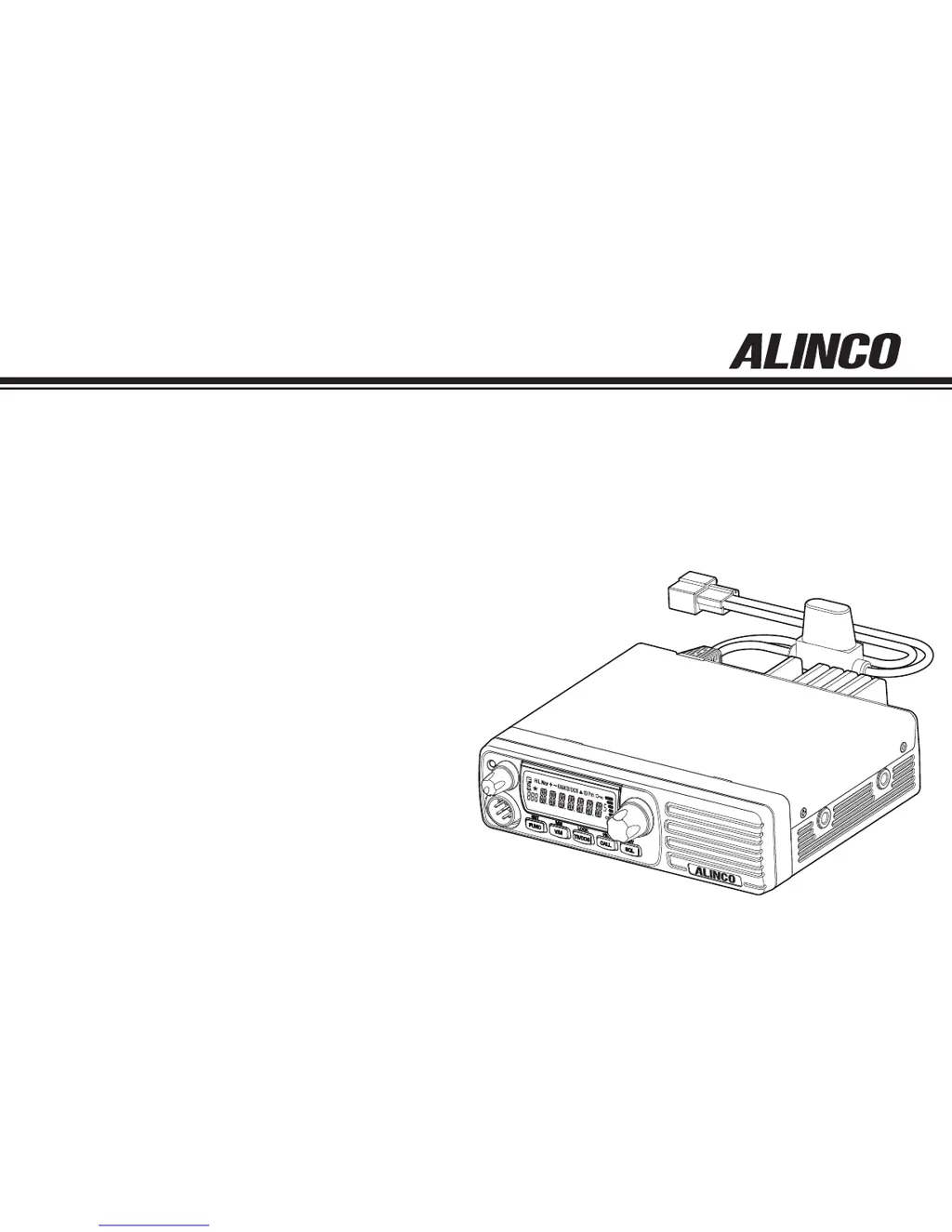
DR-B185HT
DR-B185HE
Instruction Manual
VHF FM Mobile Transceiver
Thank you for purchasing your new Alinco transceiver.
Please read this manual carefully before using the
product to ensure full performance, and keep this
manual for future reference as it contains information
on after-sales services. In case addendum or errata
sheets are included with this product, please read
those materials and keep them together with this
instruction manual for future reference.

Table of Contents

Other manuals for Alinco DR-B185HT

Questions and Answers

  • D
    Dr. Bianca CookJul 30, 2025
    What to do if no sound comes from the Alinco Transceiver speaker?
    • A
      Andrew OdomJul 30, 2025
      If no sound is coming from the speaker of your Alinco Transceiver, there might be a couple of reasons: * The squelch level might be too high. Try decreasing the squelch level. * A selective-calling function like TSQ might be activated. Press the [Moni] key to monitor.
  • L
    Lucas KnightAug 3, 2025
    Why is my Alinco Transceiver not transmitting when I press the PTT key?
    • A
      alexandrafieldsAug 4, 2025
      If your Alinco Transceiver isn't transmitting when you press the [PTT] key, it could be due to: * A poor microphone connection. Ensure the microphone is properly connected. * A poor antenna connection. Make sure the antenna is properly connected.
  • P
    Patrick RodriguezAug 7, 2025
    How to fix Alinco DR-B185HT keys and dial if they do not function?
    • M
      Michael RichAug 7, 2025
      If the keys and dial on your Alinco Transceiver aren't working, it's possible that the key-lock function is activated. Try canceling the key-lock function.
  • J
    Jerry WilliamsAug 12, 2025
    What to do if the Alinco DR-B185HT display is too dim?
    • K
      Kevin MurrayAug 12, 2025
      If the display on your Alinco Transceiver is too dim, set the LCD backlight parameter properly.
  • A
    anthony77Aug 16, 2025
    What to do if the Alinco DR-B185HT Transceiver rotating dial will not change memory channel?
    • M
      Michael PopeAug 16, 2025
      If the rotating dial on your Alinco Transceiver won't change the memory channel, the transceiver might be in CALL mode. Press the key.
  • S
    staceyfrancoAug 21, 2025
    What to do if Alinco Transceiver fuse is blown?
    • M
      matthewjohnsonAug 21, 2025
      Check and solve the problem resulting in the blown fuse and replace the fuse with a new one.
  • N
    Nicholas MillsAug 25, 2025
    How to fix Alinco Transceiver if power is on, but nothing appears on the display?
    • J
      janice74Aug 26, 2025
      If the power is on but nothing appears on the display of your Alinco Transceiver, the + and - polarities of the power connection might be reversed. Connect the red lead to the plus terminal and the black lead to the minus terminal of the DC power supply.

Alinco DR-B185HT Specifications

General IconGeneral
BrandAlinco
ModelDR-B185HT
CategoryTransceiver
LanguageEnglish

Related product manuals