33
The options are as follows.
▼
ON:
Checks every 5 seconds whether the priority channel receives a
signal or not.
▼
OFF:
Does not check whether the priority channel receives a signal or
not.
If there is no priority channel, ON cannot be selected.
3.
Press the dial.
The unit will go back to menu mode.
MEMORY CHANNEL SCANNING SETTING
Set whether to exclude skip channels or not when scanning memory
channels.
1.
Rotate the dial or press the [UP]/[DOWN] keys on the microphone
to display the menu number "30".
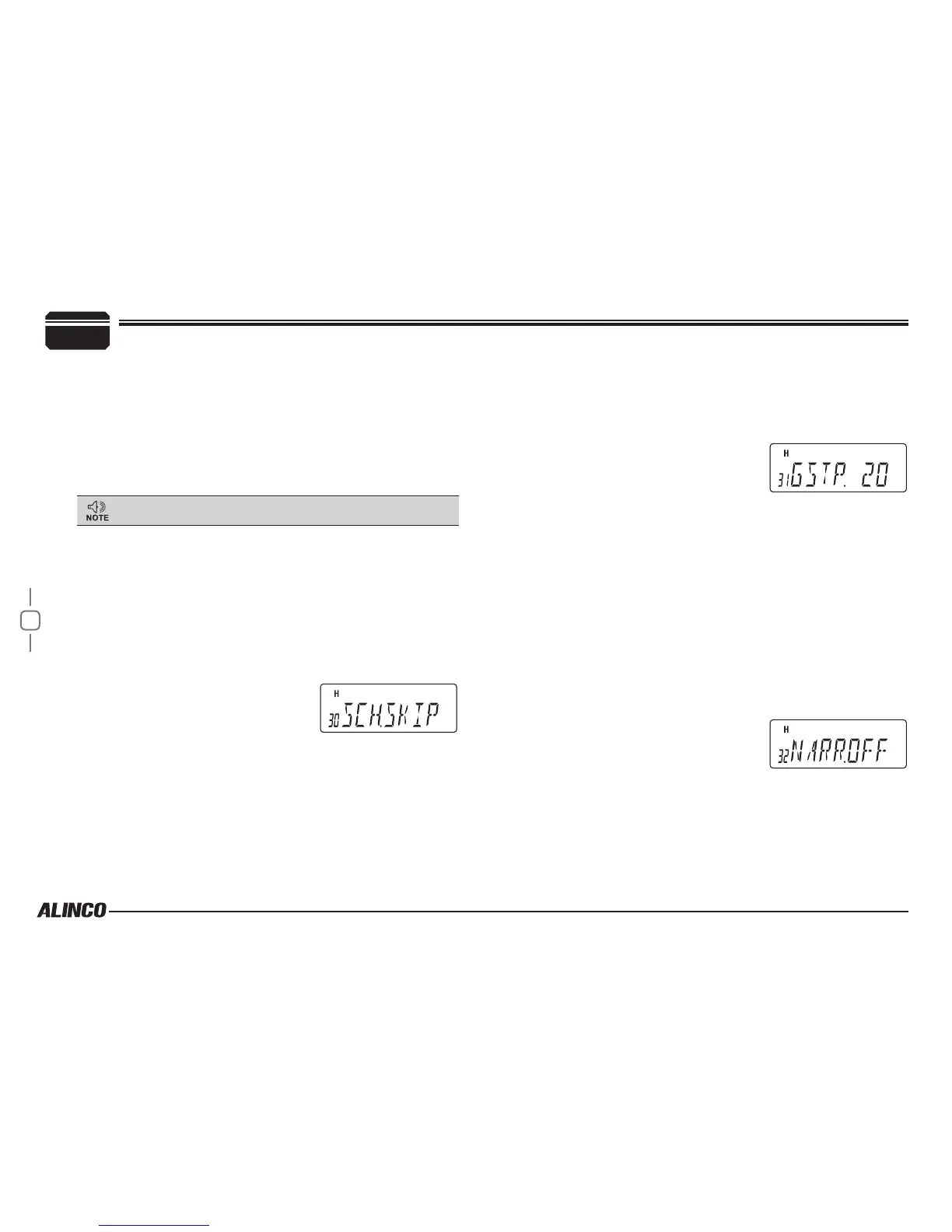
The current setting will appear on the
display.
The default setting is "SKIP".
2.
Press dial to display SET, then rotate dial or press the [UP]/[DOWN]
keys on the microphone to change the setting.
The options are as follows.
▼
SKIP: Scans excluding skip channel.
▼
ALL: Scans all memory channels regardless of skip setting.
3.
Press the dial.
The unit will go back to menu mode.
GROUP SCANNING STEP
Set the channel step for group scanning.
1.
Rotate the dial or press the [UP]/[DOWN] keys on the microphone
to display the menu number "31".
The current setting will appear on the
display.
The default setting is "20".
2.
Press dial to display SET, then rotate dial or press the [UP]/[DOWN]
keys on the microphone to change the setting.
The options are as follows.
▼
10, 20, 30, 40, 50
3.
Press the dial.
The unit will go back to menu mode.
NARROW MODE
Select the lter width according to the applied local regulations.
1.
Rotate the dial or press the [UP]/[DOWN] keys on the microphone
to display the menu number "32".
The current setting will appear on the
display.
The default setting is "OFF".
2.
Press dial to display SET, then rotate dial or press the [UP]/[DOWN]
keys on the microphone to change the setting.
The options are as follows.
▼
ON: Uses narrow mode.
▼
OFF: Conventional FM mode.
7
PARAMETER SETTING MODE


 To Next Page