32
1.
Rotate the dial or press the [UP]/[DOWN] keys on the microphone
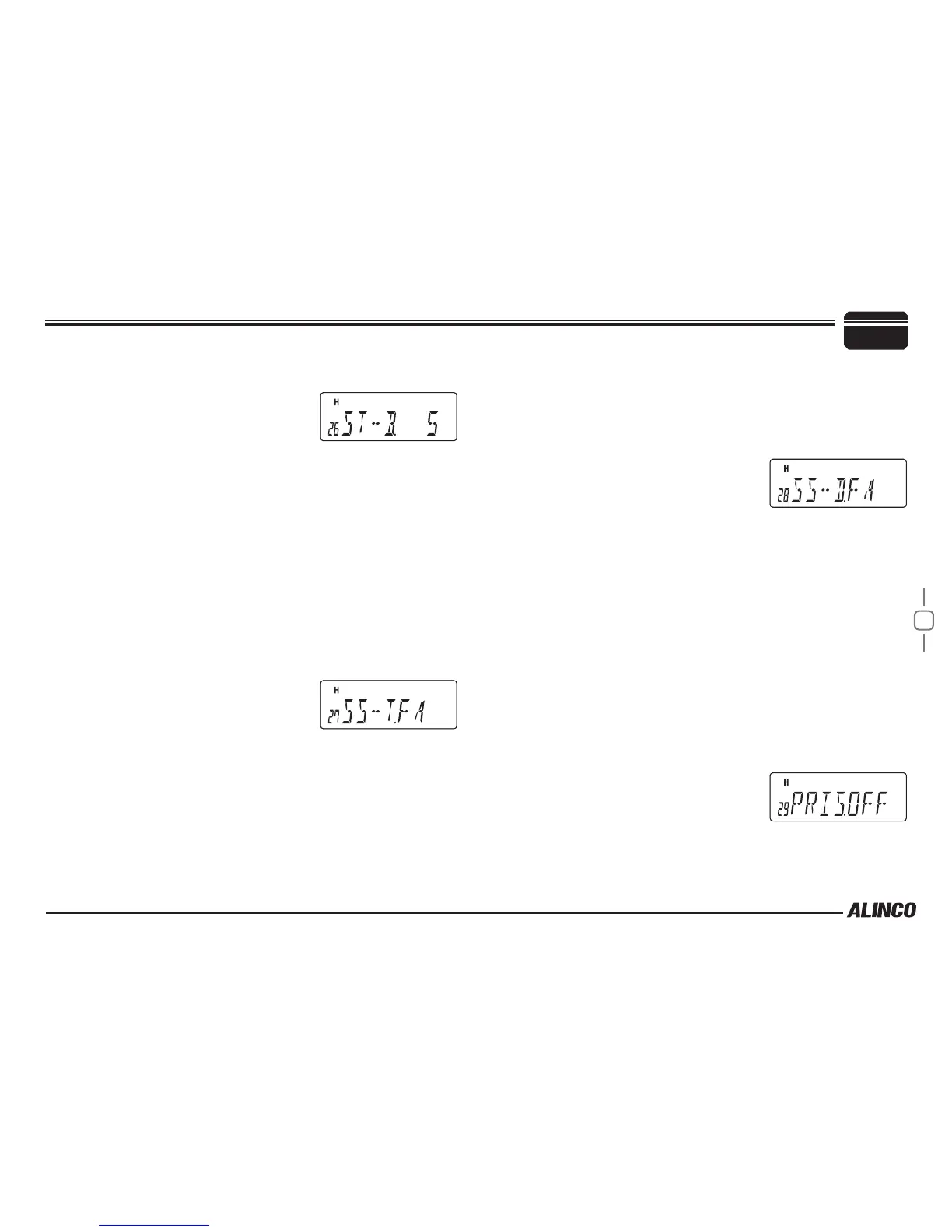
to display the menu number "26".
The current setting will appear on the
display.
The default setting is "5" (5sec).
2.
Press dial to display SET, then rotate dial or press the [UP]/[DOWN]
keys on the microphone to change the setting.
The options are as follows.
▼
OFF (0sec) to 10 (10sec) /11 steps in 1 second increments
3.
Press the dial.
The unit will go back to menu mode.
TONE SEARCH SCANNING SPEED
Set the scanning speed to search a tone frequency from the incoming
tone signal.
1.
Rotate the dial or press the [UP]/[DOWN] keys on the microphone
to display the menu number "27".
The current setting will appear on the
display.
The default setting is "FA".
2.
Press dial to display SET, then rotate dial or press the [UP]/[DOWN]
keys on the microphone to change the setting.
The options are as follows.
▼
FA: Searches fast but less accurate.
▼
SLW: Searches slowly but more accurate.
3.
Press the dial.
The unit will go back to menu mode.
DCS SCANNING SPEED
Set the scanning speed to search a DCS code from the incoming DCS
signal.
1.
Rotate the dial or press the [UP]/[DOWN] keys on the microphone
to display the menu number "28".
The current setting will appear on the
display.
The default setting is "FA".
2.
Press dial to display SET, then rotate dial or press the [UP]/[DOWN]
keys on the microphone to change the setting.
The options are as follows.
▼
FA: Searches fast but less accurate.
▼
SLW: Searches slowly but more accurate.
3.
Press the dial.
The unit will go back to menu mode.
PRIORITY SCAN SETTING
Set whether or not to check every 5 seconds whether the priority channel
receives a signal or not.
1.
Rotate the dial or press the [UP]/[DOWN] keys on the microphone
to display the menu number "29".
The current setting will appear on the
display.
The default setting is "OFF".
2.
Press dial to display SET, then rotate dial or press the [UP]/[DOWN]
keys on the microphone to change the setting.
7
PARAMETER SETTING MODE


 To Next Page