31
DTMF MONITOR
Set whether or not to output tones and tone calls output using the
automatic dialer from the speaker of the unit.
1.
Rotate the dial or press the [UP]/[DOWN] keys on the microphone
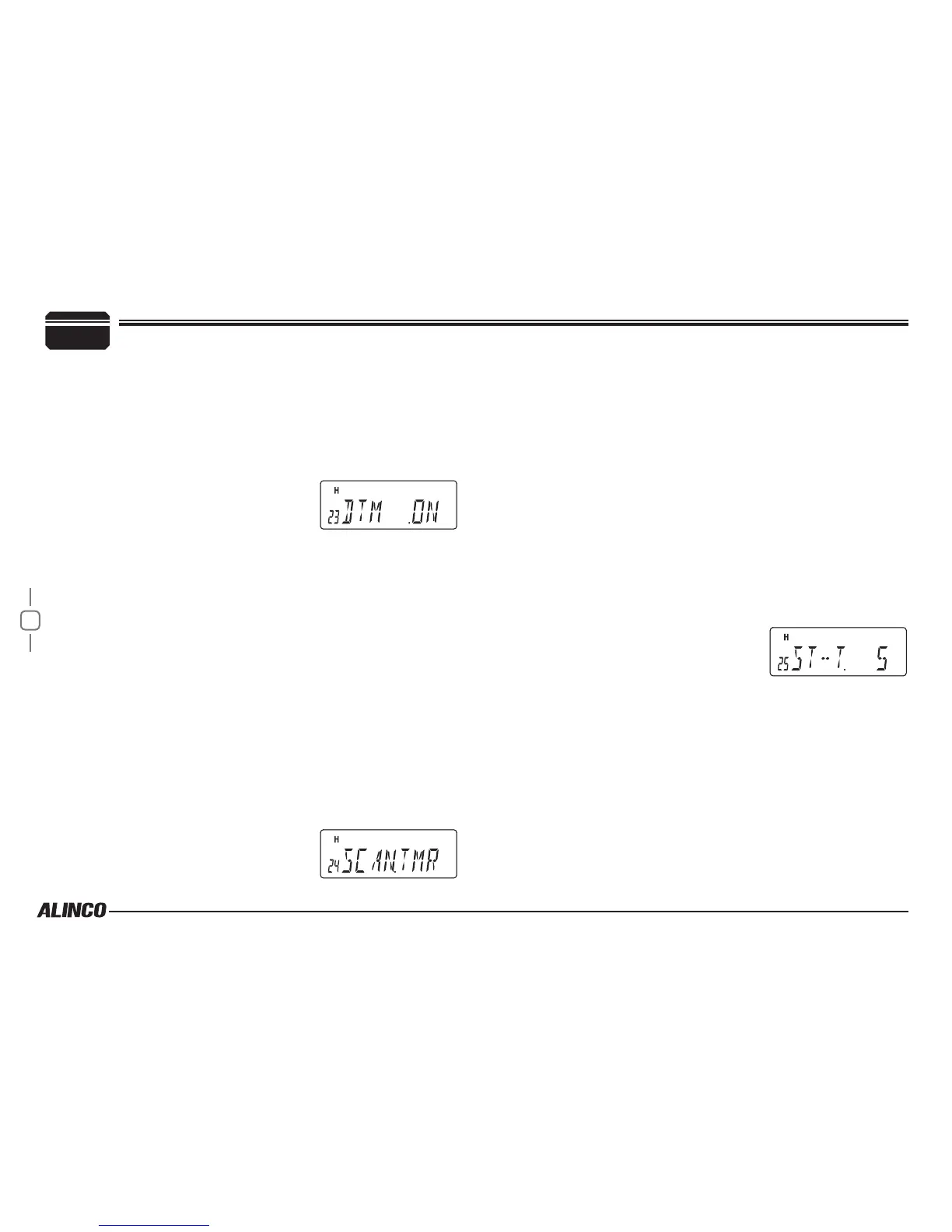
to display the menu number "23".
The current setting will appear on the display.
The default setting is "ON".
2.
Press dial to display SET, then rotate
dial or press the [UP]/[DOWN] keys on
the microphone to change the setting.
The options are as follows.
▼
ON: DTMF Tones and Call tones can be heard from the speaker.
▼
OFF: Mutes tone sounds.
This feature is applicable for autodialer only. The manual DTMF
tone encoding using EMS-57 keypad can’t be monitored.
3.
Press the dial.
The unit will go back to menu mode.
Scan Type
This is to select the scan resume condition. TIMER setting allows the
radio to resume scanning after 5 seconds, regardless of the signal
receiving status. BUSY setting resumes scanning when the received
signal is gone. The scan mode is explained later.
1.
Rotate the dial or press the [UP]/[DOWN] keys on the microphone
to display the menu number "24".
The current setting will appear on the
display.
The default setting is "TMR".
2.
Press dial to display SET, then rotate dial or press the [UP]/[DOWN]
keys on the microphone to change the setting.
The options are as follows.
▼
TMR: Activates the timer scan.
▼
BSY: Activates the busy scan.
3.
Press the dial.
The unit will go back to menu mode.
SCANNING STOP TIME -TMR
From "Switching the Scanning Type", select "Timer scan" to set the
duration of time before switching to the next channel when receiving a
signal.
1.
Rotate the dial or press the [UP]/[DOWN] keys on the microphone
to display the menu number "25".
The current setting will appear on the
display.
The default setting is "5" (5sec).
2.
Press dial to display SET, then rotate dial or press the [UP]/[DOWN]
keys on the microphone to change the setting.
The options are as follows.
▼
3 (sec) to 10 (sec)/ 8 steps in 1 second increments
3.
Press the dial.
The unit will go back to menu mode.
SCANNING STOP TIME -BSY
From “Switching the Scanning Type “, select “Busy scan” to set the
duration time before resuming the scan after stop receiving a signal.
7
PARAMETER SETTING MODE


 To Next Page