34
3.
Press the dial.
The unit will go back to menu mode.
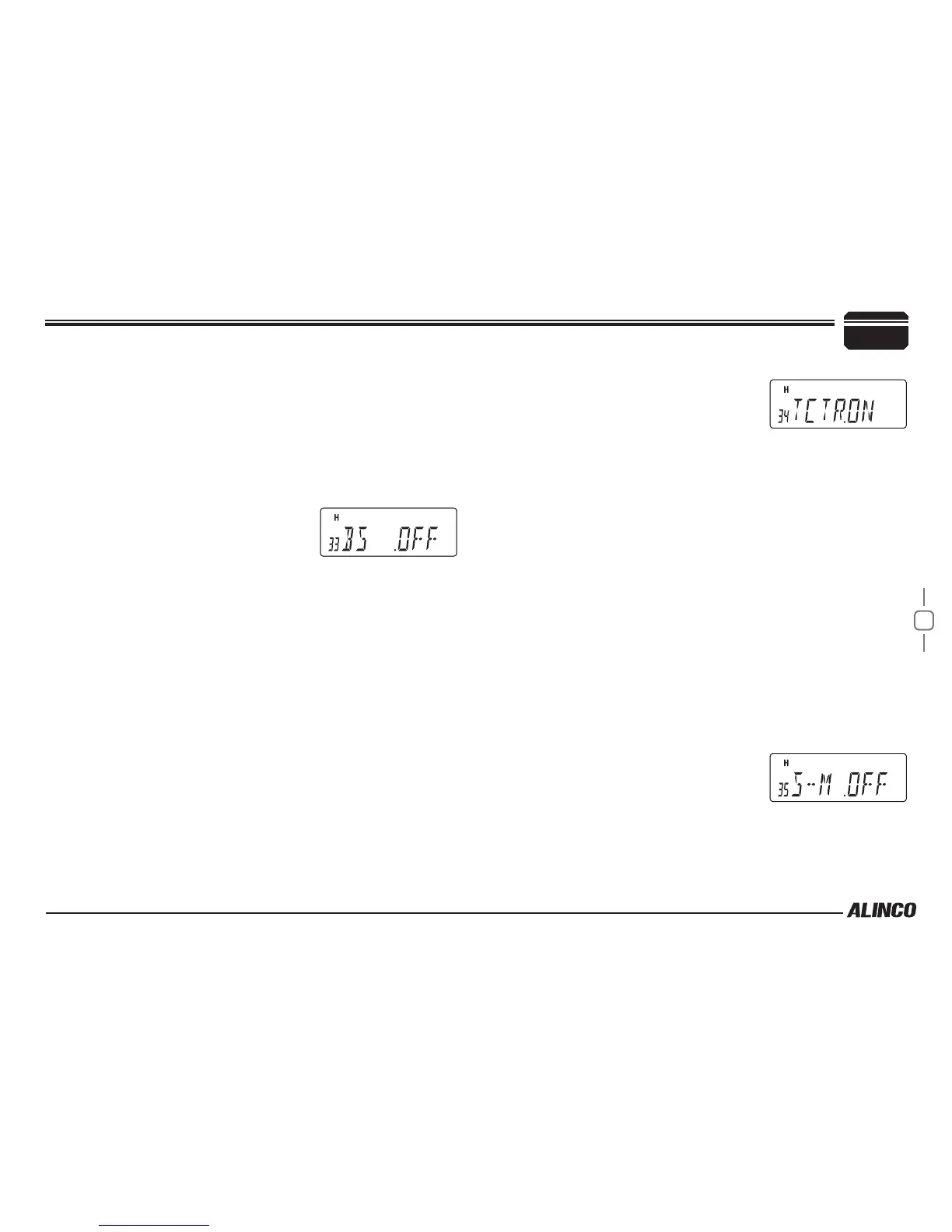
BEAT SHIFT
Set whether or not to shift the frequency when the multiple of clock
frequency is the receiving frequency. This is not a noise-canceller.
1.
Rotate the dial or press the [UP]/[DOWN] keys on the microphone
to display the menu number "33".
The current setting will appear on the
display.
The default setting is "OFF".
2.
Press dial to display SET, then rotate dial or press the [UP]/[DOWN]
keys on the microphone to change the setting.
The options are as follows.
▼
ON:
Shifts the frequency when the multiple of clock frequency is the
receiving frequency.
▼
OFF:
Does not shift the frequency even when the multiple of clock
frequency is the receiving frequency.
3.
Press the dial.
The unit will go back to menu mode.
TUNING CONTROL
Set whether or not to allow operations for the dial and [UP]/[DOWN] keys
on the microphone when the operation lock function is set.
1.
Rotate the dial or press the [UP]/[DOWN] keys on the microphone
to display the menu number "34".
The current setting will appear on the display.
The default setting is "ON".
2.
Press dial to display SET, then rotate
dial or press the [UP]/[DOWN] keys on
the microphone to change the setting.
The options are as follows.
▼
ON:
Allows to operate the dial and [UP]/[DOWN] keys on the
microphone when the operation lock function is set.
▼
OFF:
Does not allow to operate the dial and [UP]/[DOWN] keys on the
microphone when the operation lock function is set.
3.
Press the dial.
The unit will go back to menu mode.
S-METER SQUELCH
S-meter squelch determines the squelch level by the strength of
receiving signal. It replaces the conventional noise squelch and the noise
squelch level setting is disregarded while S-meter squelch is activated.
1.
Rotate the dial or press the [UP]/[DOWN] keys on the microphone
to display the menu number “35”.
The current setting will appear on the
display. The default setting is “OFF”.
2.
Press dial to display SET, then rotate
dial or press the [UP]/[DOWN] keys on the microphone to change
the setting.
7
PARAMETER SETTING MODE


 To Next Page