Publication 1756-UM001G-EN-P - January 2007
76 Develop Applications
Additional Resources
For additional information, consult the Logix5000 Controllers General
Instructions Reference Manual, publication 1756-RM003.
Monitor Connections
If communication with a device in the I/O configuration of the
controller does not occur for 100 ms or 4 times the RPI, whichever is
less, the communication times out and the controller produces these
warnings.
• The I/O LED on the front of the controller flashes green.
• A
shows over the I/O configuration folder and over the
devices that have timed out.
• A module fault code is produced, which you can access via:
– the Module Properties dialog.
– a GSV instruction.
Determine if Communication Has Timed Out with Any Device
If communication times out with at least one device (module) in the
I/O configuration of the controller, the I/O LED on the front of the
controller flashes green.
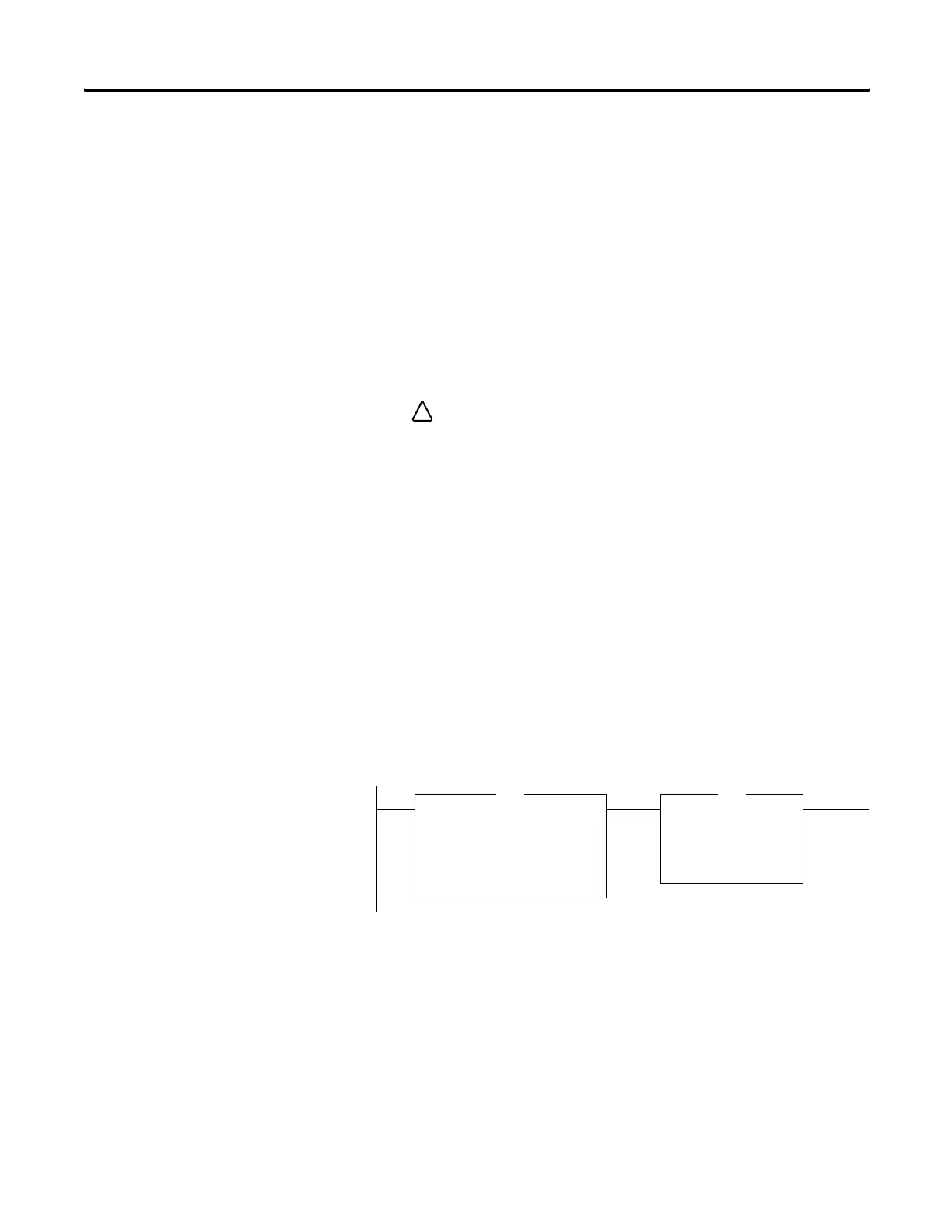
• The GSV instruction gets the status of the I/O LED and stores it
in the I_O_LED tag.
• If I_O_LED equal 2, the controller has lost communication with
at least one device.
where:
I_O_LED is a DINT tag that stores the status of the I/O LED on
the front of the controller.
!
Get System Value
CIP Object Class MODULE
CIP Object Name
Attribute Name LedStatus
Dest I_O_LED
GSV
Equal
Source A I_O_LED
Source B 2
EQU



 To Next Page
 Loading...