COPYR IG H T
200 9-2010
ALL O.CO M
-
VISIT
US
ONLIN E
AT
W W W. ALLO.C O M
30
IVR’s, voice files, VoIP Accounts etc. will be erased. Only the default settings will be
left. Please backup or print out all the settings before you approach to following steps
Important Note:
While taking backup, the voicemail and CDR data should not be in the backup file.
4.8 Firmware Upgrade
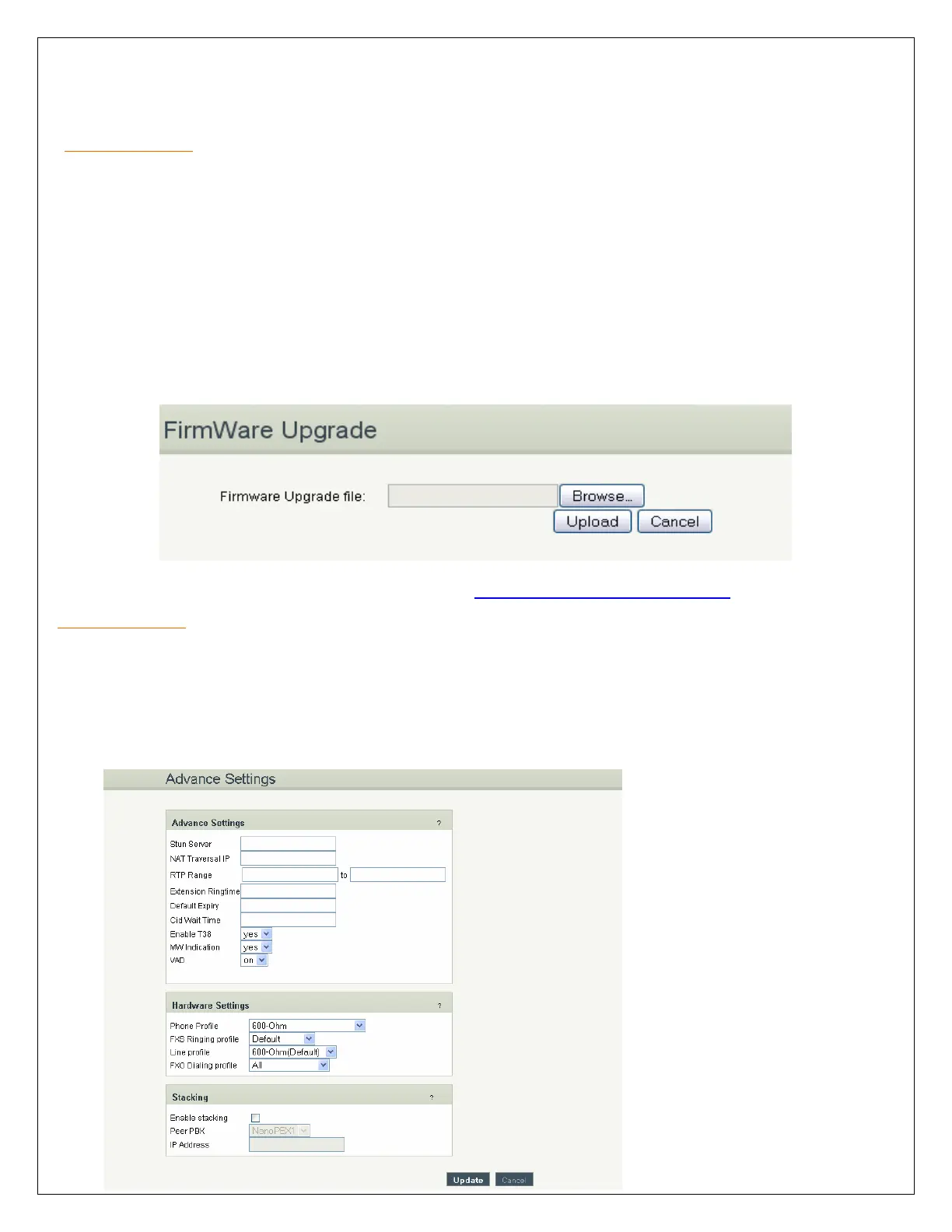
The Firmware Upgrade page allows you to update the NanoPBX with the latest release available, which
can contain key updates, added functionalities and bug fixes. When a new release is available, download
it and save to your local PC. Then, browse for the file, and click the Upload button. Now your NanoPBX
will display a Progress Screen and will prompt you when your NanoPBX is about to reboot. Let your
NanoPBX reboot, and wait for the orange LED’s to come back on.
You can always find the latest firmware from the web: http://www.allo.com/nanopbx.html
Important Note:
While upgrading the firmware, please make sure that there won’t be power or network disturbances &
also make sure to take backup of configuration if any.
4.9 Advance Settings


 To Next Page