EasyManua.ls Logo

Alpha XM2-300HP - Installing the Optional AC Indicator (ACI) Lamp

Alpha XM2-300HP
64 pages
Print Icon
To Next Page IconTo Next Page
To Previous Page IconTo Previous Page
Loading...
ACI Option



Installation Procedure:
1.
2.
3. 
4.
(this may be white, yellow, or blue) into
.
5.


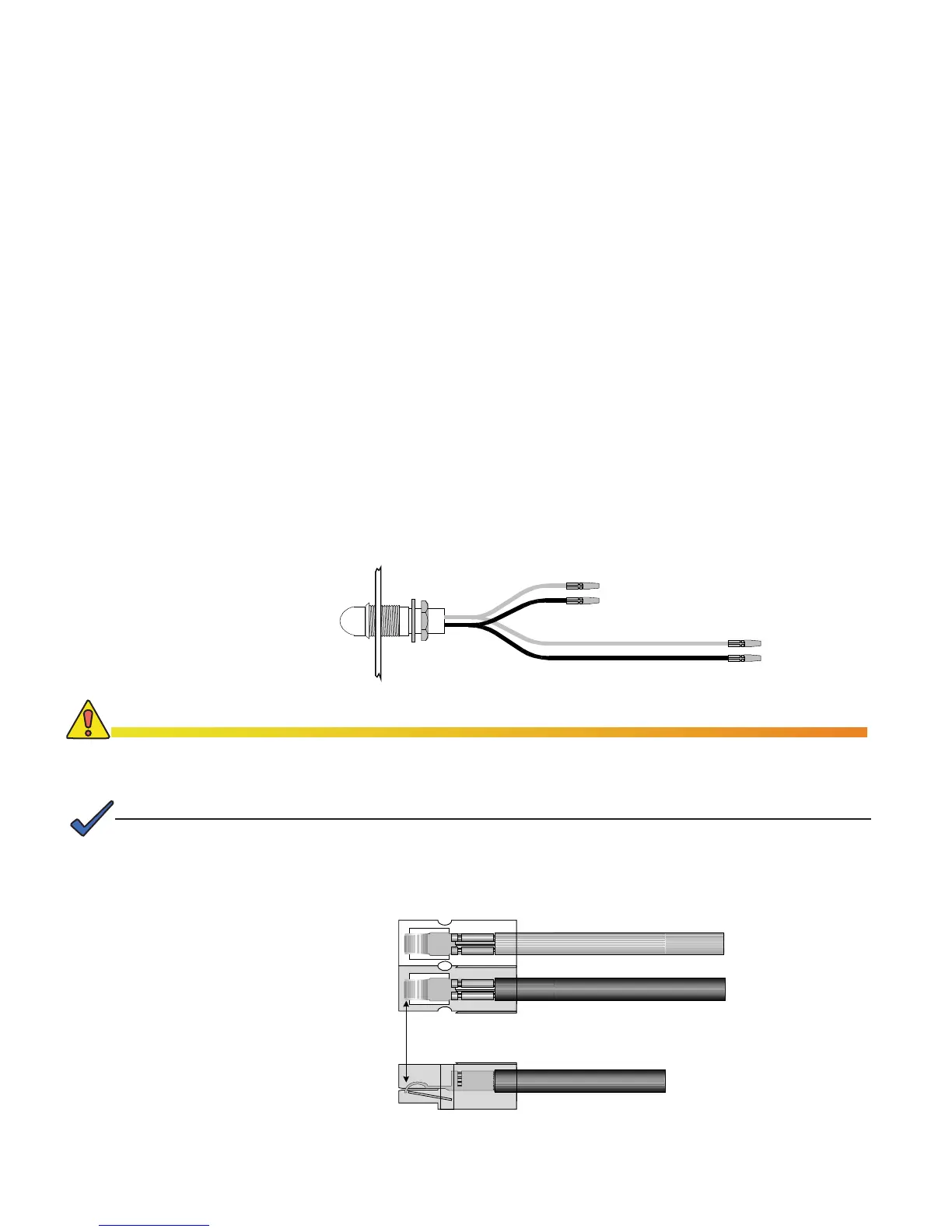
Fig. 2-1, AC Indicator
Enclosure Wall


White Housing
Black Housing
Black Wire

Verify contact snaps
over metal retainer

2.0 Installation, continued
2.2 Installing the Optional AC Indicator (ACI) Lamp
Secure the contact. If you do not properly position the contact, overheating and cable assembly
failure can result.



NOTE:
To SPI
To Output
23
017-877-B1-001 Rev. A

Table of Contents

Other manuals for Alpha XM2-300HP

Related product manuals