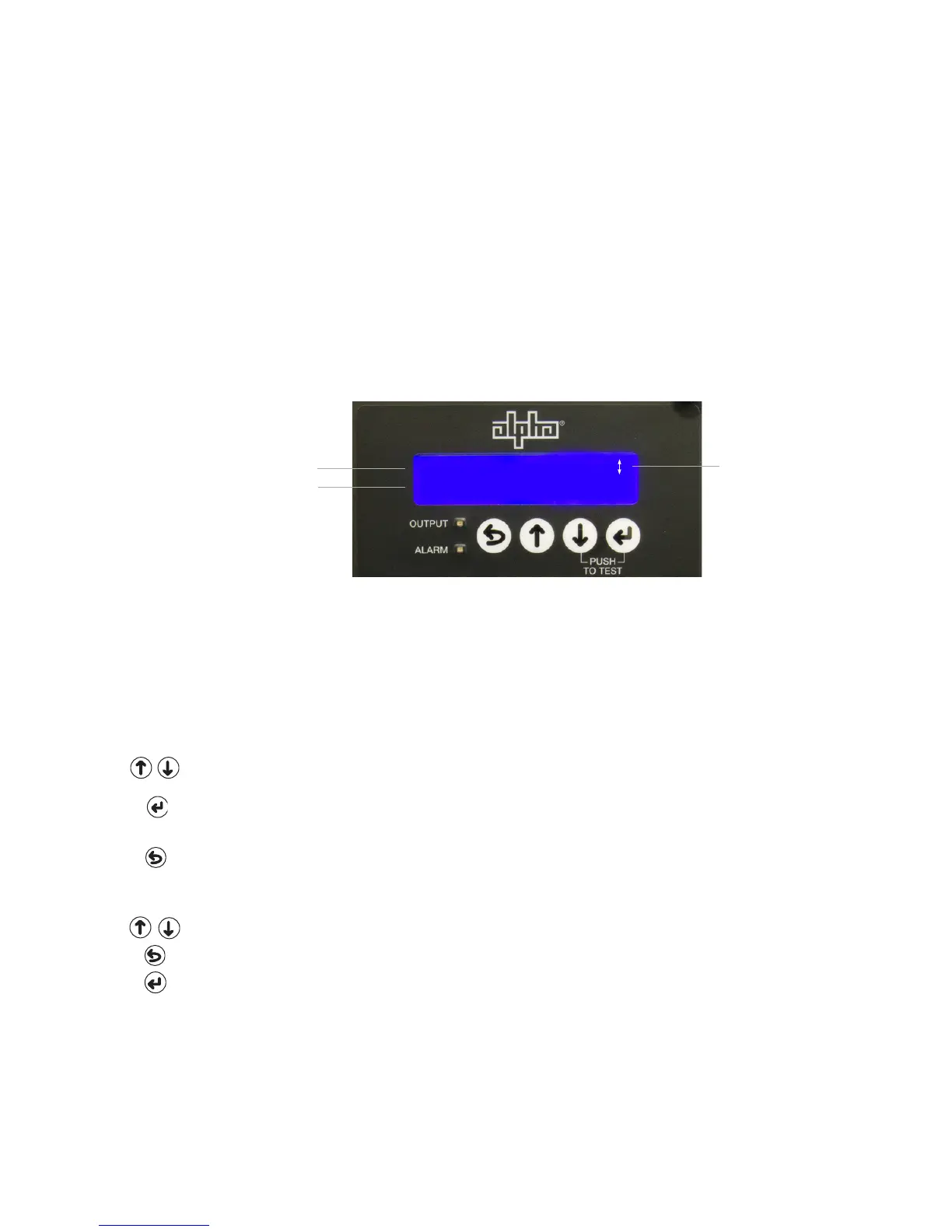
Direction Indicator Symbols
Access more menu items by pressing either the UP or DOWN
Use the ENTER key to select this function.
back to the previous menu in the display.
ESCAPE to leave this
ENTER
to save the change into memory. This type of multiple display choice is normally available in
the programming mode.
OPERATION NORMAL
OUTPUT VOLTAGE 90V
4.0 Operation, continued
4.2 Using the Smart Display, continued
Display Backlighting
The display is normally unlit. Press any key once to activate backlighting and illuminate the
Auto Scroll
The display is normally in Auto Scroll mode, continually cycling through the sub-menu items
need to press any keys.
Single Step
the sub-menu items. Press ESC to return to Auto Scroll mode.
Second Line in Display
Fig. 4-3, Smart Display Panel
Top Line in Display
Direction Indicator
Symbols
36
017-877-B1-001 Rev. A



 To Next Page