EasyManua.ls Logo

Alpha XM2-300HP - Using the Smart Display

Alpha XM2-300HP
64 pages
Print Icon
To Next Page IconTo Next Page
To Previous Page IconTo Previous Page
Loading...
UP:
Scroll up in a branch of the menu tree.

4.0 Operation, continued
4.2 Using the Smart Display
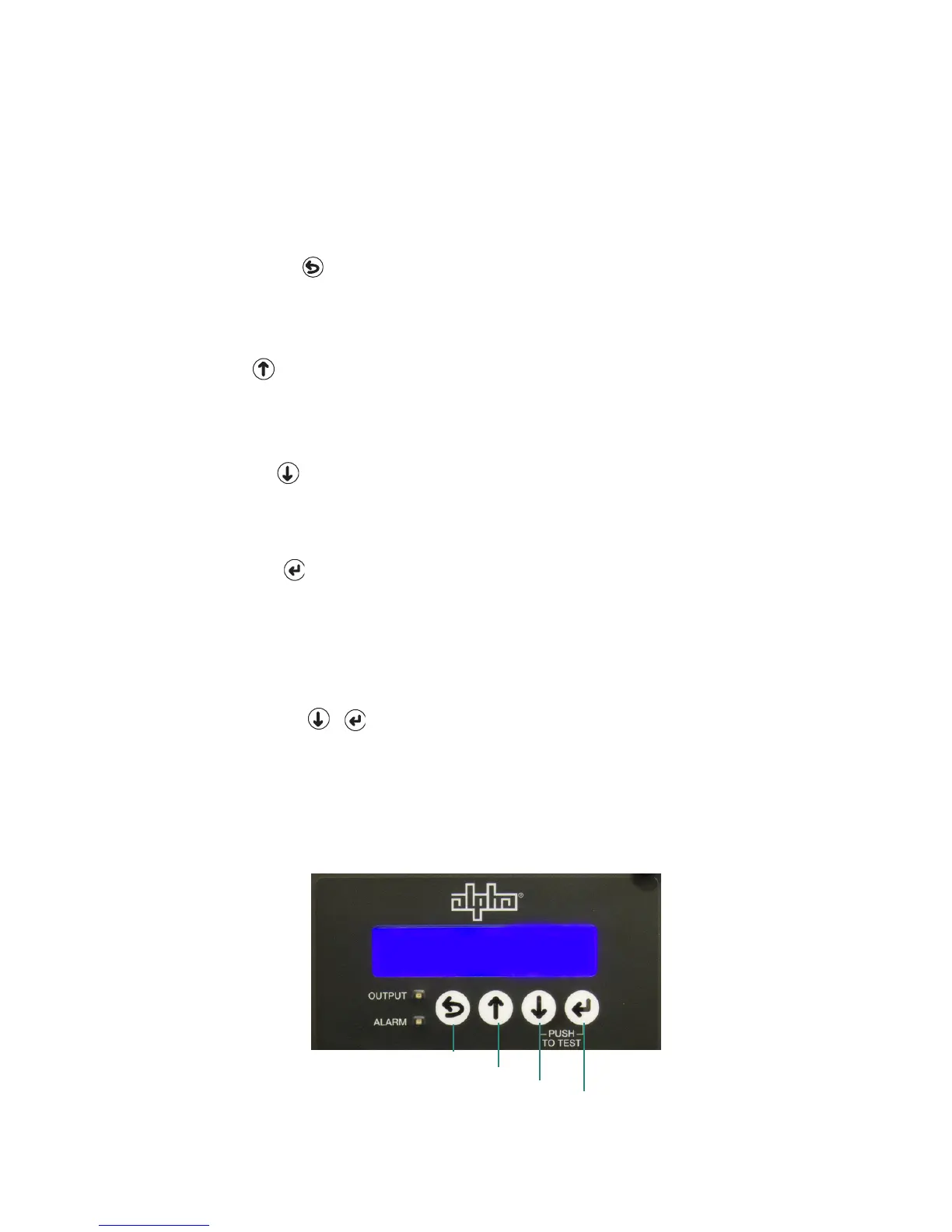
All operational functions, system testing, setup menus, and alarms are available via the
illuminated display panel on the front of the XM2-300HP. Display functions are accessible by
pressing any of the four keys: ESCAPE, UP, DOWN, and ENTER.
Descriptions of the key functions are:
ESCAPE:
Move up one level in the menu tree. 

DOWN:


ENTER:




SELF TEST: +
Press DOWN and ENTER simultaneously to manually enter a self test mode. A self test 

To cancel a self test in progress, simultaneously press DOWN and ENTER.
ENTER
OPERATION NORMAL
OUTPUT VOLTAGE 90V
UP
DOWN
ESCAPE
Fig. 4-2, Smart Display Navigation
35
017-877-B1-001 Rev. A


Table of Contents

Other manuals for Alpha XM2-300HP

Related product manuals