* Per battery
4.0 Operation, continued
4.3 Smart Display modes for XM2-300HP, continued
4.3.3 Setup Menu, continued
SET UP MENU
TO MANUAL SCROLL
<ESC> TO COMMS INFO
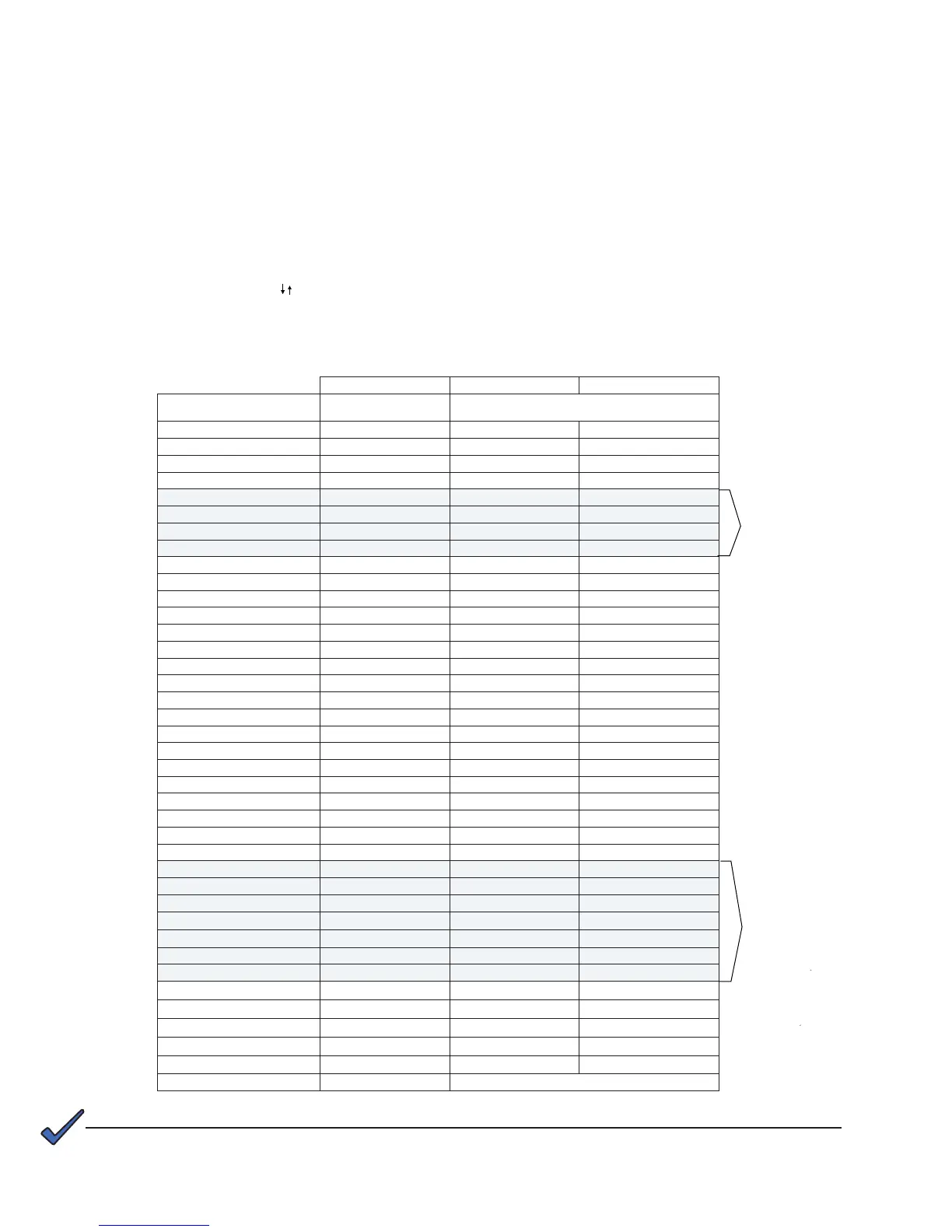
See Section 4.7 Smart Display Glossary for descriptions of setup menu parameters.
NOTE:
Default Minimum Maximum
Other Battery Types Other
If AlphaCell™ is selected then user
Device Address 1 0 7
Battery 1 Life 5 0 10
80% 10 60
60% 20 100
Temp Comp
Batt. Capacity* 100 AH 0 1000 AH
Battery 1** Date
Battery 1 MHOS 1050 S 0 S 9999 S
MHO 1 Date
Battery 1 Life
Battery 1 Age 0
80% 20% 80%
60% 20% 80%
Standby Time 0 0 65335
Standby Events 0 0 65335
Total Runtime 0 0 65335
Self Test Off Off
Test Interval 30 Days 0 Days 360 Days
Test Inhibit — 7 Days 7 Days
Discharge % 00% 00% 50%
Test Duration 10 Min 5 Min 180 Min
30 Days 0 Days 360 Days
PIM Option
Reset Output 1 — No
Reset Output 2 — No
Over Curr1 5.0 A 3.0 A 6.0 A
Over Curr2 5.0 A 3.0 A 6.0 A
Retry Delay 300 Sec 60 Sec 600 Sec
Retry Limit 10 0 10
Over Curr Tol 60s 0s 255s
System Fan No No
PS Priority High Normal Critical
Technician ID 123 000 999
Input I Limit 6.0 A 1.0 A 6.0 A
Set Defaults — No
Language English
These items
appear in the setup
menu only
if battery type
Other is selected.
They are preset
if AlphaCell™ is
selected.
These items
appear in the setup
menu only
if the optional
PIM is installed.
40
017-877-B1-001 Rev. A



 To Next Page