MTX-30F Push Installation & Operation Guide Page 19
Data Management
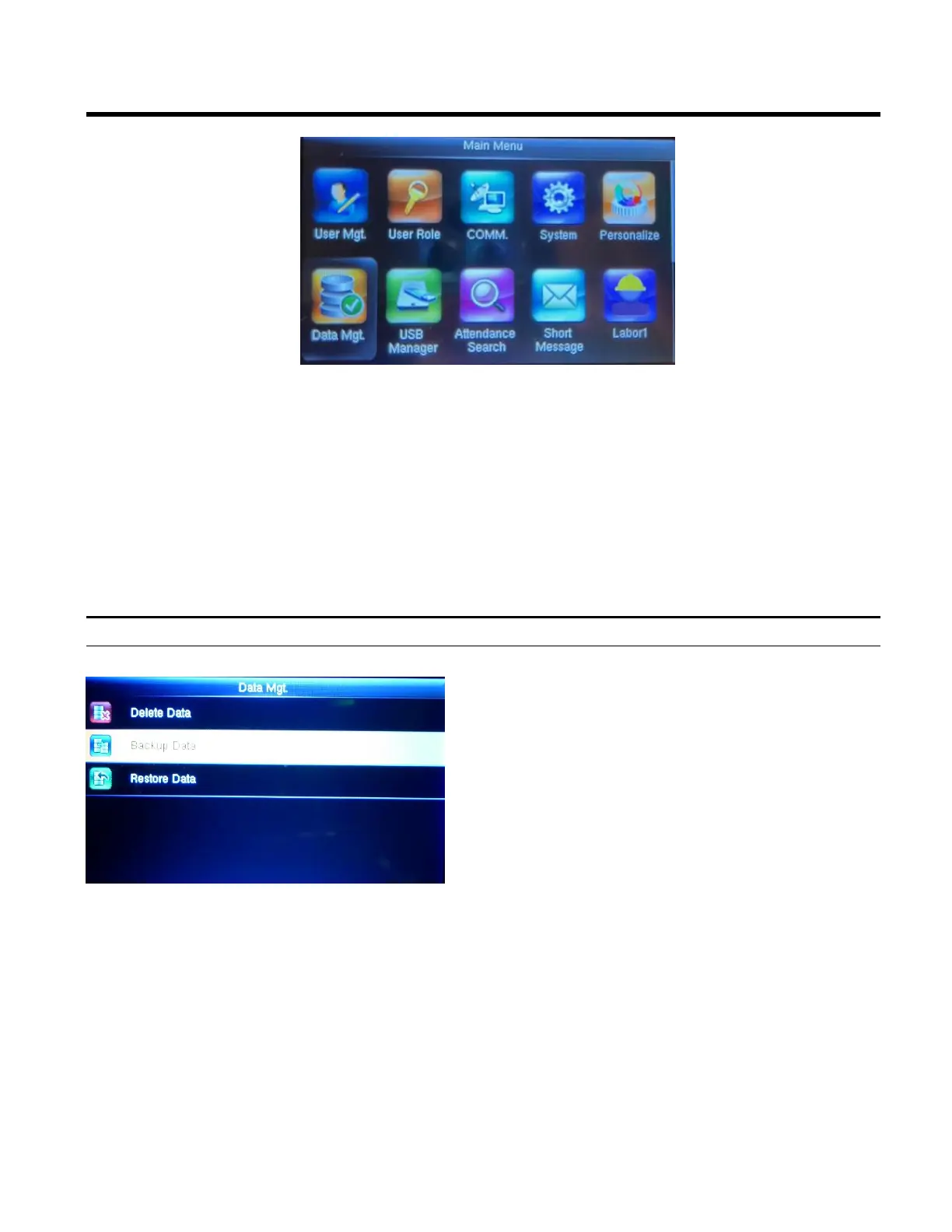
1. Press the Menu button to display the Main Menu.
2. Using the arrows highlight the Data Mgt. icon and then press OK.
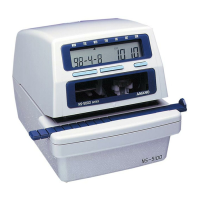
Backup Data
1. Highlight Backup Data and press OK.
2. Next click on (Option 1) Backup to Device
3. Select the content you want to backup.
(business data and/or system data)
4. Select Backup Start
(Option 2) Backup to USB disk -This will
enable Backup to a USB Disk in a fashion
similar to the operations performed to “Backup
to Device”.
If the USB is not properly inserted the screen
will read “Error – Failed to Read USB Disk”. If
this happens change the USB or try to reinsert it
properly.



 To Next Page