MTX-30F Push Installation & Operation Guide Page 25
System Information
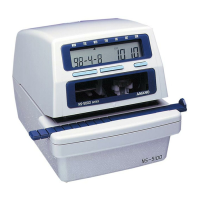
Device Capacity
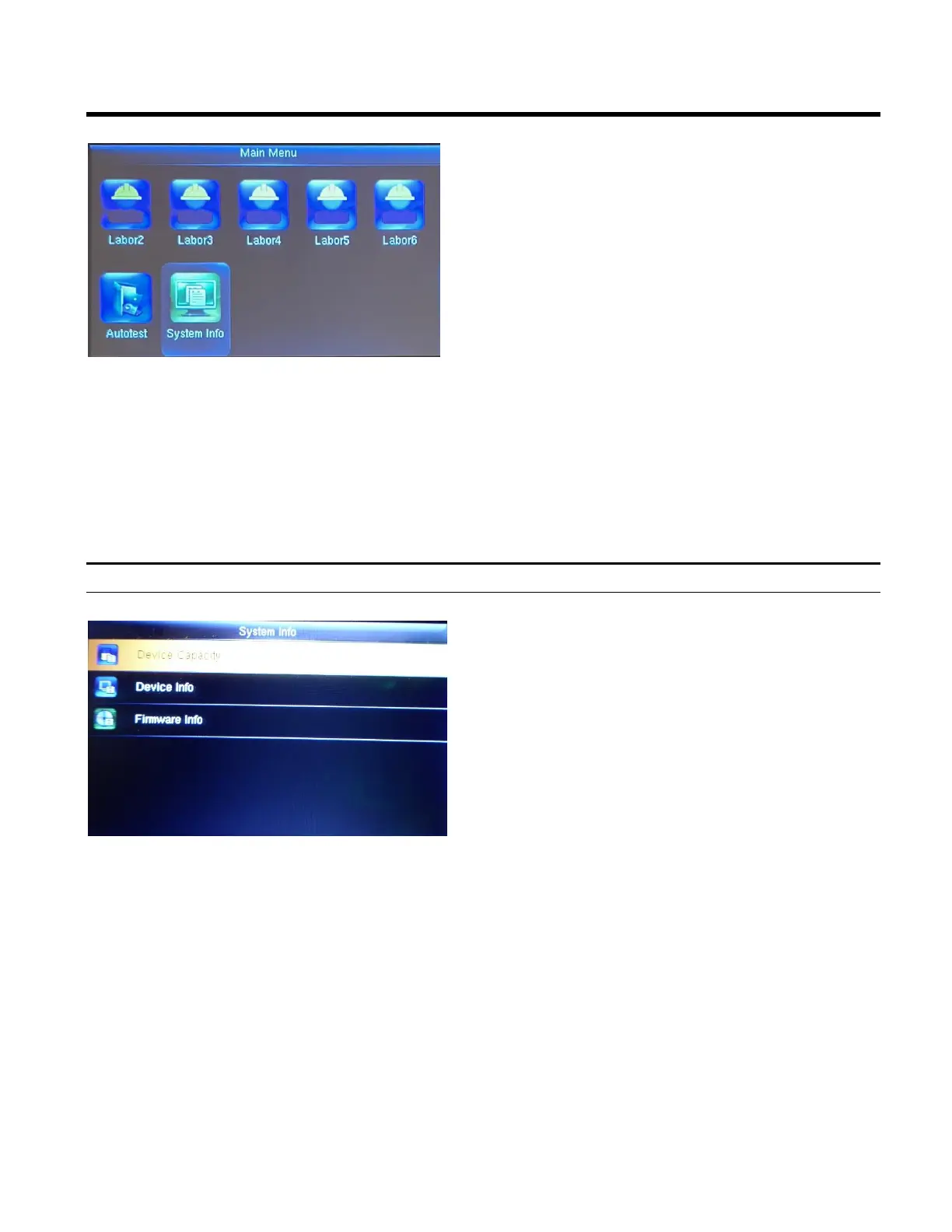
1. Press the Menu button to display the Main
Menu.
2. Using the arrows scroll down until the System
Info icon is highlighted and then press OK
Highlight Device Capacity and press OK.
From this screen you can see the following
information:
• Number of Users that are enrolled
• Number of Admin Users
• Number of Passwords
• Total Fingerprint storage capacity/occupied
capacity (used/max)
• Number of Badges/ID cards (used/max)
• Attendance capacity (used/max)
• Number of User Photos (used/max)



 To Next Page