MTX-30F Push Installation & Operation Guide Page 24
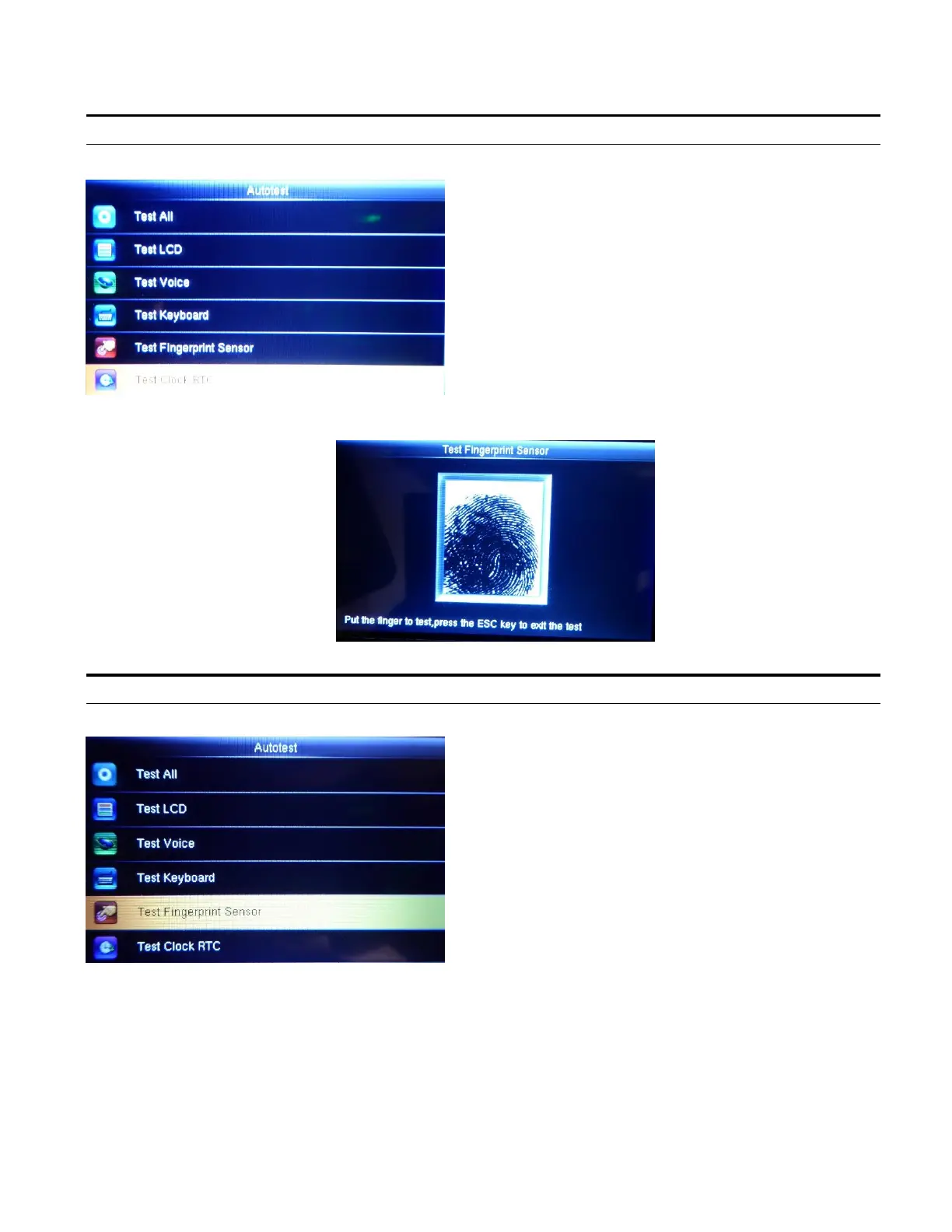
Test Fingerprint
Highlight Test Fingerprint Sensor and press OK.
Here you can test the quality of the image.
Place your Finger on the sensor to test.
Test Clock RTC
Highlight Test Clock RTC and press OK.
The terminal tests whether its clock works
properly by checking the stopwatch of the clock.
Press OK to start the stopwatch counting, and
press OK again to stop the clock and check
whether the counting is accurate.
Press ESC to exit the test and return to the
Autotest main screen.



 To Next Page