EasyManua.ls Logo

Amano MX-300 - User Manual

Amano MX-300
90 pages
Print Icon
To Next Page IconTo Next Page
Loading...
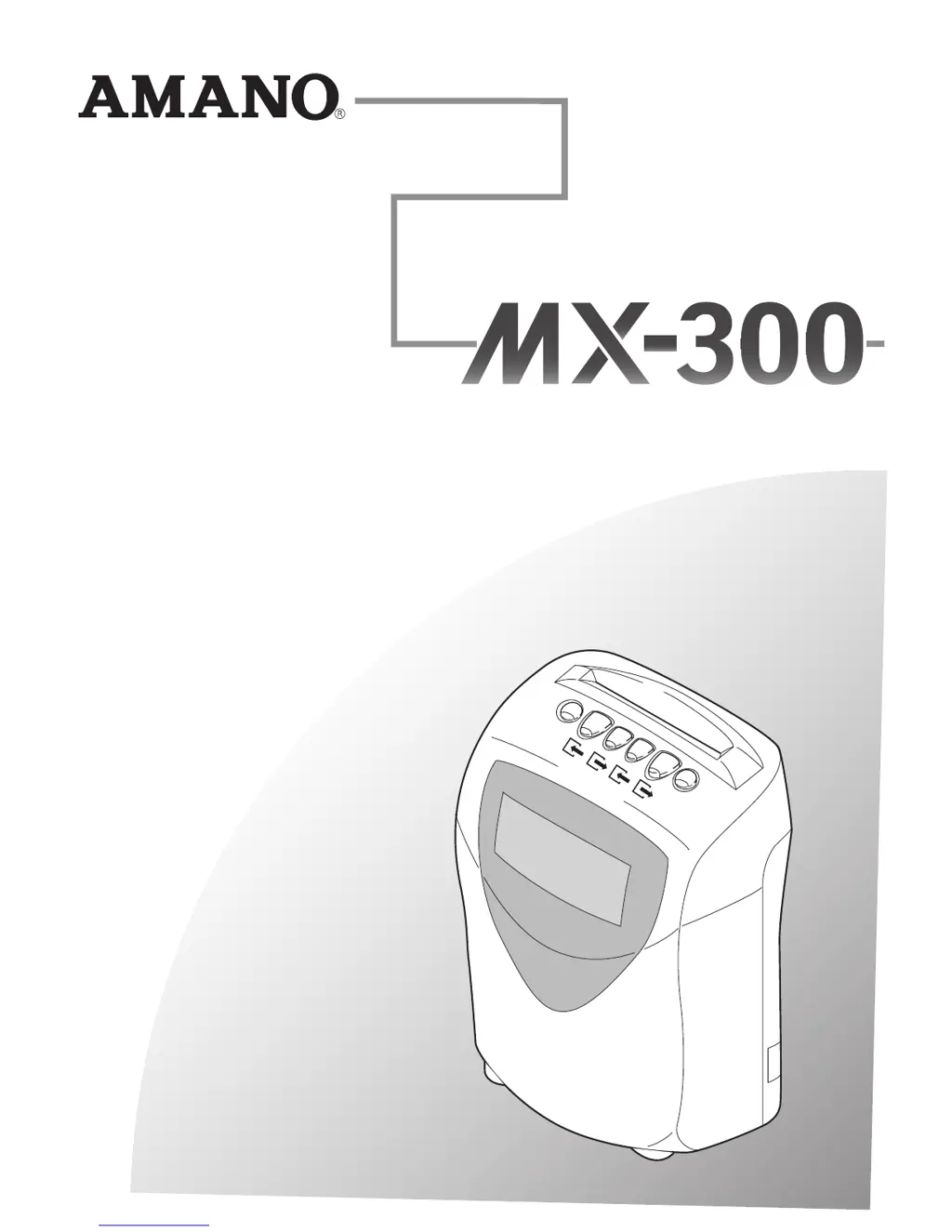
Calculating Time Recorder
Operation Manual

Table of Contents

Questions and Answers

Summary

IMPORTANT SAFETY OPERATION

WARNING

Warnings about potential death or serious injury from misuse of the MX-300.

CAUTION

Cautions regarding personal injury or damage from misuse of the MX-300.

POWER RELATED PRECAUTIONS

Precautions concerning power supply and connection for safe operation.

GETTING THE MOST OUT OF YOUR MX-300

Calculate Work Hours

Explains how the MX-300 calculates work hours for different employee types.

Calculating Work Hours for Hourly Workers with Open Shift

Explains work hour calculation for hourly workers with flexible shifts and overtime thresholds.

PROGRAMMING THE MX-300 BEFORE YOU USE IT

BASIC PROGRAMMING

Initial programming steps for time, date, and pay periods.

Time Setting

Procedure to set or adjust the MX-300's internal clock.

Date Setting

Procedure to set or adjust the MX-300's calendar date.

PROGRAMMING FOR REGULAR EMPLOYEES

Time Rounding

Setting the unit for rounding IN, OUT, and personal errand times.

Shift Beginning and End Times

Defining the standard work hours for regular employees.

PROGRAMMING FOR HOURLY WORKERS WITH FIXED SHIFT

Fixed Shift Time Zone for Hourly Workers

Defining specific time zones for hourly workers on fixed shifts.

Breaks for Hourly Workers with Fixed Shifts

Configuring scheduled breaks for hourly workers with fixed shifts.

PROGRAMMING FOR HOURLY WORKERS WITH OPEN SHIFT

The Number of Regular Hours

Setting standard hours before overtime is calculated for open shift workers.

Breaks for Hourly Workers with Open Shifts

Configuring scheduled breaks for hourly workers with open shifts.

TROUBLESHOOTING

Error Codes

Information on error codes and their meanings.

Error Code Tables

Detailed tables listing error codes and solutions.

SPECIFICATIONS

Amano MX-300 Specifications

General IconGeneral
Time Format12/24 hour
Battery BackupYes
Mounting TypeWall Mount
TypeTime Clock
DisplayDigital
MountingWall

Related product manuals