27
PROGRAMMING FOR REGULAR EMPLOYEES
You can use Programming Cards for Regular Employees 3 and 4 to do the following:
How to Use Programming Cards for Regular Employees 3 and 4
Configurable/Adjustable Items:
PROGRAMMING CARD FOR REGULAR EMPLOYEES #3: ①Rounding Unit, ② Shift
Beginning and End Time, ③ Overtime Beginning Time, ④ Midnight Shift Beginning and End Time
PROGRAMMING CARD FOR REGULAR EMPLOYEES #4: Scheduled (Fixed) Breaks (up to
four breaks possible)
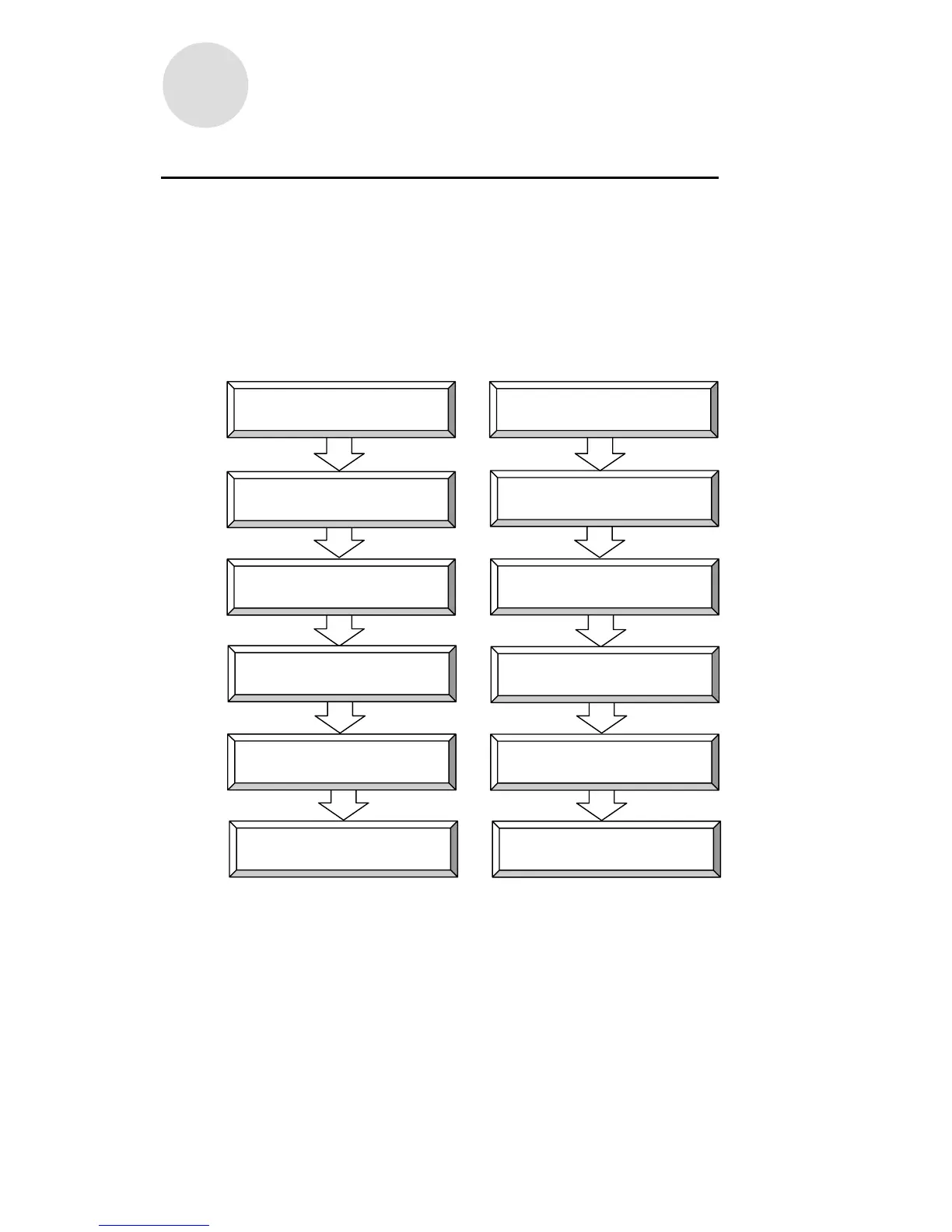
For example, if you want to go from item ① to item ②, simply press NEXT (button ⑥).
① ①
② NEXT (button ⑥) ② NEXT (button ⑥)
③ NEXT (button ⑥) ③ NEXT (button ⑥)
④ NEXT (button ⑥) ④ NEXT (button ⑥)
END (button ⑥) END (button ⑥)
Insert programming card
Shift Time Zone
Rounding Unit
Insert programming card
Overtime Beginning Time
#3 Fixed Break Time Zone
Midnight Shift Time Zone
#4 Fixed Break Time Zone
Exit Exit
#2 Fixed Break Time Zone
#1 Fixed Break Time Zone
PROGRAMMING CARD FOR REGULAR
EMPLOYEES #3 (FRONT)
PROGRAMMING CARD FOR REGULAR
EMPLOYEES #4



 To Next Page