34
How to Adjust the Rounded Unit for Time Rounding
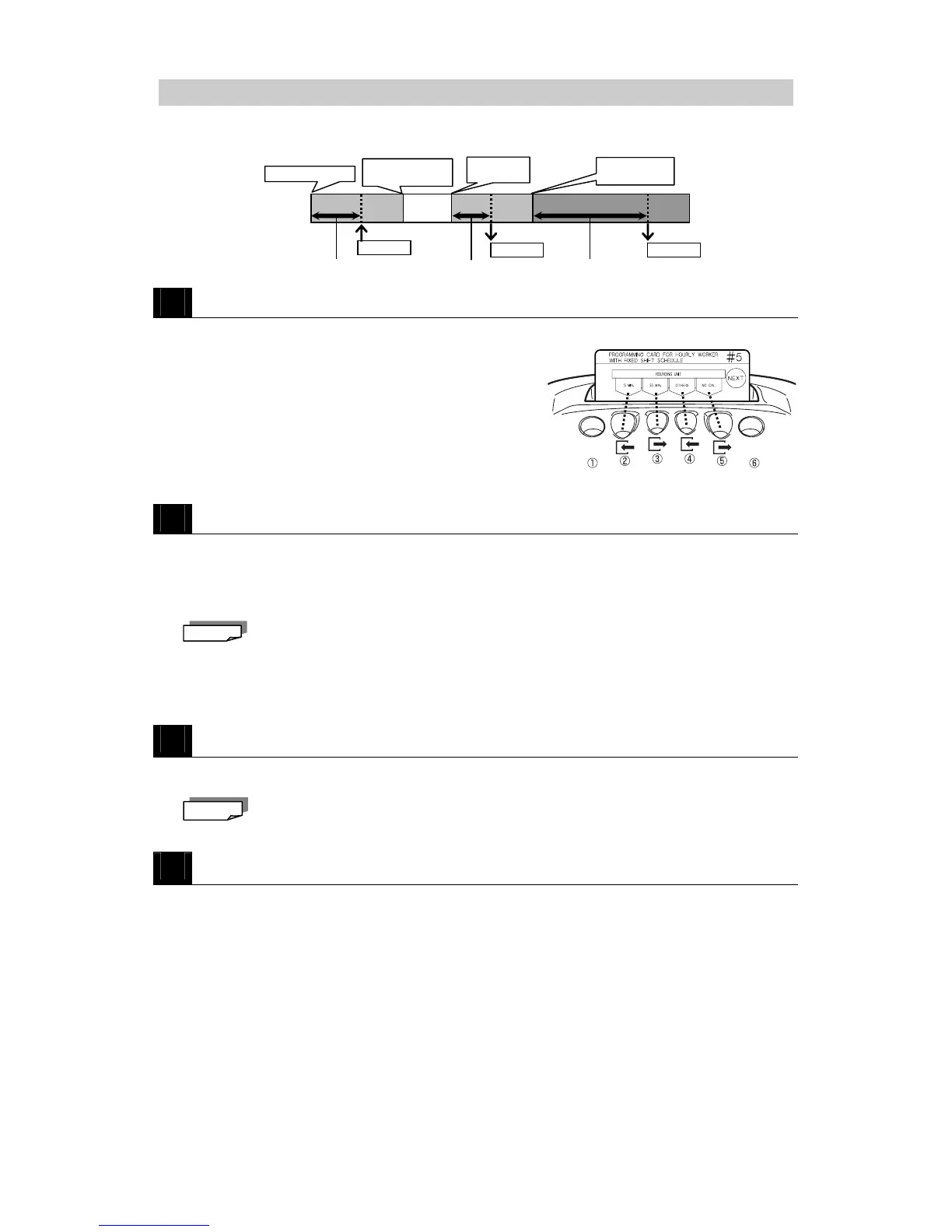
The "rounding unit" is used to round off the IN, OUT and Out-for-Personal-Errand times for
calculation of work hours on a daily basis.
1
Insert PROGRAMMING CARD FOR HOURLY WORKERS WITH FIXED SHIFT #5.
The card is automatically scrolled to the ROUNDING UNIT position.
2
Adjust the rounding unit.
・Press 15 MIN (button ②) to configure the rounding unit to 15 minutes.
・Press 30 MIN (button ③) to configure the rounding unit to 30 minutes.
・Press OTHER (button ④) to scroll through all the options (1, 5, 10, 15, 20, 30 and 60) until you
reach the desired setting.
Keep OTHER pressed to speed scroll. (Only available for the OTHER button.)
・Press NO CAL (button ⑤ ) to unconfigure this setting (display = "0"). Time will not be
totaled, but the MX-300 will automatically locate and move to the corresponding
printing position (Auto-Column-Shifting function remains enabled).
3
Press NEXT (button ⑥).
・The Rounding Unit setting is confirmed then the card is scrolled to the next setting (B Time Zone
Beginning Time).
If NO CAL is selected, then all the settings covered up to page 36 will be disabled.
4
Press NEXT (button ⑥) two times and then press END (button ⑥) to exit.
・The programming card is ejected and the current time is displayed.
Note
Note



 To Next Page