33
PROGRAMMING FOR HOURLY
WORKERS WITH FIXED SHIFT
··················
The following settings are only valid if HOURLY WORKERS WITH FIXED SHIFT is selected
as the calculation mode. (Refer to "How to Change the Calculation Mode" Ö Page 22.) (If
HOURLY WORKERS WITH OPEN SHIFT is selected as the calculation mode, then the settings
in this section will be disabled.)
You can use Programming Cards for Hourly Workers with Fixed Shift 5 and 6 to do the following:
How to Use Programming Cards for Hourly Workers with Fixed Shift 5 and 6
Configurable/Adjustable Items:
PROGRAMMING CARD FOR HOURLY WORKERS WITH FIXED SHIFT #5:
①Rounding Unit, ② Fixed Shift Time Zones
PROGRAMMING CARD FOR HOURLY WORKERS WITH FIXED SHIFT #6:
Fixed Breaks for Hourly Workers with Fixed Shift
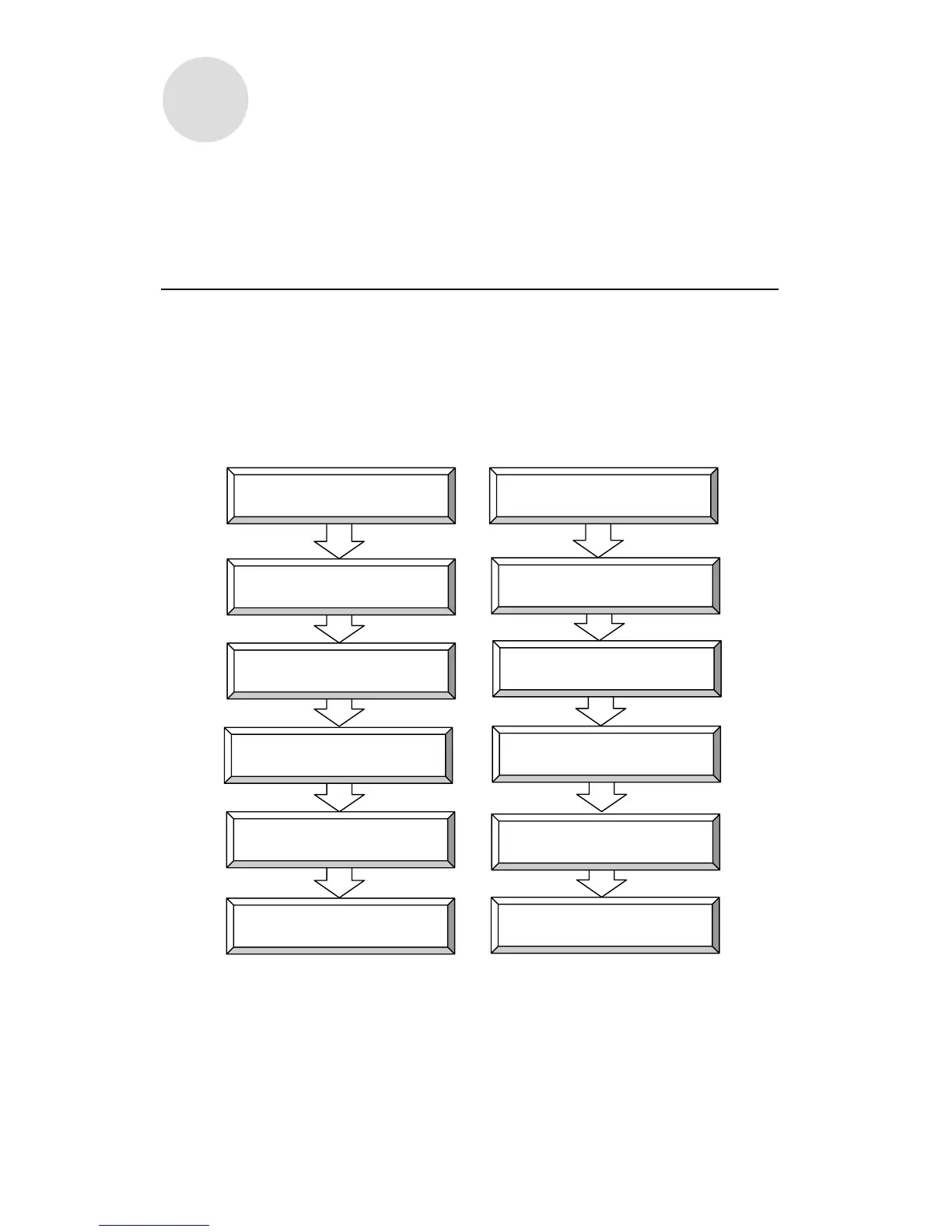
For example, if you want to go from item ① to item ②, simply press NEXT (button ⑥).
① ①
② NEXT (button ⑥) ② NEXT (button ⑥)
③ NEXT (button ⑥) ③ NEXT (button ⑥)
④ NEXT (button ⑥) ④ NEXT (button ⑥)
END (button ⑥) END (button ⑥)
Insert programming card
B Time Zone
Rounding Unit
Insert programming card
C Time Zone
#2 Fixed Break Time Zone
#3 Fixed Break Time Zone
#4 Fixed Break Time Zone
Exit
Exit
D Time Zone
PROGRAMMING CARD FOR HOURLY
WORKERS WITH FIXED SHIFT #5



 To Next Page