8
PROGRAMMING THE MX-300 BEFORE YOU USE IT
The MX-300 can be programmed to perform calculations according your configurations.
Use to the MX-300 Programming Sheets found on pages 75 and 76 when configuring the MX-300 to your
operations.
Also, please configure all prerequisite settings as instructed below:
When adjusting these settings, be sure to make the changes when no one is clocked in. (If you change
these settings when one or more employees is clocked it, it may affect their totals.)
Insert BASIC PROGRAMMING CARD #1 (front side).
("How to Insert a Card" → page 44)
<BASIC PROGRAMMING>
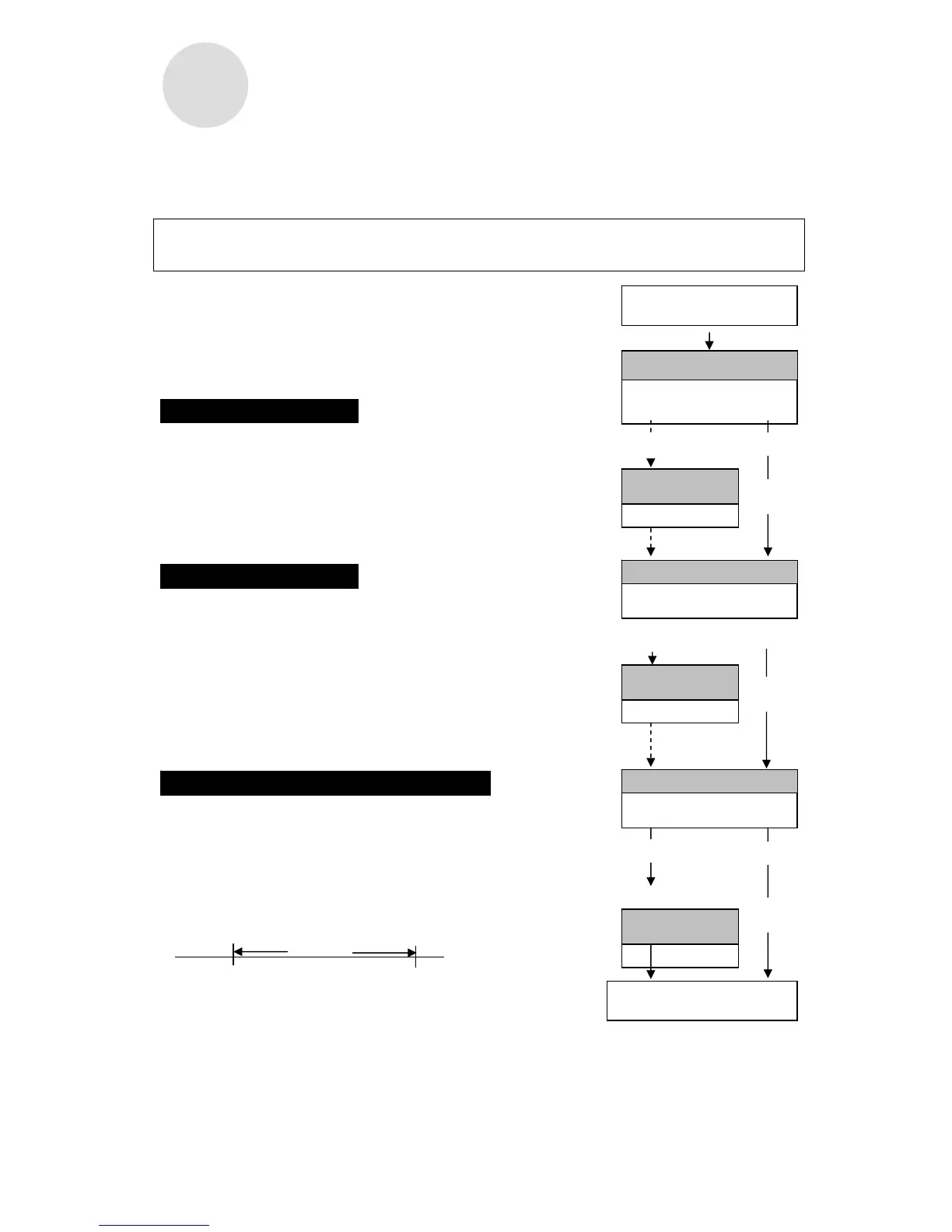
The MX-300's clock is adjusted to the current time when
it is shipped. Press Next (button h) to continue onto the
next setting. (If the clock is off, adjust it to the current
time.)
The MX-300's calendar is adjusted to the current date
when it is shipped. Press Next (button h) to continue
onto the next setting. (If the calendar is off, adjust it to
the current date.)
The MX-300 calculates the monthly, Weekly and
Bi-Weekly periods from the day after the Pay Period
Ending Date to the Pay Period Ending Date of the next
period.
Example: If the Pay Period Ending Date is set to the 20th.
One month
21st 20th (Pay Period Ending Date)
Pay Period Type and Ending Day/Date
Monthly, End of month
Factory Setting
Adjust
Don't adjust
"
How to Adjust the Pay
Period Endin



 To Next Page