16
BASIC PROGRAMMING ··························
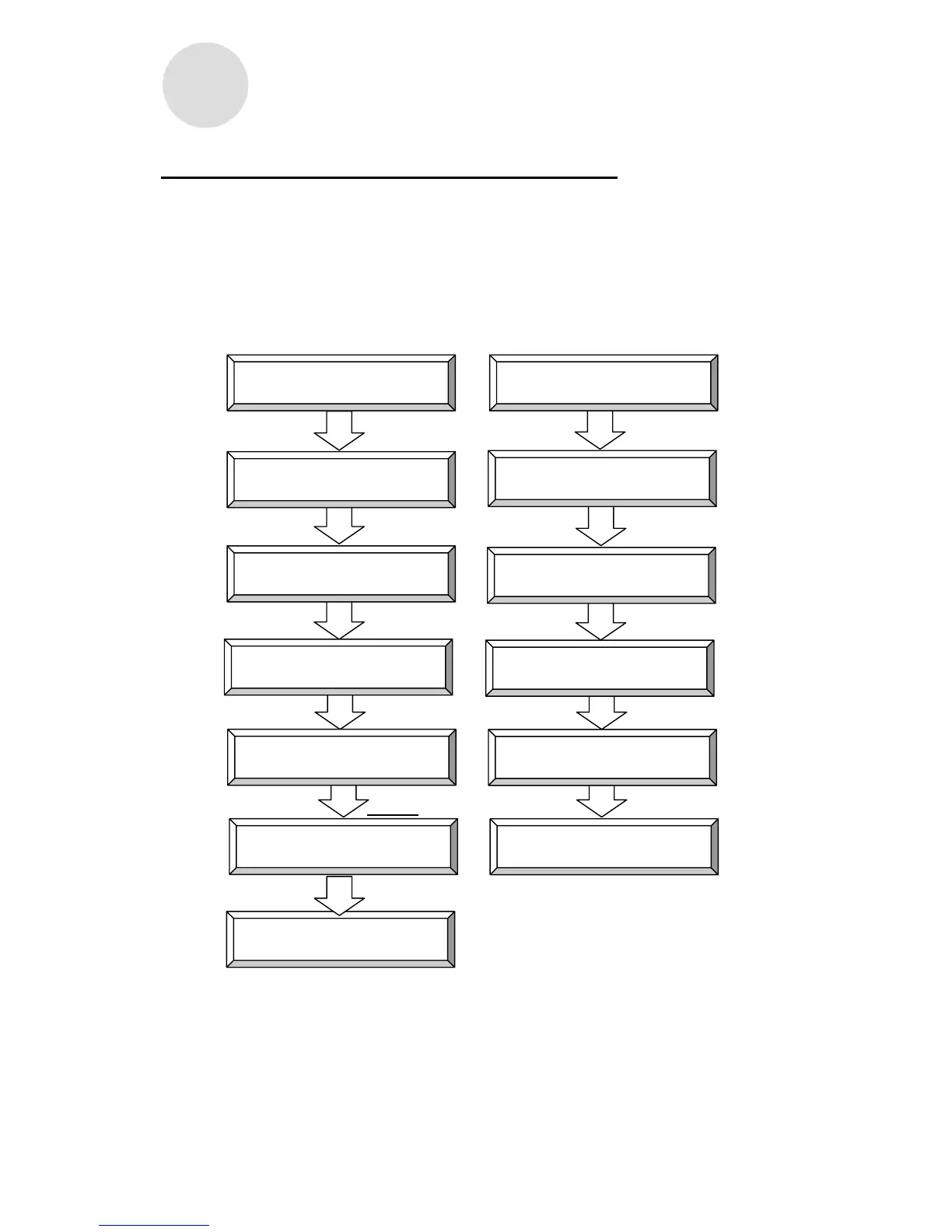
You can use Basic Programming Cards 1 and 2 to do the following:
How to Use Basic Programming Cards #1, #2 and #8
Configurable/Adjustable Items:
BASIC PROGRAMMING CARD #1: ① Time Settings, ② Date Settings, ③ Pay Period
BASIC PROGRAMMING CARD #8: ① Day Change Time
BASIC PROGRAMMING CARD #2: ① Calculation Mode Selection, ② D.S.T.
Beginning Date, ③ D.S.T. End Date, ④ Data Initialization
For example, if you wanted to go from item ① to item ②, simply press NEXT (button ⑥).
BASIC PROGRAMMING CARD #1 (FRONT)
BASIC PROGRAMMING CARD #2 (BACK)
① ①
②
NEXT (button ⑥) ② NEXT (button ⑥)
③
NEXT (button ⑥) ③ NEXT (button ⑥)
④
NEXT (button ⑥) ④ NEXT (button ⑥)
BASIC PROGRAMMING
CARD #
8
(BACK)
END (button ⑥)
END (button ⑥)
Insert programming card
Date Settings
Time Settings
Insert programming card
計算モード選択
Pay Period Type
Select Calculation Mode
D.S.T. Beginning Date
D.S.T. End Date
Pay Ending Day/Date
Data Initialization
Day Change Time Exit
Exit



 To Next Page