15
Whenever an hourly worker with open shift works
longer than the configured Basic Hours for Break in
a given day, that extra time is automatically
adjusted for break time. (Configurable in up to two
stages.)
Example:
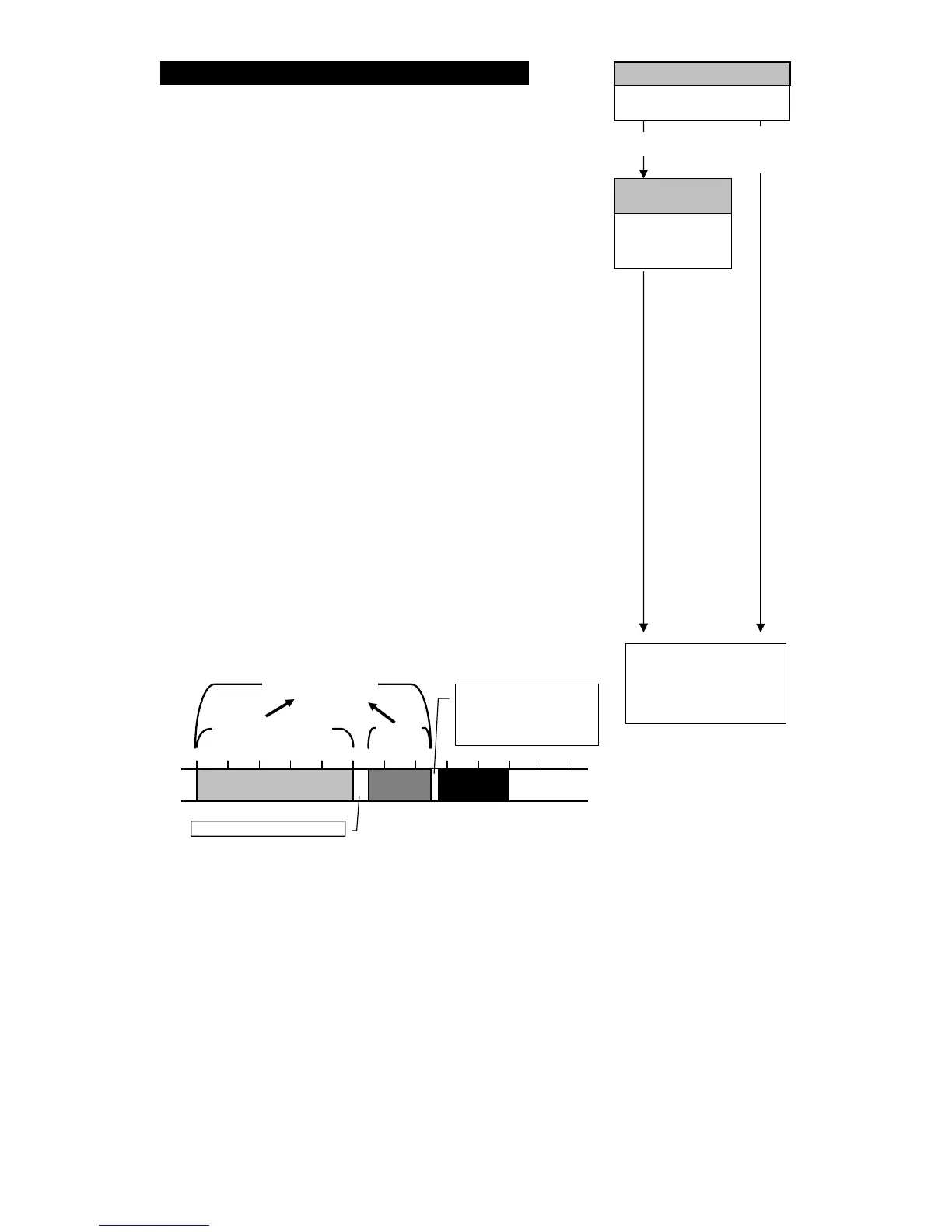
Basic Hours for Break 1 = 5:00 Break Time 1 = 0:30
Break Hours 2 = 7:00 Break Time 1+2 = 0:45
If a worker were to clock in at 10:00 with the above settings in
place:
If the worker were to work until 15:00, and therefore not
exceed Basic Hours for Break 1, then break time would
not be deducted.
10:00 clock-in 13:00 clock-out Total hours = 3:00
10:00 clock-in 15:00 clock-out Total hours = 5:00
If the worker were to work beyond Basic Hours for Break
1, but remain under Break Hours 2 (15:01 to 17:30), then
Break Time 1 (0:30) would be deducted.
10:00 clock-in 16:00 clock-out Total hours = 5:30
10:00 clock-in 17:30 clock-out Total hours = 7:00
If the worker were to work beyond the Break Hours 2
(17:31 and beyond), then Break Time 1 + 2 (0:45) would
be deducted.
10:00 clock-in 18:00 clock-out Total hours = 7:15
10:00 clock-in 20:00 clock-out Total hours = 9:15
When you finish configuring the settings the programming card is ejected.
Breaks for Hourl



 To Next Page