MTX-30F Push Installation & Operation Guide Page 22
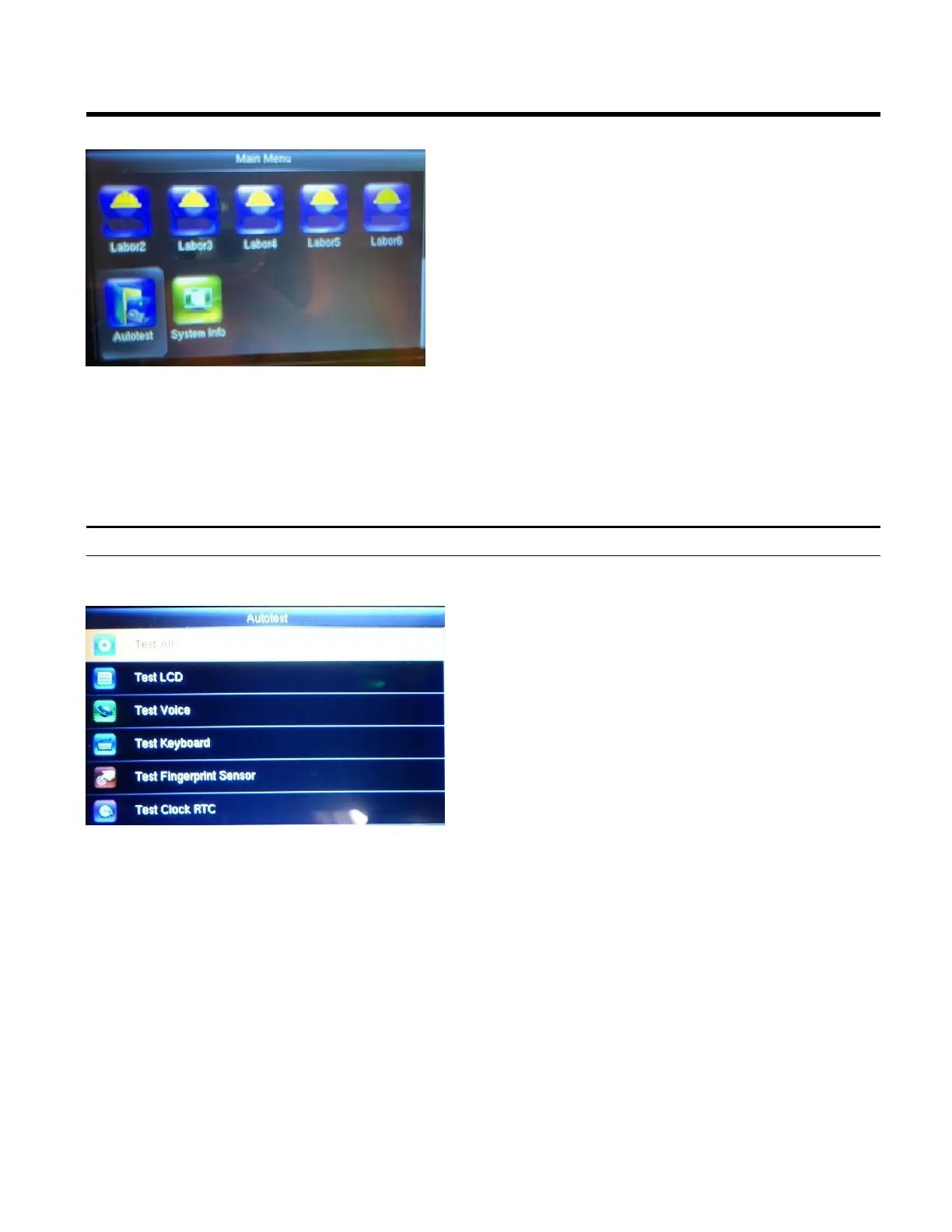
Autotest
Test All
1. Press the Menu button to display the Main
Menu.
2. Using the arrows highlight the Autotest icon
and then press OK.
Highlight Test All and press OK.
The terminal automatically tests the LCD, voice,
keyboard fingerprint sensor, keyboard and
clock.
Click OK to test each item in order or click ESC
at any time to return to the Autotest main
screen.



 To Next Page