Commissioning
28 Amatron+ BAG0082.2 10.10
5.5.1 Calibration test with divided hopper (optional for Cayena)
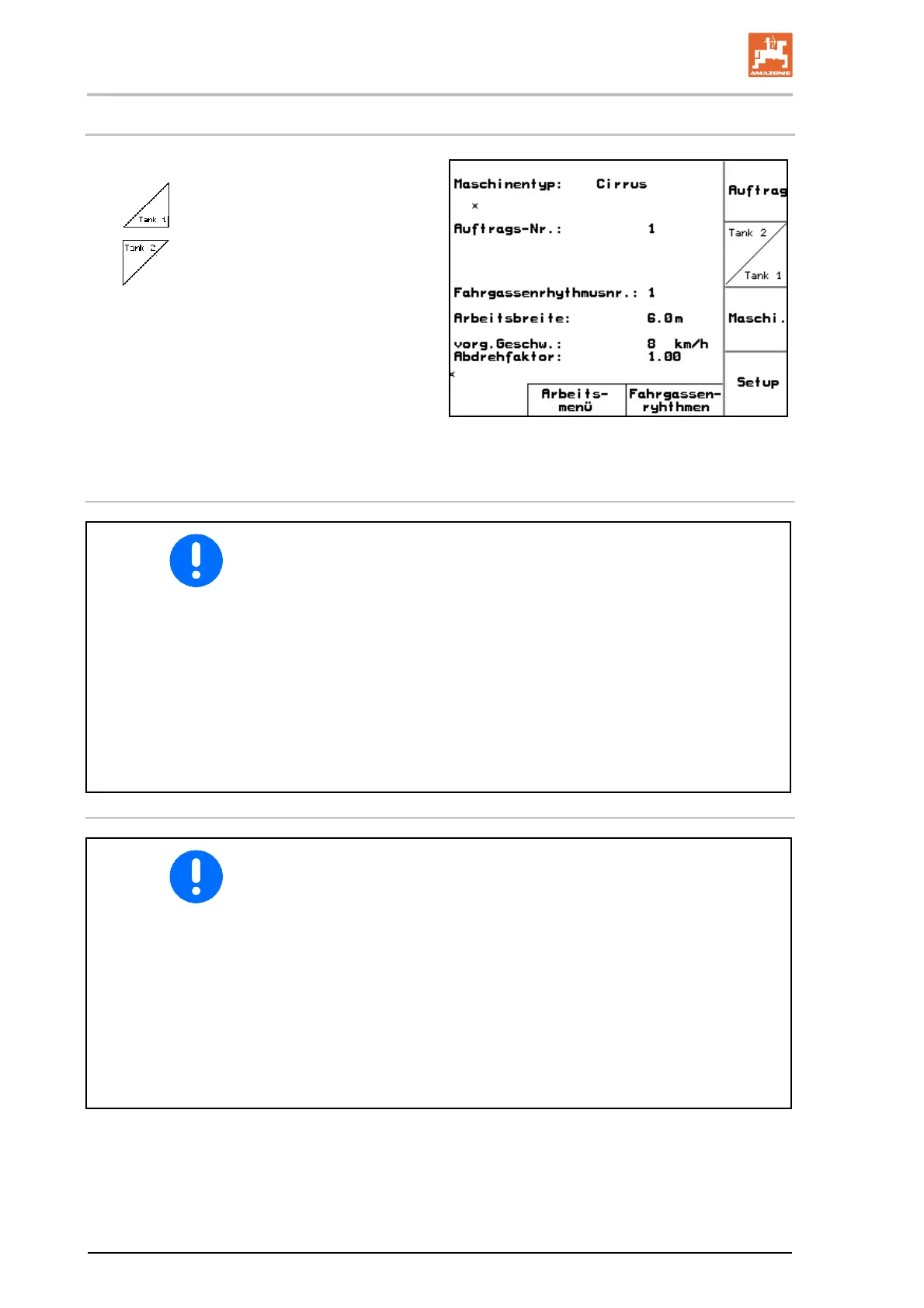
Fig. 31, Main menu with divided hopper
Tank 1 – Calibrate front hopper half.
Tank 2 – Calibrate rear hopper half.
Fig. 31
Calibration test for two different products (seed and fertiliser)
For spreading two different products (seed / fertiliser) for Tank 1
and Tank 2, enter
the appropriate sort
the appropriate specified quantity.
On machines with divided hopper, enter the sort (seed / fertil-
iser) and the specified quantity for Tank 1 and Tank 2.
Carry out the calibration test on the two dosing units consecu-
tively!
If two different products are entered as the sort, during use the
two dosing units run concurrently in order to spread the two pro-
ducts together.
Calibration test for two identical seed types
To spread two identical seed types for Tank 1 and Tank 2, in
each case enter
the same sort
the desired specified quantity.
Carry out the calibration test on the two dosing units consecu-
tively!
If two identical seed types are entered as the sort, only one dos-
ing unit runs during use. When Tank 1 is empty, dosing starts
from Tank 2.
When switching from Tank 1 to Tank 2, make sure the level
sensor is correctly set. This will then activate the switchover.












 To Next Page