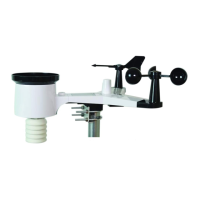
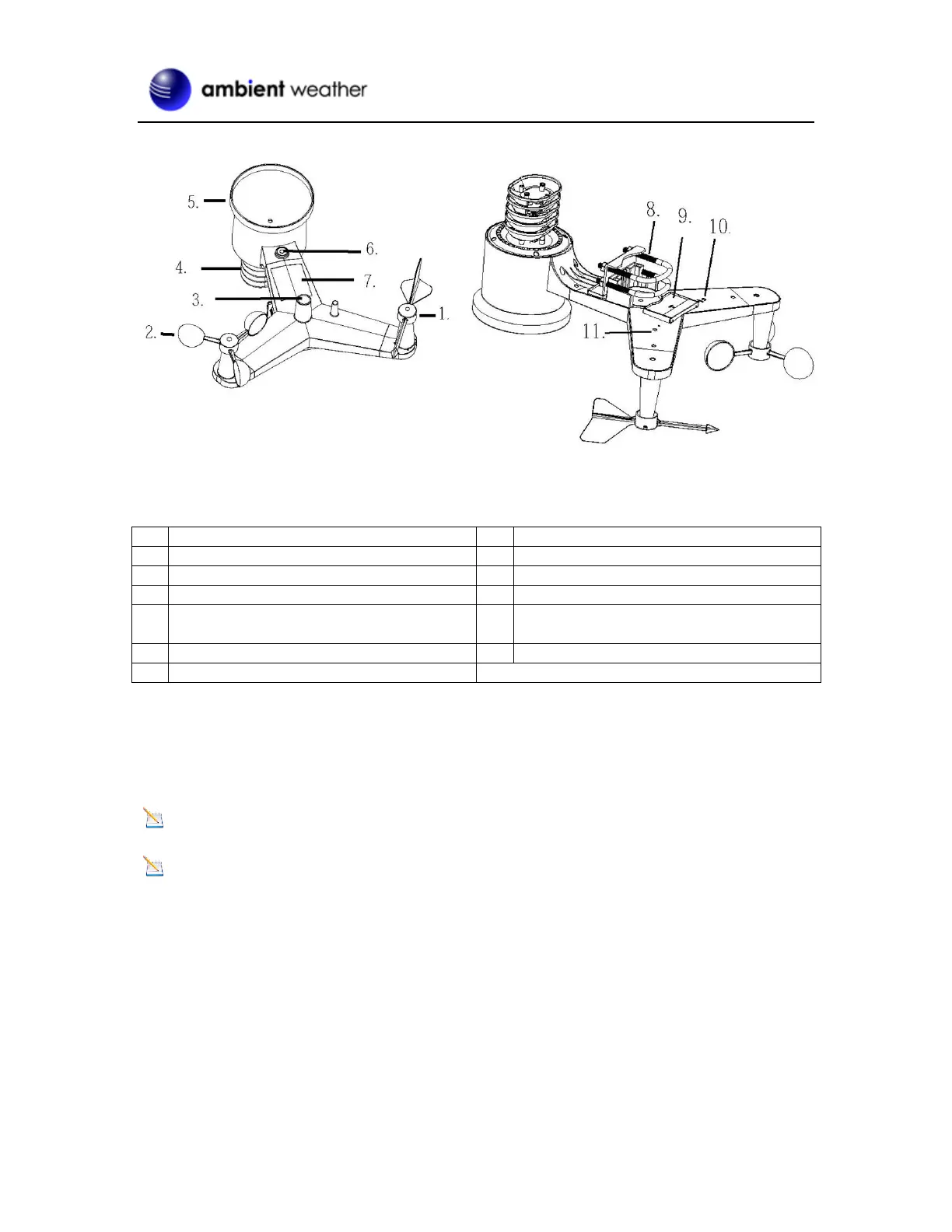
5.3.1 Install Wind Vane
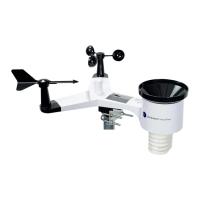
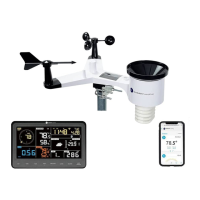
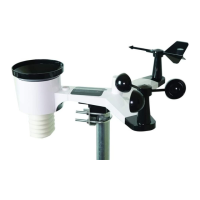
Reference Figure 2. (a) Locate and align the flat key on the wind vane shaft to the flat key on the wind
vane and push the vane on to the shaft. (b) tighten the set screw with a precision screwdriver and make
sure the wind vane spins freely.
Note: You may need to back out the set screw first before sliding the vane onto the shaft.
Note: The wind vane shaft does not spin as freely as the wind cups. This is by design. The
dampening prevents the wind vane from spinning with the slightest breeze, which will result in
variable wind all the time. The added resistance allows the wind vane to change direction with 2 – 3
mph, providing a much better wind direction tracking.


 To Next Page
 Loading...