1-6 Connecting Optional Equipment
• A
very
high-resolution, accelerated graphics
board
may
require
a special high-bandwidth monitor
with
separate
red, green,
and
blue
BNC
input
connectors.
• A genlock, RF modulator,
or
other
video
related
device allows
you
to
use
an
ordinary
television or a composite video
monitor
for
certain
display modes. Such devices
may
have
an
F (coaxial)
connector,
antenna
leads, RCAjacks,
and/or
BNC connectors.
See
the
documentation for
your
graphics
expansion
hardware
and
your
monitor
for specific information
about
making
the
proper
connections. Your
dealer
can
help you choose
the
right
combination
of
graphics
hardware,
monitor,
and
monitor cable or
adapter
for
your
use.
If
you
have
no optional
equipment
to install, skip
ahead
to
the
section, "Connecting Power
and
Turning
On the Amiga."
Power
connection
is
always
the
final step.
Connecting Optional Equipment
If
you
have
tested
your Amiga system
after
making
the
basic
connections,
turn
it
off before connecting
any
other
items.
Never
attempt
to connect or disconnect
anything
while
the
power
is
on.
Audio Connection
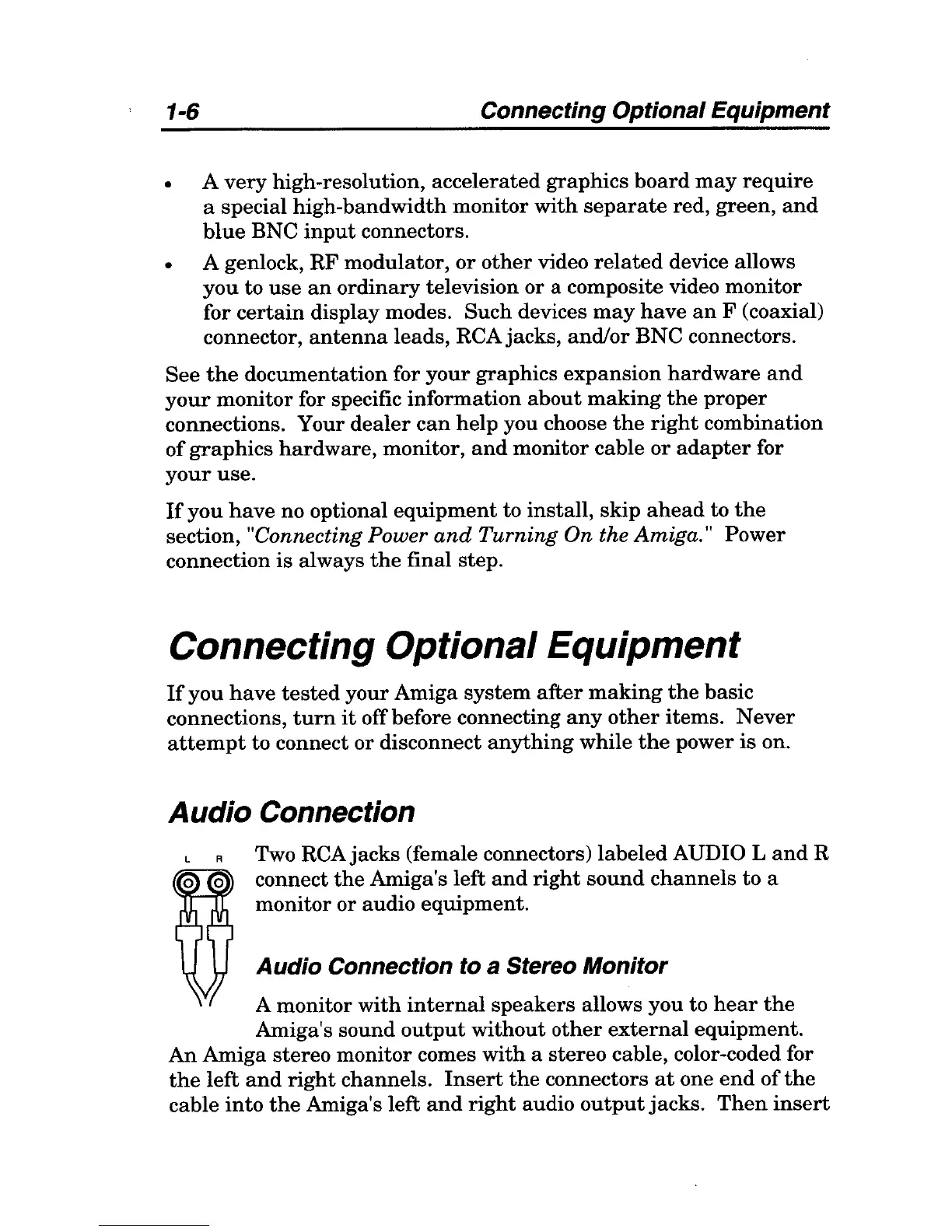
Two
RCAjacks
(female connectors)
labeled
AUDIO
Land
R
connect
the
Amiga's left
and
right
sound
channels
to a
monitor or audio equipment.
Audio Connection
to
a Stereo Monitor
A monitor
with
internal
speakers
allows you to
hear
the
Amiga's sound
output
without
other
external
equipment.
An
Amiga stereo monitor comes
with
a stereo cable, color-coded for
the
left
and
right
channels.
Insert
the
connectors
at
one
end
of
the
cable
into
the
Amiga's left
and
right
audio
output
jacks.
Then
insert



 To Next Page