EasyManua.ls Logo

Amiga A4000 - The Keylock; Turning off the Amiga

Default Icon
113 pages
Print Icon
To Next Page IconTo Next Page
To Previous Page IconTo Previous Page
Loading...
The Keylock 2-3
The Keylock
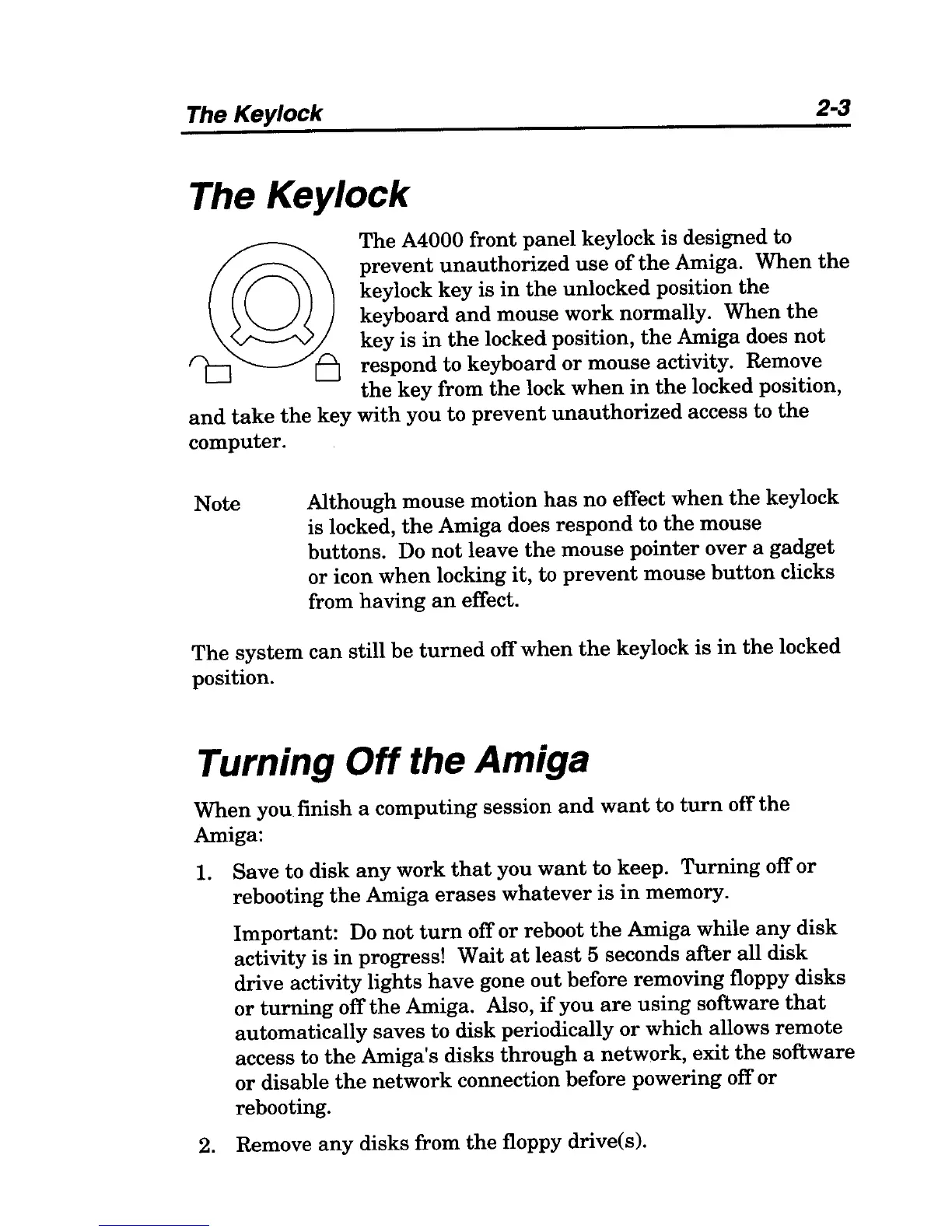
The A4000 front
panel
keylock is designed to
prevent
unauthorized
use
of
the
Amiga.
When
the
keylock
key
is
in
the
unlocked position
the
keyboard
and
mouse work normally.
When
the
key is
in
the
locked position,
the
Amiga does
not
respond to keyboard
or
mouse activity. Remove
the
key
from
the
lock
when
in
the
locked position,
and
take
the
key
with
you to
prevent
unauthorized
access to
the
computer.
Note Although mouse motion
has
no effect
when
the
keylock
is locked,
the
Amiga does
respond
to
the
mouse
buttons.
Do
not
leave
the
mouse
pointer
over a
gadget
or icon
when
locking
it,
to
prevent
mouse
button
clicks
from
having
an
effect.
The
system
can
still be
turned
off
when
the
keylock
is
in
the
locked
position.
Turning
Off
the Amiga
When
you finish a computing session
and
want
to
turn
off
the
Amiga:
1. Save to disk
any
work
that
you
want
to
keep.
Turning
off
or
rebooting
the
Amiga
erases
whatever
is
in
memory.
Important:
Do
not
turn
off
or
reboot
the
Amiga while
any
disk
activity is
in
progress! Wait
at
least
5 seconds
after
all disk
drive activity lights
have
gone
out
before removing floppy disks
or
turning
off
the
Amiga. Also,
if
you
are
using
software
that
automatically saves
to
disk periodically
or
which allows
remote
access to
the
Amiga's disks
through
a network,
exit
the
software
or
disable
the
network connection before powering off or
rebooting.
2. Remove
any
disks from
the
floppy drive(s).

Table of Contents