Connecting Optional Equipment 1-7
the
cable's
other
connectors into
the
corresponding audio
input
jacks
on
the
monitor.
Audio Connection to a Monaural Monitor
A
monitor
with
monaural
sound capability,
can
still accept
both
Amiga
audio
channels.
Either
use
a
"Y"
adapter
cable plugged
into
both
Amiga
audio
jacks,
or
plug a single audio cable
into
one of
the
jacks.
Insert
the
other
end
of
the
cable
into
the
monitor's audio
input
jack.
Both
audio
channels
will be
routed
to
the
monitor
speaker.
Audio Connection to Other Equipment
If
your
monitor
does
not
have
speakers, you
can
connect
the
Amiga's
audio
output
to
separate
powered
speakers,
a
stereo
system,
or
other
audio equipment.
Use
input
connectors labeled
Auxiliary, Aux, Audio
In,
CD, Tape, VCR Audio, etc.
on
the
equipment.
You
need
a stereo audio cable
with
RCA connectors
at
one
end
and
the
appropriate
type of connector for your
equipment
at
the
other
end. Audio cables
and
adapters
are
available from
most
electronics
and
stereo stores.
Insert
the
RCA connectors into
the
Amiga's audio
output
jacks
and
the
other
connectors
into
the
equipment's audio
input
jacks.
Consult
the
equipment's
user
manual
for
further
instructions
on
using
its
external
inputs.
Attaching an External Floppy Drive
If!iiiiijii!1l
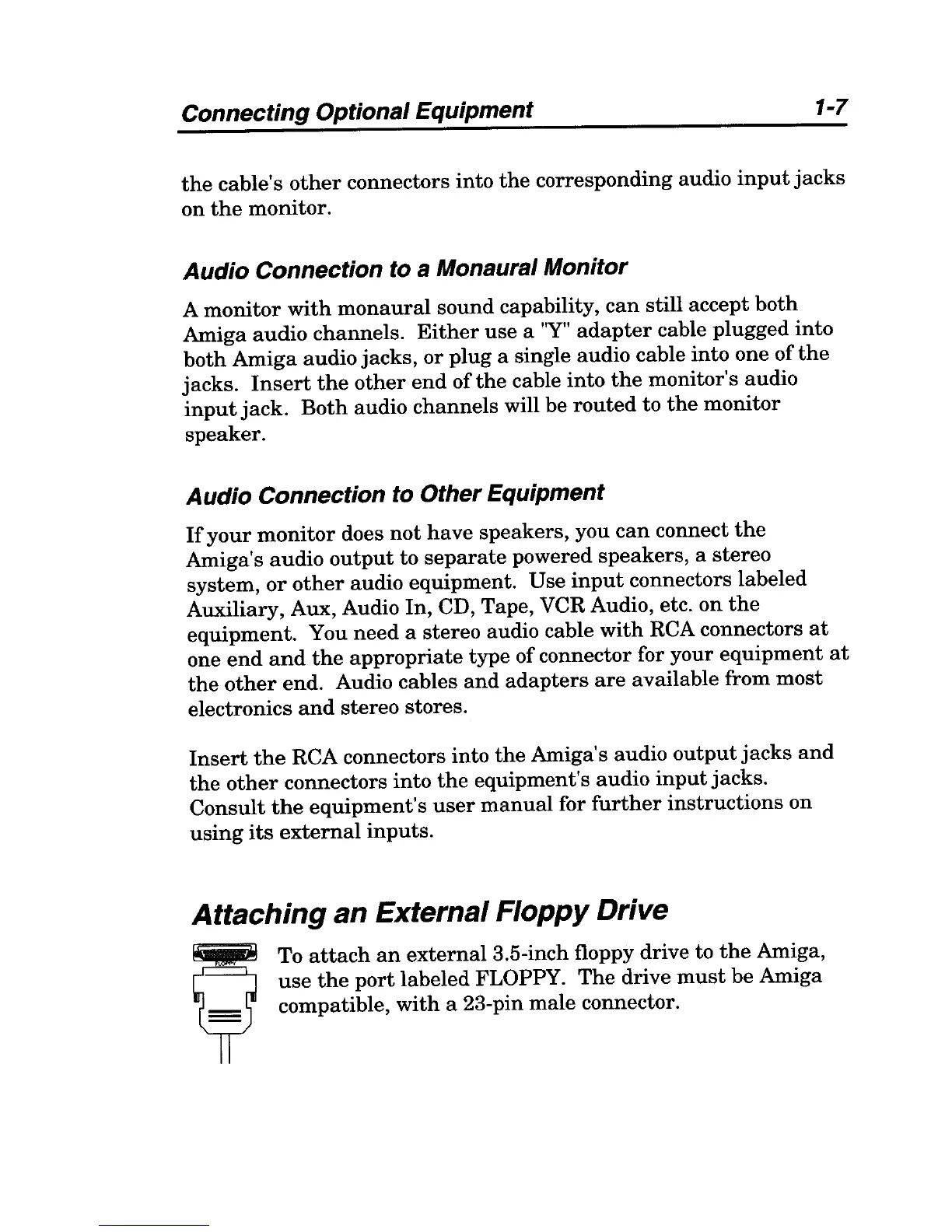
To
attach
an
external
3.5-inch floppy drive to
the
Amiga,
o
use
the
port
labeled FLOPPY.
The
drive
must
be
Amiga
If
compatible, with a 23-pin
male
connector.



 To Next Page