EasyManua.ls Logo

Amiga A4000 - Help; The Arrow Keypad; Keyboard Equivalents to the Mouse

Default Icon
113 pages
Print Icon
To Next Page IconTo Next Page
To Previous Page IconTo Previous Page
Loading...
The Amiga Keyboard 2-9
Help
The
Help
key, located to
the
right
of
the
Del key,
is
a
program-defined
key
that
applications
can
use
to provide
additional
information
or
user
assistance
while
a
program
is
running.
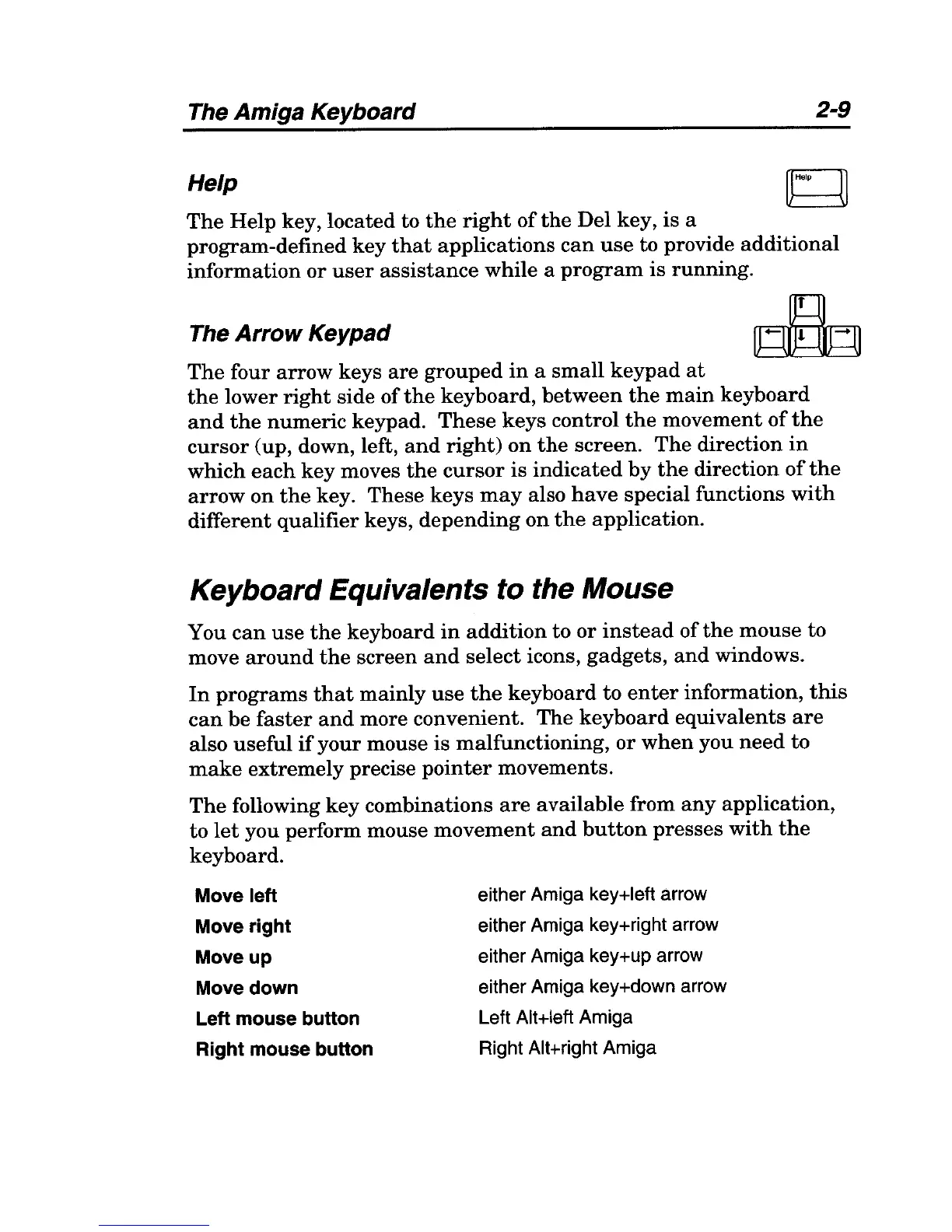
The
Arrow
Keypad
The
four
arrow
keys
are
grouped
in
a
small
keypad
at
the
lower
right
side
of
the
keyboard,
between
the
main
keyboard
and
the
numeric
keypad.
These
keys
control
the
movement
of
the
cursor
(up, down, left,
and
right)
on
the
screen.
The
direction
in
which
each
key
moves
the
cursor
is
indicated
by
the
direction
of
the
arrow
on
the
key.
These
keys
may
also
have
special functions
with
different
qualifier
keys,
depending
on
the
application.
Keyboard Equivalents to the Mouse
You
can
use
the
keyboard
in
addition
to
or
instead
of
the
mouse
to
move
around
the
screen
and
select icons,
gadgets,
and
windows.
In
programs
that
mainly
use
the
keyboard
to
enter
information,
this
can
be
faster
and
more convenient.
The
keyboard
equivalents
are
also
useful
if
your
mouse
is
malfunctioning,
or
when
you
need
to
make
extremely
precise
pointer
movements.
The
following
key
combinations
are
available
from
any
application,
to
let
you perform mouse
movement
and
button
presses
with
the
keyboard.
Move left
Move right
Move up
Move down
Left mouse button
Right mouse button
either Amiga key+left arrow
either Amiga keYHight arrow
either Amiga key+up arrow
either Amiga key+down arrow
Left Alt+left Amiga
Right AltHight Amiga

Table of Contents