EasyManua.ls Logo

Amiga A4000 - Page 22

Default Icon
113 pages
Print Icon
To Next Page IconTo Next Page
To Previous Page IconTo Previous Page
Loading...
Connecting Power
and
Turning On the Amiga
1-9
When
all
other
connections
have
been
made,
you
can
connect
your
system
to
power
and
turn
it
on.
1.
Connect
peripherals
to power.
2.
Plug
in
all
peripheral
equipment
as
described
in
the
previous
sections.
3.
Attach
the
Amiga
power cable.
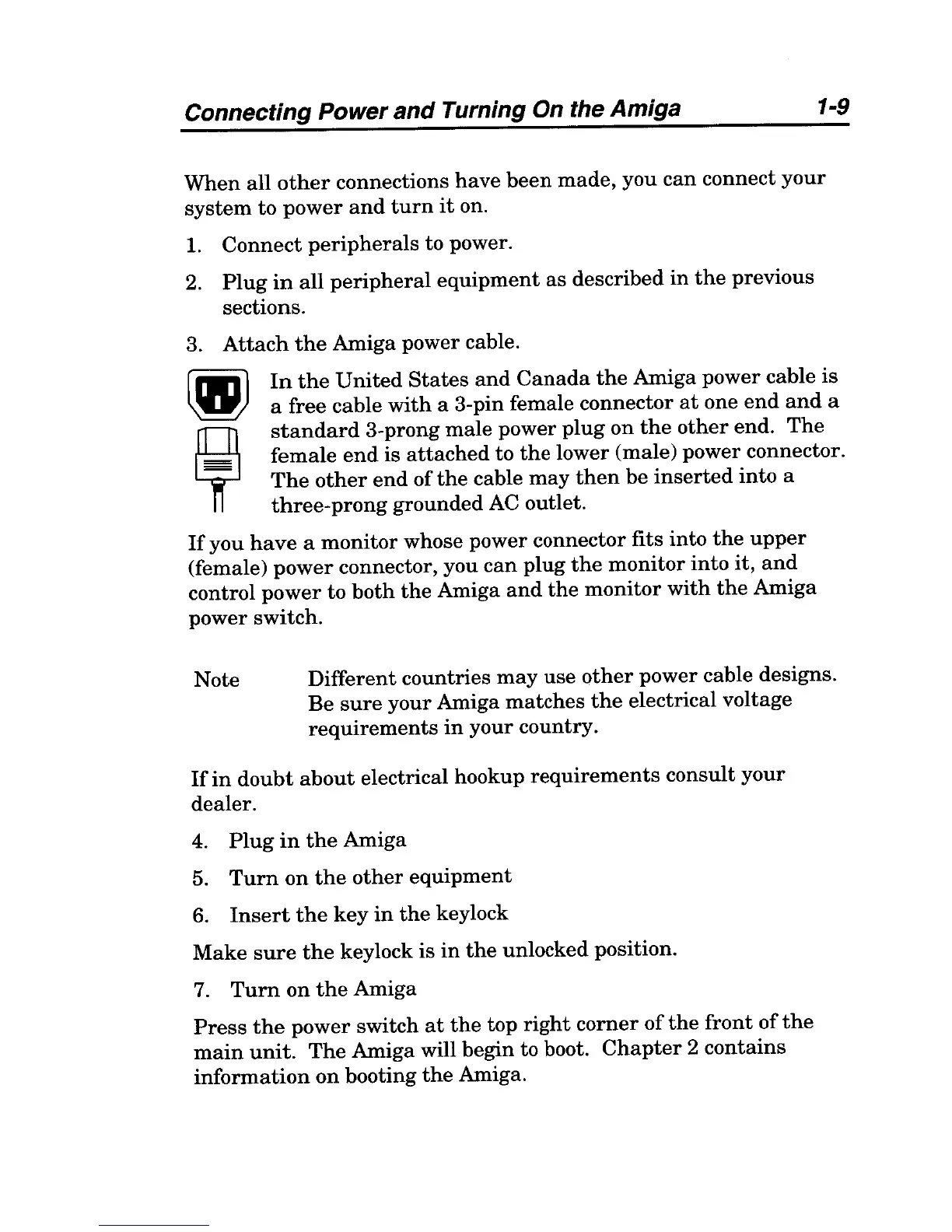
In
the
United
States
and
Canada
the
Amiga
power
cable
is
a free
cable
with
a 3-pin female connector
at
one
end
and
a
standard
3-prong
male
power
plug
on
the
other
end.
The
female
end
is
attached
to
the
lower (male)
power
connector.
The
other
end
of
the
cable
may
then
be
inserted
into
a
three-prong
grounded
AC outlet.
If
you
have
a
monitor
whose power connector fits
into
the
upper
(female)
power
connector, you
can
plug
the
monitor
into
it,
and
control
power
to
both
the
Amiga
and
the
monitor
with
the
Amiga
power
switch.
Note
Different
countries
may
use
other
power
cable designs.
Be
sure
your
Amiga
matches
the
electrical voltage
requirements
in
your
country.
If
in
doubt
about
electrical hookup
requirements
consult
your
dealer.
4.
Plug
in
the
Amiga
5.
Turn
on
the
other
equipment
6.
Insert
the
key
in
the
keylock
Make
sure
the
keylock
is
in
the
unlocked position.
7.
Turn
on
the
Amiga
Press
the
power
switch
at
the
top
right
corner
of
the
front
of
the
main
unit.
The
Amiga will begin to boot.
Chapter
2
contains
information
on
booting
the
Amiga.

Table of Contents

Related product manuals