ENV
EN
V <envelope number> [ , <envelope section>][, <envelope section>]
[,
<envelope section>][, <envelope section>]
[,
<envelope section>]
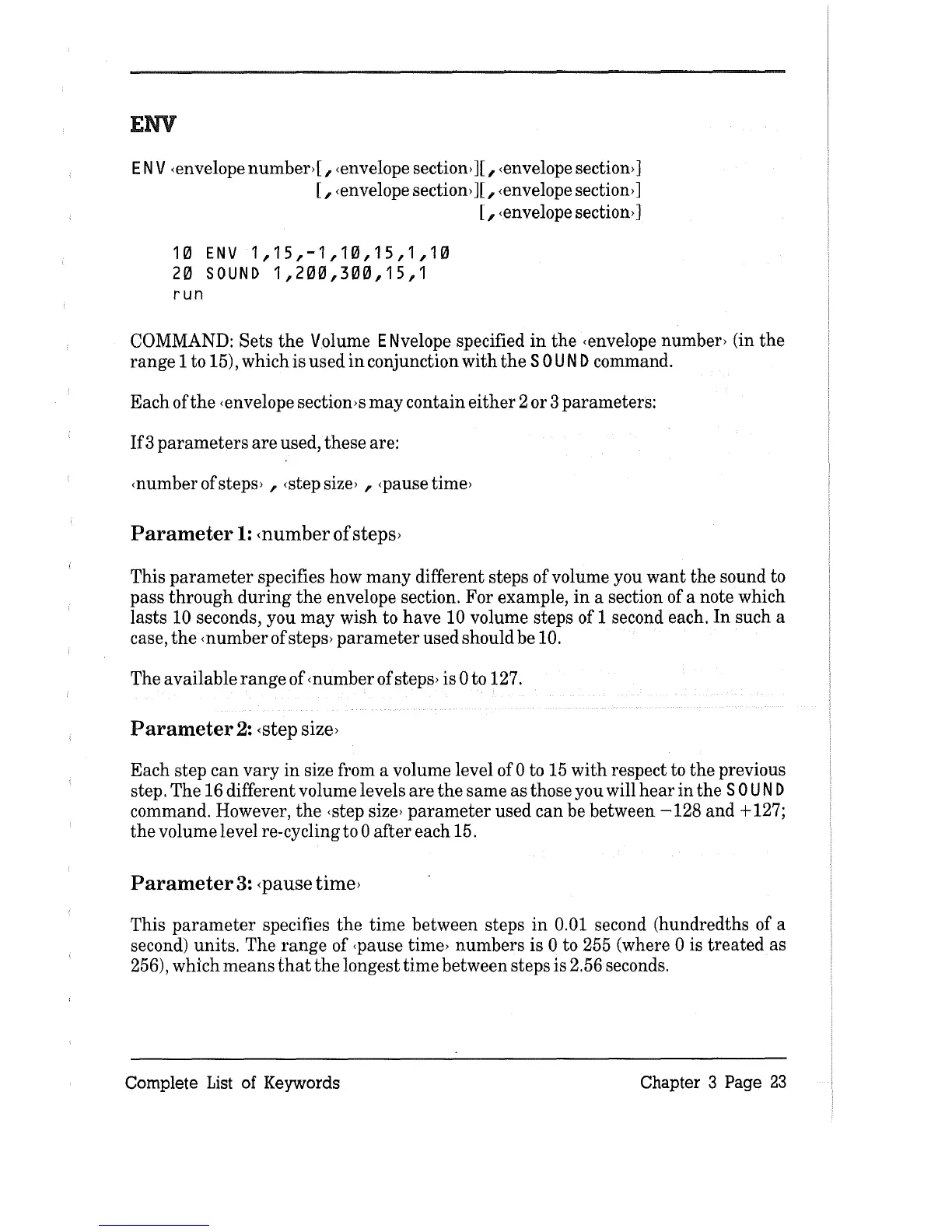
10
ENV
1,15,-1,10,15,1,10
20
SOUND
1,200,300,15,1
run
COMMAND:
Sets
the
Volume ENvelope specified
in
the
<envelope number> (in
the
range
1 to 15), which is used
in
conjunction
with
the
SOU
N D command.
Each
ofthe
<envelope section>s
may
contain
either
2 or 3 parameters:
If3
parameters
are
used,
these
are:
<number of steps> ,
<step
size>
, <pause time>
Parameter
1:
<number of
steps>
This
parameter
specifies how
many
different steps of volume you
want
the
sound to
pass
through
during
the
envelope section.
For
example,
in
a section of a note which
lasts
10 seconds, you
may
wish
to
have
10 volume steps of 1 second each.
In
such a
case,
the
<number of steps>
parameter
used should be 10.
The
available
range
of <number of steps> is 0 to 127.
Parameter
2:
<step
size>
Each
step
can
vary
in
size from a volume level of 0 to 15
with
respect to
the
previous
step.
The
16 different volume levels
are
the
same
as
those you will
hear
in
the
SOU
N D
command. However,
the
<step
size>
parameter
used
can
be between
-128
and
+ 127;
the
volume level re-cycling
to
0
after
each 15.
Parameter
3: <pause time>
This
parameter
specifies
the
time
between steps
in
0.01 second (hundredths of a
second) units.
The
range
of <pause time>
numbers
is 0 to 255 (where 0 is
treated
as
256),
which
means
that
the
longest
time
between steps is 2.56 seconds.
Complete
List
of Keywords
Chapter 3 Page
23



 To Next Page