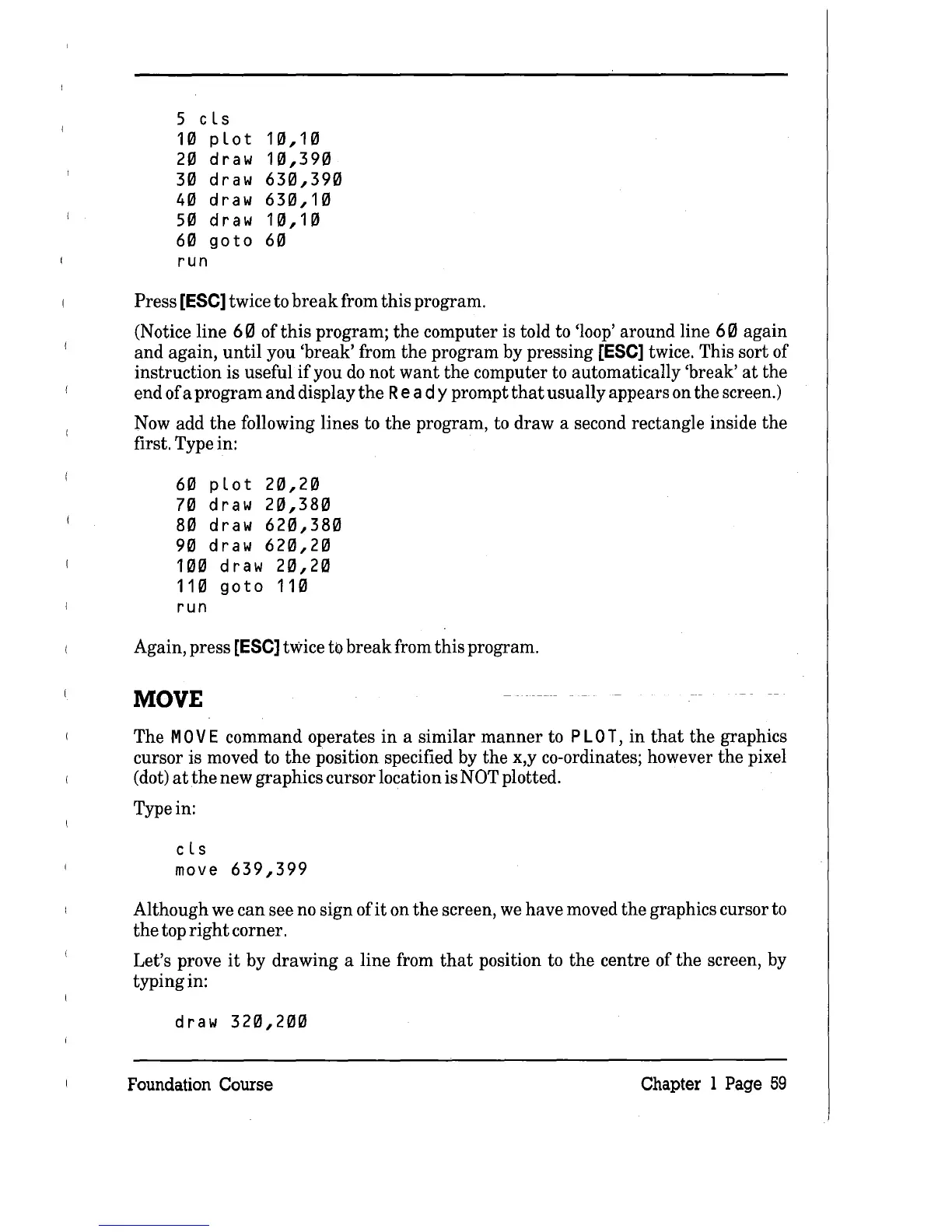
5 cLs
10
pLot
10,10
20
draw
10,390
30
draw
630,390
40
draw
630,10
50
draw
10,10
60
go
to
60
run
Press [ESe] twice to
break
from this program.
(Notice line
60
of this program;
the
computer is told to 'loop' around line
60
again
and again, until you 'break' from the program by pressing
[ESe] twice. This sort of
instruction is useful
if
you
do
not want the computer to automatically 'break'
at
the
end of a program and display
the
Rea
d y prompt
that
usually appears on the screen.)
Now
add
the
following lines to
the
program, to draw a second rectangle inside the
first. Type in:
60 pLot
20,20
70
draw
20,380
80
draw
620,380
90
draw
620,20
100 draw
20,20
110
goto
110
run
Again, press [ESe] twice to break from this program.
MOVE
The M 0 V E command operates
in
a similar
manner
to
PLO
T,
in
that
the graphics
cursor is moved to
the
position specified
by
the x,y co-ordinates; however the pixel
(dot)
at
the
new graphics cursor location is NOT plotted.
Type in:
cLs
move
639,399
Although
we
can see
no
sign of
it
on
the
screen,
we
have moved the graphics cursor to
the
top
right
corner.
Let's prove
it
by drawing a line from
that
position to the centre of the screen, by
typing in:
draw
320,200
Foundation
Course
Chapter 1
Page
59



 To Next Page