SAVE
S A V E dilename>[, diletype>][, <binary parameters>]
SAVE
"di
scfi
Le.xyz"
.... saves
the
file
in
normal
unprotected BASIC mode.
SAVE
"discfiLe.xyz",P
.... saves
the
file
in
Protected BASIC mode.
SAVE
"discfiLe.xyz",A
.... saves
the
file
in
ASCII mode.
SAVE
"discfi
Le.xyz",B,81H'l0,3000,8001
""saves
the
file
in
Binary
mode.
In
this
example, saves
the
area
of
the
computer's
memory
starting
at
address 8 0 0 0;
the
length
of
the
file being 3 0 0 0 bytes;
the
optional
entry
point address being 8 0 01 .
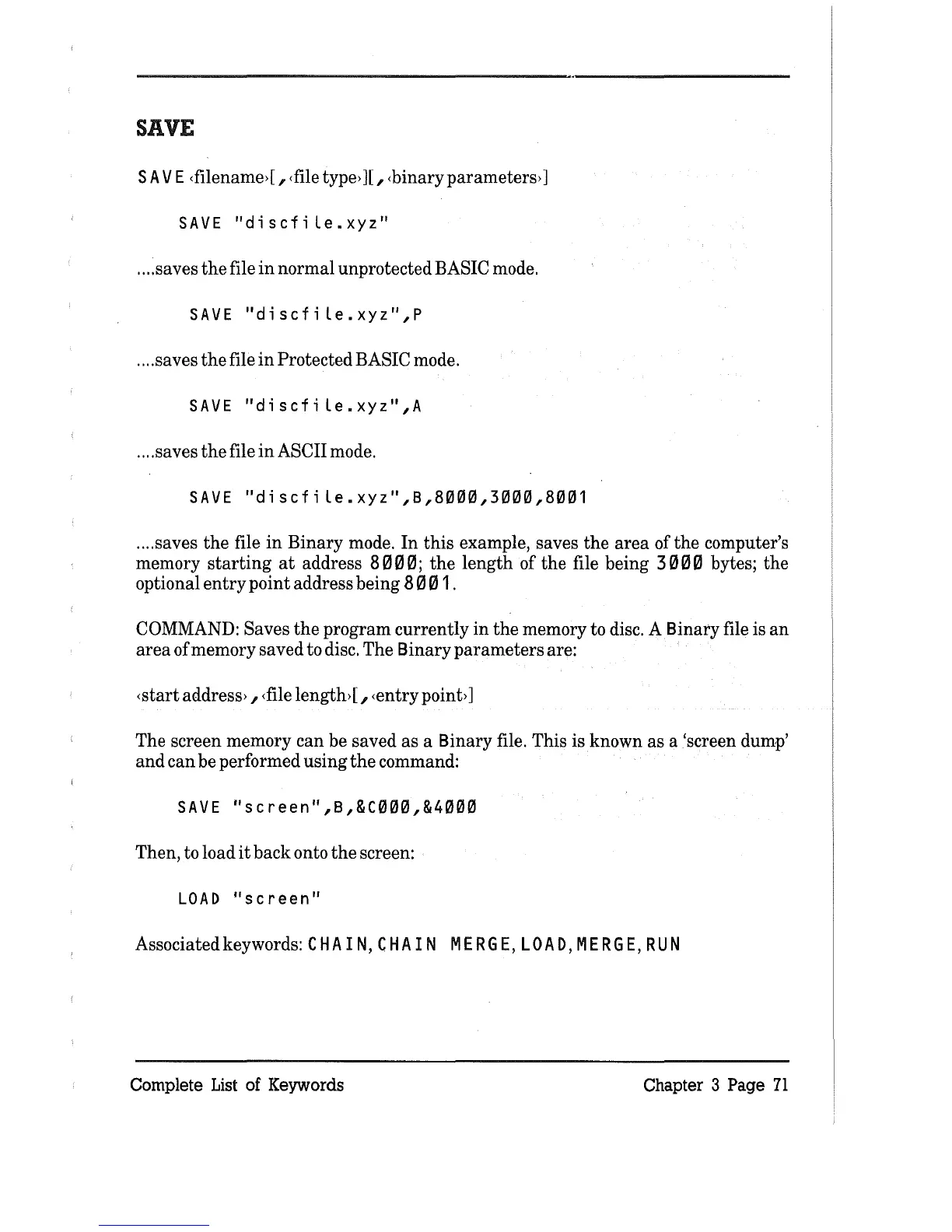
COMMAND: Saves
the
program currently
in
the
memory to disc. A Binary file is
an
area
of memory saved to disc. The Binary
parameters
are:
<start address> ,
<file
length> [ , <entry point>]
The screen memory
can
be saved
as
a Binary file. This is known as a 'screen dump'
and
can
be performed
using
the
command:
SAVE
"screen",B,&C000,&4000
Then, to load
it
back
onto
the
screen:
LOAD
"screen"
Associated keywords: C H A IN, C H A I N
MER
G
E,
LOA
D,
MER
G
E,
RUN
Complete
List
of Keywords Chapter 3 Page
71



 To Next Page